Gavin10
Members
-
Joined
-
Last visited
-
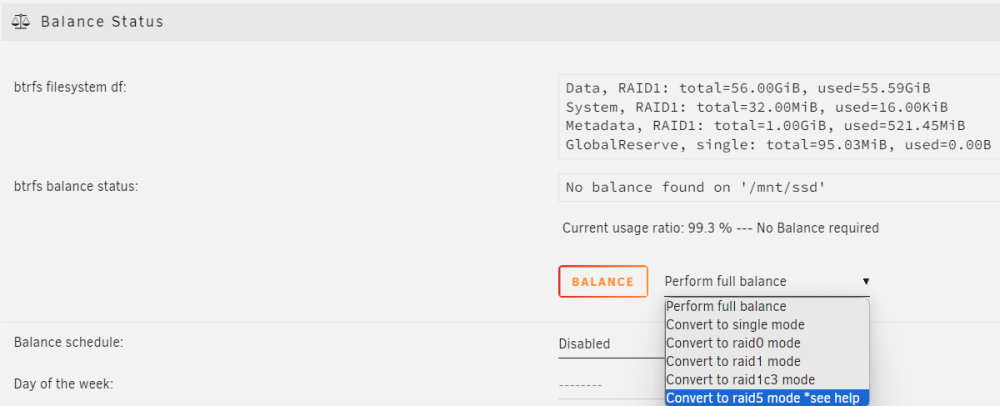
I set up a new SSD pool of 2 1 TB SSDs for docker and virtual machines. Unraid for some reason defaulted to btrfs while my array is XFS(5 drives total with 1 of them being parity). The SSD pool showed 1 TB of available storage so I assumed it was RAID1 and didn't think much about it. Today I found an extra of the same 1 TB on sale, so I bought it and installed it. I was expecting to see 2 TB of available storage(3 drives with 1 parity), but instead I see 1.5TB with only 1044GB(60+984) usable. It just does not add up. I did some digging and saw it was indeed still in RAID1 config, but have the option to switch to RAID5. I did some searching and a lot of folks online do not recommend btrfs RAID5 because of some instabilities with Unraid it seems.. Is this still the case? I'm looking for some direction on how best to get that 2 drive available with 1 drive parity with my setup, or if it is just not possible with some sort of trusted protection. Appreciate any advice. homeserver-diagnostics-20230917-0111.zip