





Lappen71
Members
-
Joined
-
Last visited
Everything posted by Lappen71
-
Ok I understand but I thought this was not an issue with Ironwolf NAS
-
Hardy unlikely because they work when I put them in a dock. Isn't the 3.3v issue a non problem with newer PSU? I´m Googling solutions but there is so many. What's the best option?
-
If I dont see it in bios what can be wrong?
-
I will check tomorrow
-
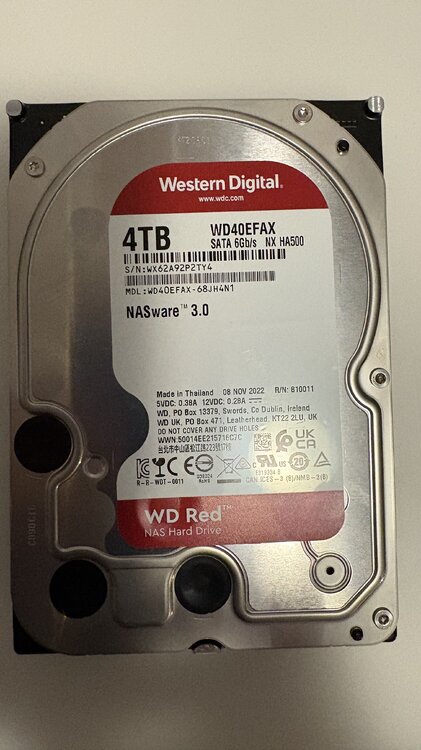
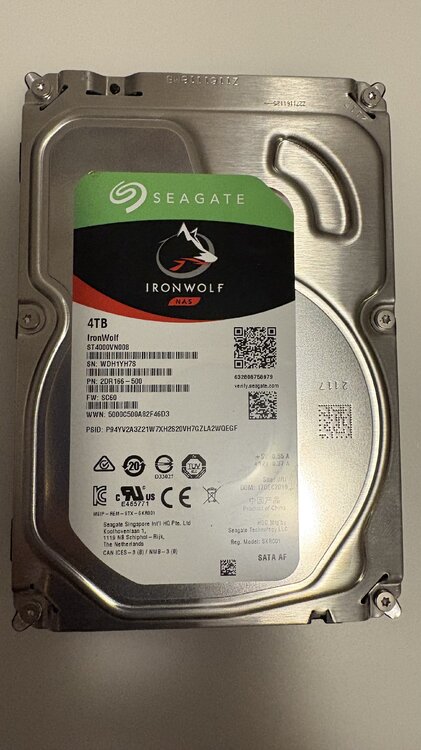
But its so strange because these two worked before in the old server without any error message. The one I have put in now is a new Ironwolf. Can you see in diagnostic file that it fails?
-
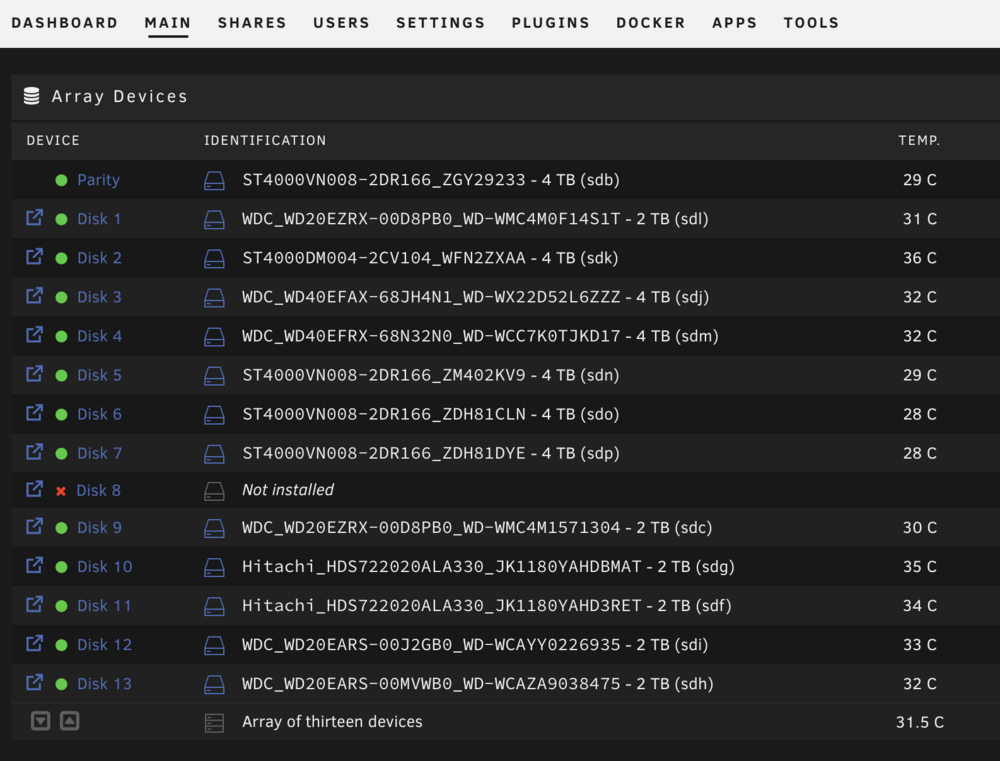
i´m totalt lost and can't seem to solve this problem. It's related to this thread. I decided to buy a new motherboard,CPU,RAM. MSI PRO H610M-E DDR4 Intel Core i3-12100 Crucial RAM CT2K16G4DFRA32A 32GB I configured BIOS as instruction for Unraid. Started Unraid and disk 8 is not detected. Stoped the Array but there are no disk to assign. The disk is present and I tried changed to new one but same behaviour. Unraid doesn't recognise that there is a disk thats not assigned. Doesn't show up as unassigned either. Need help t20-diagnostics-20250504-1540.zip
-
It's just incredible. It's not the SAS-card because now it happens with my old SATA-card also. So I decided to buy a newer motherboard, CPU and RAM to upgrade. Its an old Dell T20 server were I moved everything to a Fractal Design Node 804
-
There is something wrong with my SAS Controller card. When I put in an old sata controller card for just that disk it worked. So i will buy a other sas card.
-
So strange it's just that disk. I have tried with 3 different disk now. I will try with other card and just for that disk and see what happens
-
Yes I did.
-
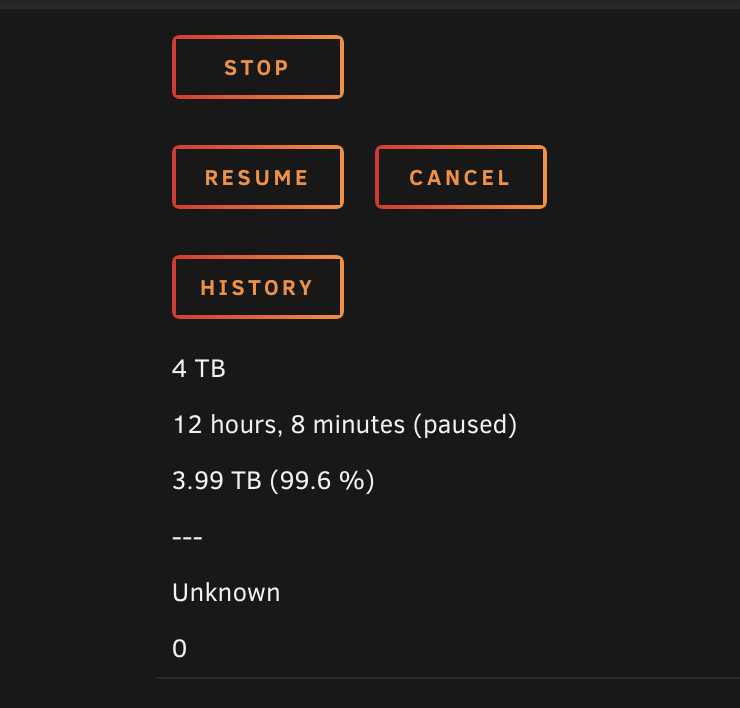
NOOOOO it stopped at 99.6% Please someone that can decipher the log......I can't. t20-diagnostics-20250313-1258.zip
-
Ok but how's that possible? I changed to new power supply like 2 years ago. Changed to Corsair 750W and it have worked without problem. Now I changed to a brand new hardrive and swaped cables with other hard drive.
-
Yes but I dont understand why it gets disconnected when rebuilding data? I try to read the log but i dont have the knowledge to decipher it.
-
I tried that but at 97% it stopped again. t20-diagnostics-20250313-0026.zip
-
t20-diagnostics-20250312-1316.zip
-
F**k it stopped again
-
Strange when I turn of all the Docker containers the rebuild seem to work. How so?
-
I dont even know are to begin in this mess. My server has worked flawless for years but just out of the blue one disk goes in to error state. Rebooted the server but the disk stays in error state and is emulated. Stopped the array and changed to no device, started the array, stopped the array and choose the disk again. Its start to rebuild the array but after a less then 1% the disk goes back to error state and the rebuild is paused. I tried to change to different disk thats newer but the same behaviour. I changed cables, moved them around but its always disk 8 that goes in error state. What to do? I hope this log is the right one. t20-diagnostics-20250312-1012.zip
-
But why does it say hw in one place?
-
I think something is wrong with QuickSync for me. I only see one "hw" when I lower the quality and the CPU spikes. And I checked all settings and I can't see anything wrong. Does anyone have an idea what can be wrong?
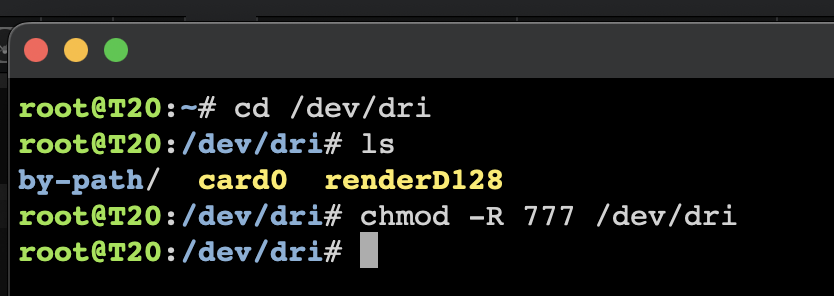
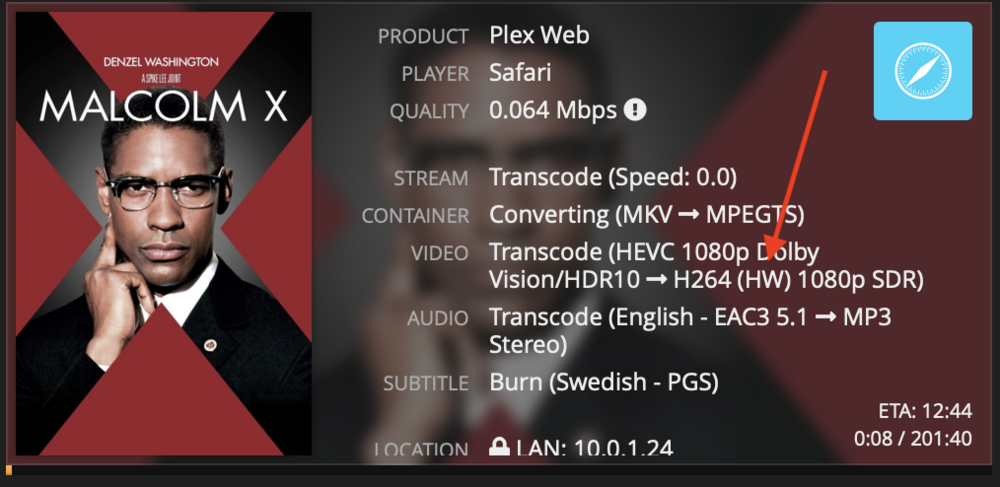
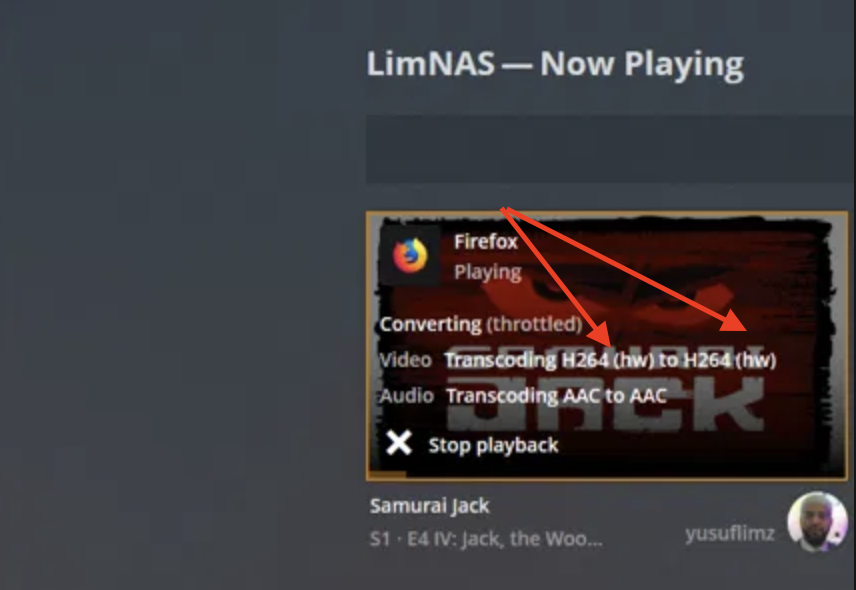
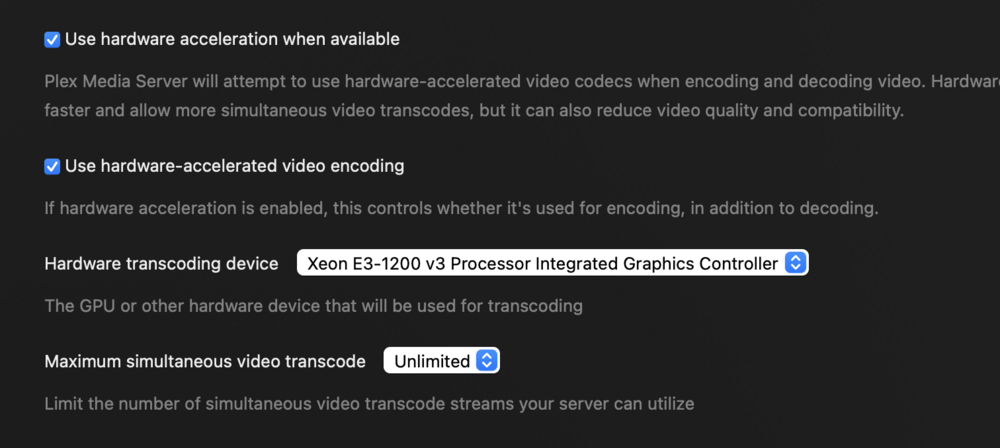
-
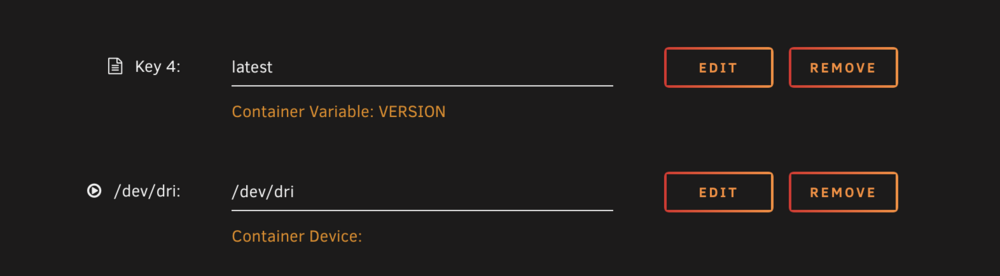
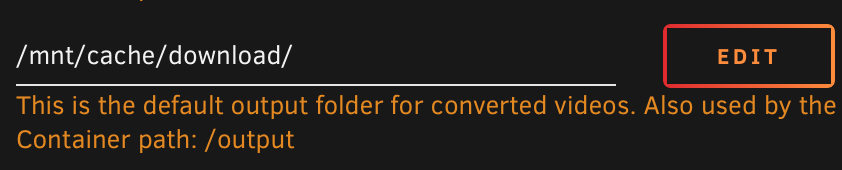
Solved it temporarily. I changed output to my cache drive instead.
-
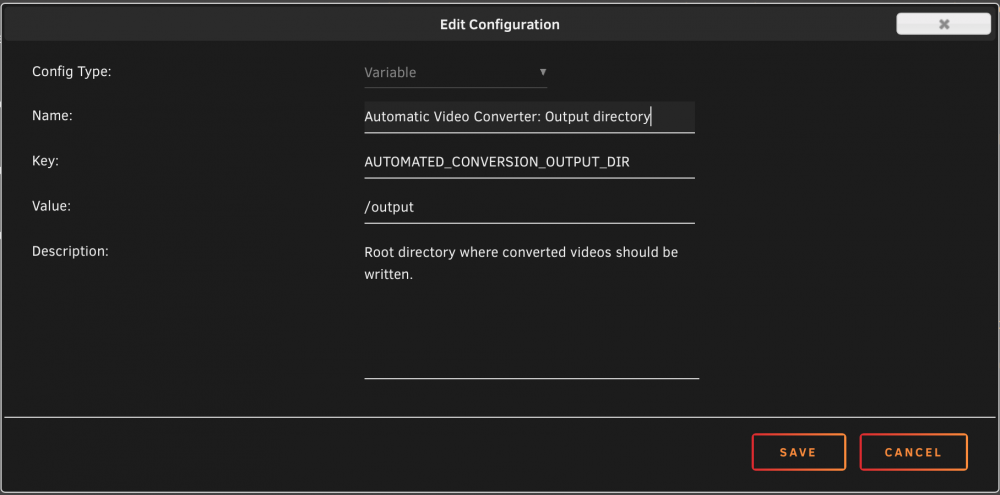
Never mind i found it in GUI for Handbrake. But the problem is i don't know were that folder is on my Array.
-
How do i do that? Not possible to browse my folders from here.
-
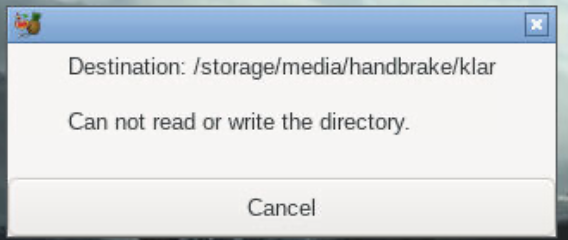
When i send it to Queue or press Start i gett this error message.
-
I also get error message that Handbrake doesn't have permission. It worked for weeks but after i changed HDD to a bigger and rebuild the array I get this error message. I tried New Permission,Docker Safe New Permission under Tools but no help. Has anyone solved this? Now Handbrake is useless.





