Skip to content
View in the app

A better way to browse. Learn more.

Unraid

A full-screen app on your home screen with push notifications, badges and more.

To install this app on iOS and iPadOS
  1. Tap the Share icon in Safari
  2. Scroll the menu and tap Add to Home Screen.
  3. Tap Add in the top-right corner.
To install this app on Android
  1. Tap the 3-dot menu (⋮) in the top-right corner of the browser.
  2. Tap Add to Home screen or Install app.
  3. Confirm by tapping Install.

Kevin111

Members
  • Joined

  • Last visited

  1. Removed that but its still not working, here is a new log supervisord.log
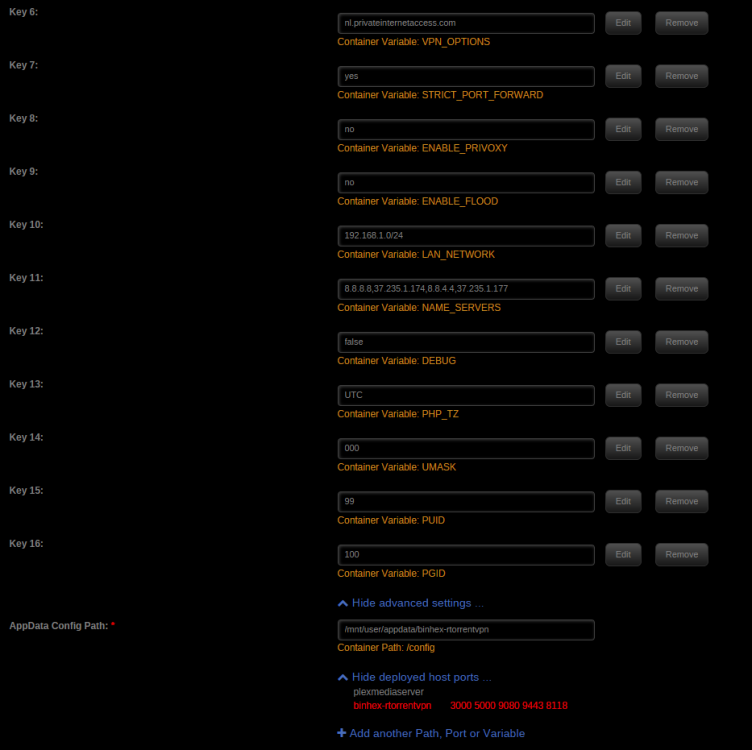
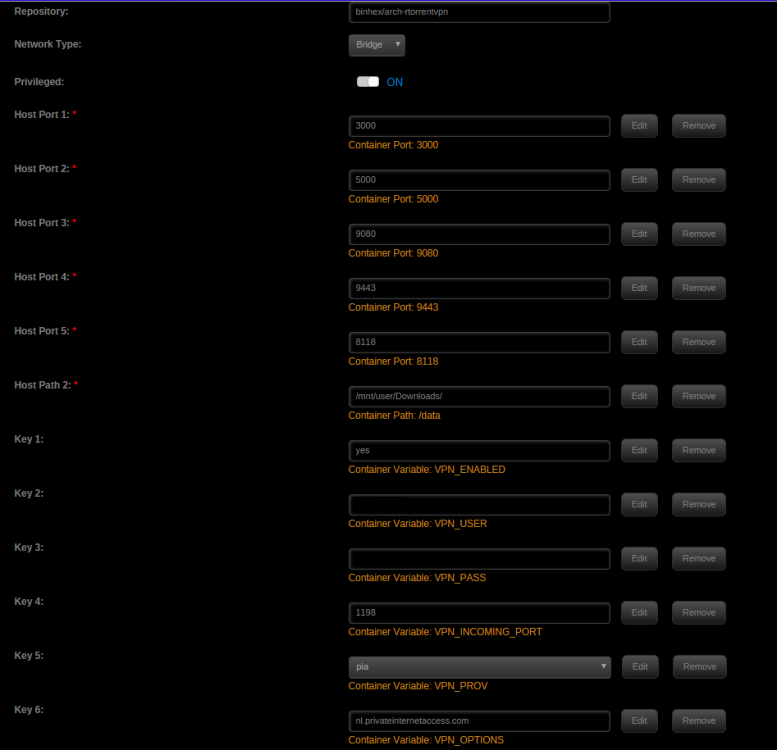
  2. Hi Have been trying for a awhile now to get this docker going and im not having any luck. Hope someone here can see what i have done wrong. supervisord.log
  3. Hi Building my first Unraid server and I'm now looking for a good 2U PSU. Need advice. My setup Xeon E3-1240 V2 16GB ECC unbuffered ram Supermicro X9SCM-F 2x Lsi SAS 9211-8i 16x 7200rpm drives 2x SSD Looking for a 2U PSU with a single 12v rail since that is recommended for Unraid. And it needs to be quiet. Need to be able to ship it to Sweden. Thanks for helping.

Account

Navigation

Search

Search

Configure browser push notifications

Chrome (Android)
  1. Tap the lock icon next to the address bar.
  2. Tap Permissions → Notifications.
  3. Adjust your preference.
Chrome (Desktop)
  1. Click the padlock icon in the address bar.
  2. Select Site settings.
  3. Find Notifications and adjust your preference.