maplesyrupghost
Members
-
Joined
-
Last visited
Everything posted by maplesyrupghost
-
I'd also like to try out Almond in an Unraid docker. Please keep us up to date if you got this working.
-
I'm glad I could make a difference. Love the plugin!
-
I made a short video showing what happens when you disable that CSS rule. The thing looks a bit squished because I was trying to reduce the width of the window for the capture but at least I figured out a way to still use the plugin until a fix is implemented.
-
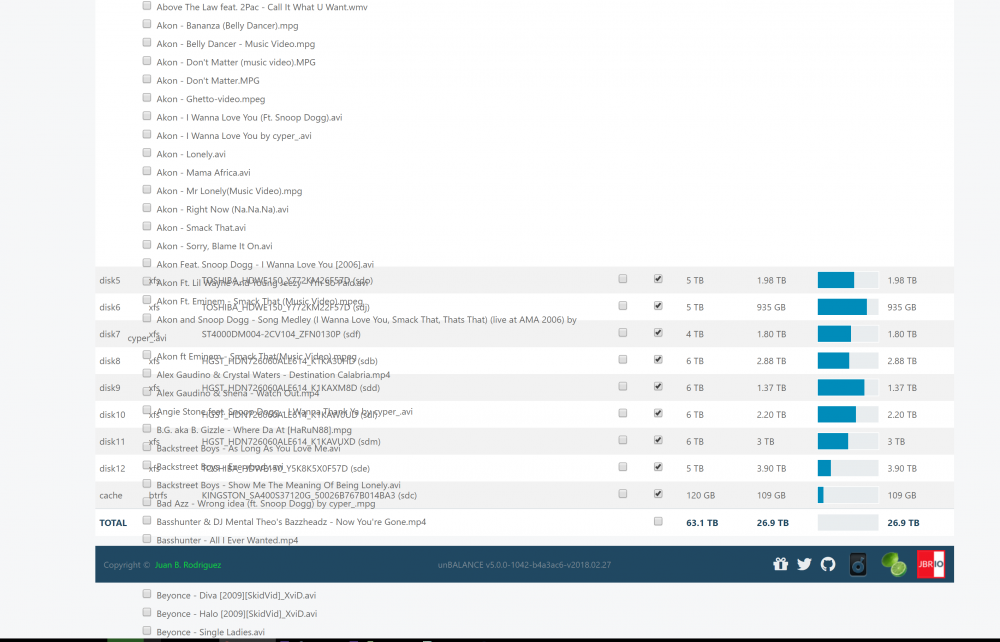
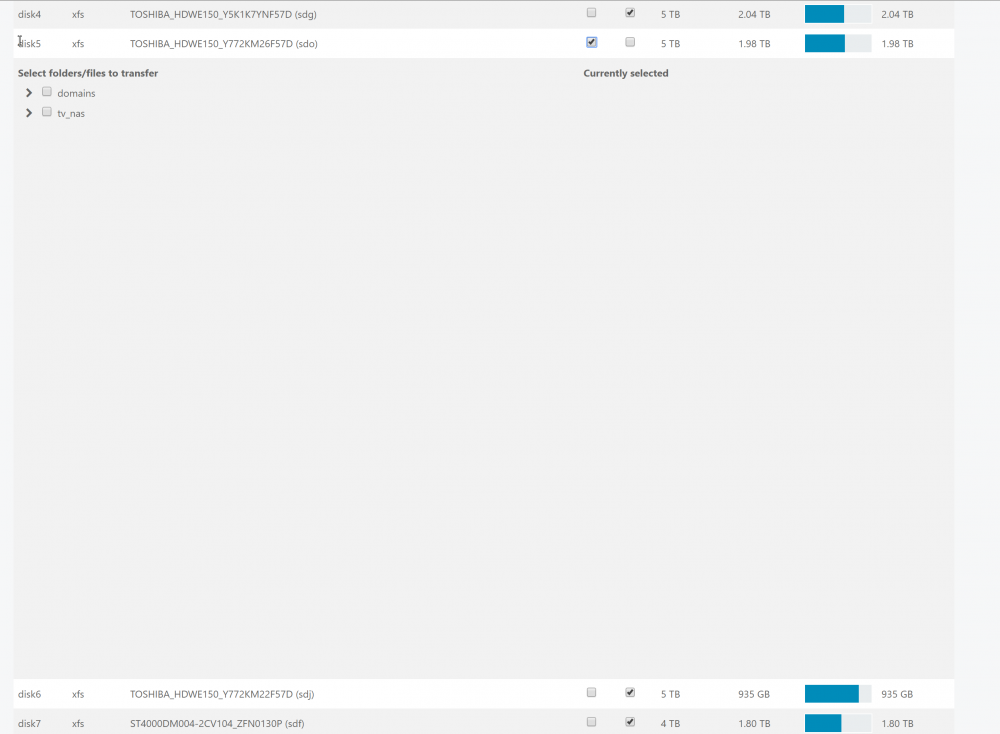
Everything worked perfectly fine before. The update seems to have locked the maximum size of the tree view CSS. .height100, .tree-view { /* height: calc(100vh - 250px); */ } this is what messes it up. and no, there are no files at top level. every share has folders within it, it's this CSS that was the issue
-
I so regret updating Unbalance Look at the attached photos. What have you done!!