





balog
Members
-
Joined
-
Last visited
-
Just wondering if anyone has experienced this. If you created a VM folder, with the same name as one of the VM's, and that VM is placed in that VM folder, then back on the VM page that folder doesn't appear, and the VM itself isn't in any folder. I hope that makes sense. I don't see the same issue with Docker folders
-
Issue as stated in title. I have a set of base vms located in /mnt/cache/domains/Base Images/ When I try and clone, the rsync command does not do anything. Looking at the folders afterwards, it creates the "Base Windows Server 2022_clone" directory in the domains directory, not in the Base Images folder. There is nothing in the newly created ...._clone directory. Obviously I can just created my Base Image VM's in the domains folder to work around the issue, but I prefer to have all my VM's in sub folders, per category/project. I have replicated this issue with other VM's in sub directories. I have also successfully cloned VM's that are in directories directly off domains.
-
Just wondering if it's possible to use the clone snapshot option in the snapshot Admin interface, to clone a snapshot to a different pool/dataset I have one pool, cache, and within it a music dataset. I have manually created a snapshot. On the other pool, disk3, I have a dataset set up, zfs_backups. I've gone into the snapshot admin for cache/music, and clicked clone on the snapshot, and entered "disk3/zfs_backups" in the popup. I get back "cache/music@2024-09-11-162017: Operation not permitted" Cheers, Brock
-
Can confirm the QR code registration process works. Thank you so much for your hard work. Did I read somewhere that ControlR is open source now? github? I could be wrong. Am a programmer and would be interested in learning it, to possibly provide some enhancements
-
Nope. 443
-
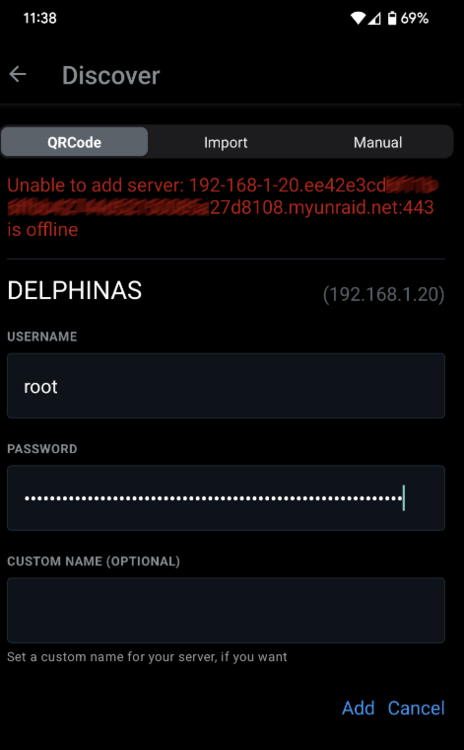
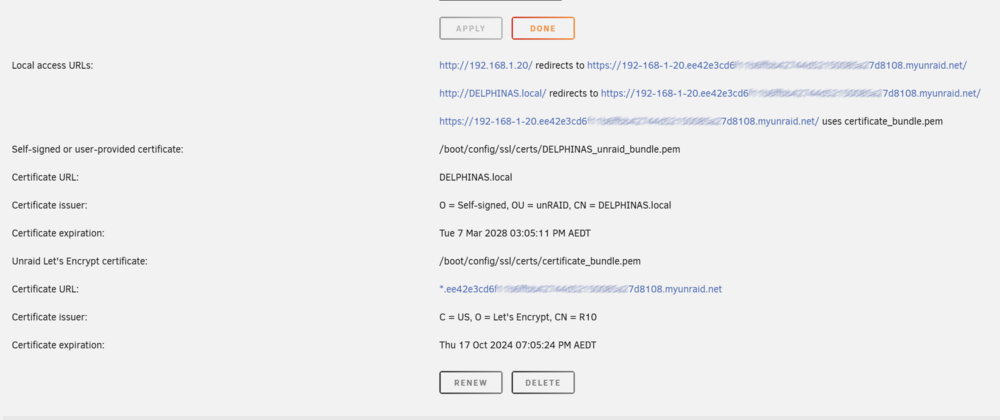
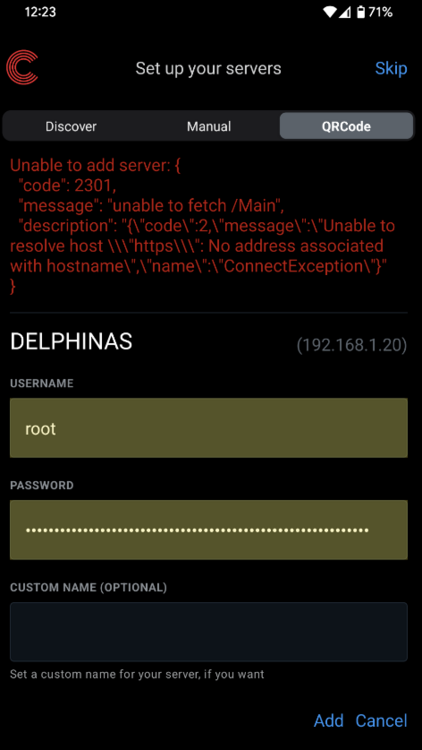
After updating to the latest version of the plugin I get further with the QR code set up. The below error message appears after entering my username/password and clicking 'Add'. Obviously, my server is online. I scanned the QR code from the plugin settings page, and can confirm my phone with the app and the unraid server are on the same LAN>
-
No it doesn't

-
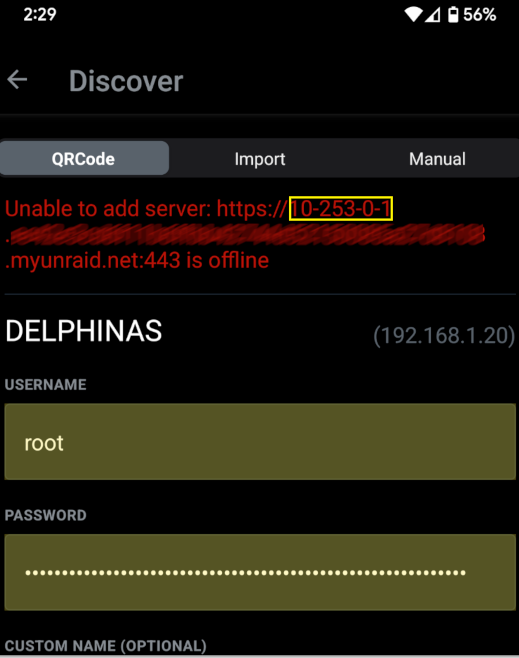
I received an app update to v6.7.0 and have tried to add the server again via QR, but it still errors, although the error is different. In the address (url) in the error message, it seems to have picked up the local WireGuard address. My proper local ip is displayed below the error though

-
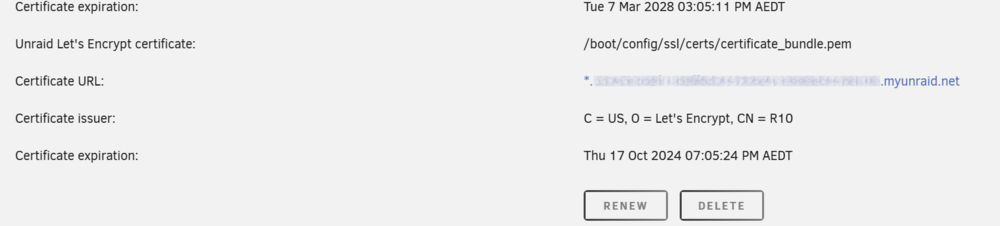
Hi Juan Love the app and have used it for quite a while. On seeing a new plugin, I thought i'd start fresh, as below, and had the follow issue. 1) uninstalled the old controlr plugin 2) installed controlrd, enabling it and setting Provide UPS status to True. 3) Reinstalled the app on my android phone, version 6.6.0. My unraid server is set up with a Let's Encrypt cert so it has a *.<GUID>.myunraid.net When trying to add my server in the app using the QR code, it has the following error. I am on the same network when trying to add the server to the app. I could add the server in manually, but would really like to get the QR method to work. Any ideas, or extra information you require? Cheers, Brock
-
I'm such a dummy. Thank you Jonathan. Much appriciated
-
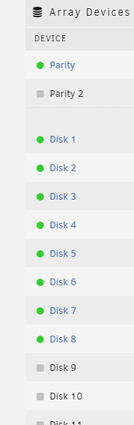
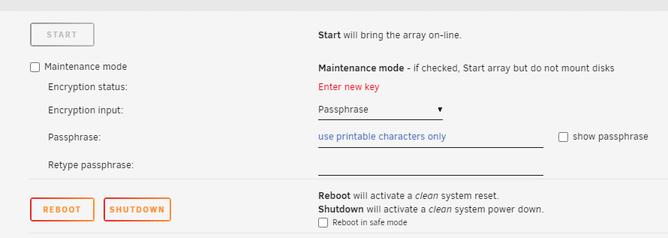
Hello all I'm hoping someone can help. I recently decided to stop using disk encryption on the pool. I slowly moved all the data off each disk, one by one, then stopping the pool and changing the partition format from xfs encrypted to xfs. I now have all the disks set back to xfs, yet I'm now asked to enter a new key when starting the array. Could anyone provide guidance as to how to completely remove encryption so I no longer get prompted? Thank you
-
Same issue here. Can access via the other local urls, servername.local, ip, but not the unraid.net address
-
I just copied the EFI directory and it worked fine
-
Sorry if this has already been asked, but was virt-manager removed from the current release? Cheers, balog





