





Vitor Ventura
Members
-
Joined
-
Last visited
-
Hello there, Facing some problems, and i dont know where or how to search. Basically, some services wont start, saying "no space left". JellyFin: 6-rc: fatal: unable to write /run/s6-rc/state: No space left on device s6-linux-init-shutdownd: fatal: unable to rename stage 4.new to stage 4: No space left on device s6-supervise s6-linux-init-shutdownd: warning: unable to write supervise/death_tally: No space left on device s6-supervise s6-linux-init-shutdownd: warning: unable to write status file: No space left on device s6-supervise s6-linux-init-shutdownd: warning: unable to write status file: No space left on device s6-supervise s6-linux-init-shutdownd: warning: unable to write status file: No space left on device s6-linux-init: warning: unable to dump kernel environment to /run/s6/container_environment: No space left on devicePostgres_Immich 2026-02-08 04:12:30.573 GMT [1] LOG: database system is shut down sed: cannot rename /etc/postgresql/sedQLYN7T: No space left on device sed: cannot rename /etc/postgresql/sedZQolOM: No space left on device sed: cannot rename /etc/postgresql/sedPjmVnu: No space left on device sed: cannot rename /etc/postgresql/sed0PtNOB: No space left on device sed: cannot rename /etc/postgresql/sedG3ja3V: No space left on device sed: cannot rename /etc/postgresql/sedXwgag9: No space left on device sed: cannot rename /etc/postgresql/sedRBAngh: No space left on device Using SSD storage I'm not sure where to start looking. My cache ssd has enough space. Happy if someone can help. Thanks. venturanas-diagnostics-20260208-1442.zip
-
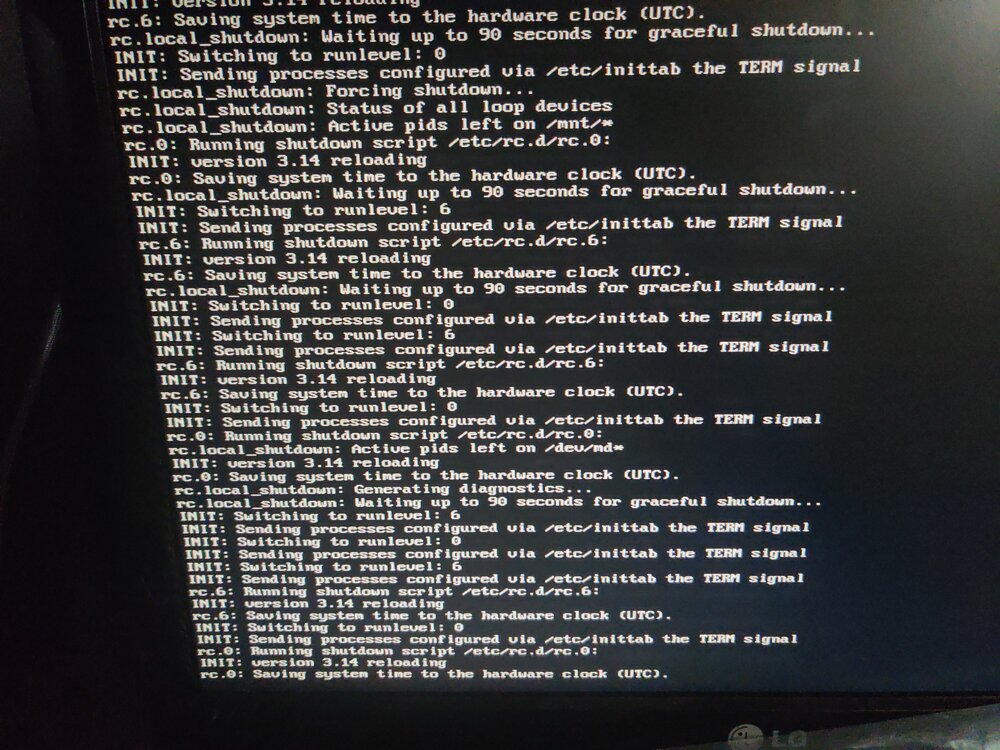
Title says everything. Cannot access to my server for more than an hour, cant access via ssh, after pressing power button once, does nothing, cant download diagnostics. I had a hdd replaced few days ago, everything worked well, most of it, but nothibg like this. Im afraid of using reset button and the array messed up... venturanas-diagnostics-20250612-0135.zip
-
didnt work well :( i have to manual recover all files, via script. many thanks again
-
try xfs_repair -L /dev/sdn1 ?? tried mount with mount /dev/sdn1 /mnt/temp
-
i havent touched the hdd i removed. its possible to added to array again to parity pick everything, and them swap again the hdds? Connected via usb and cannot mount. maybe have a possibility to recover the corrupted filesystem, even with the new one swapped?
-
well, after analysing a few files, checked my Immich, and is completely broken... 😭 in 10 years, 6 with unraid, never had something like this... many thanks for your effort @itimpi and @JorgeB
-
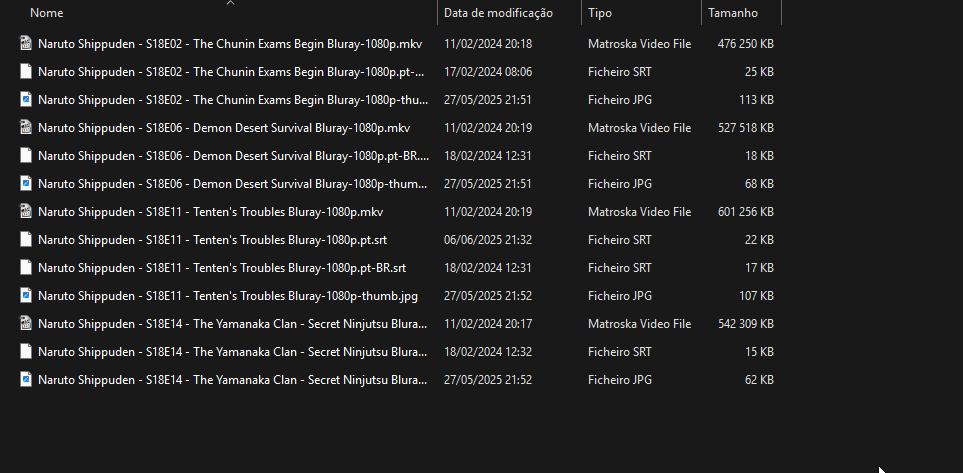
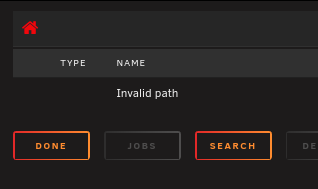
The folder is giving invalid path error is the lost+found folder. i had lost files, example, i had the season 18 completed of Naruto Shippuden is not possible to recover all files in lost+found? venturanas-diagnostics-20250609-1533.zip
-
Diagnostics after reboot venturanas-diagnostics-20250609-1412.zip
-
Yes.
-
ran via webUi multiple times ran xfs_repair -L and then -v, nothing changed
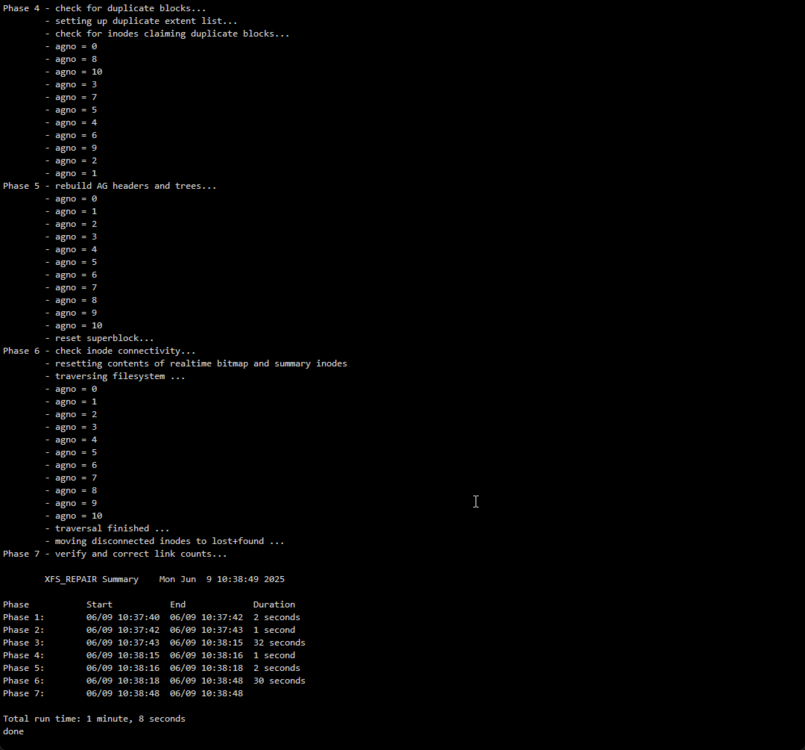
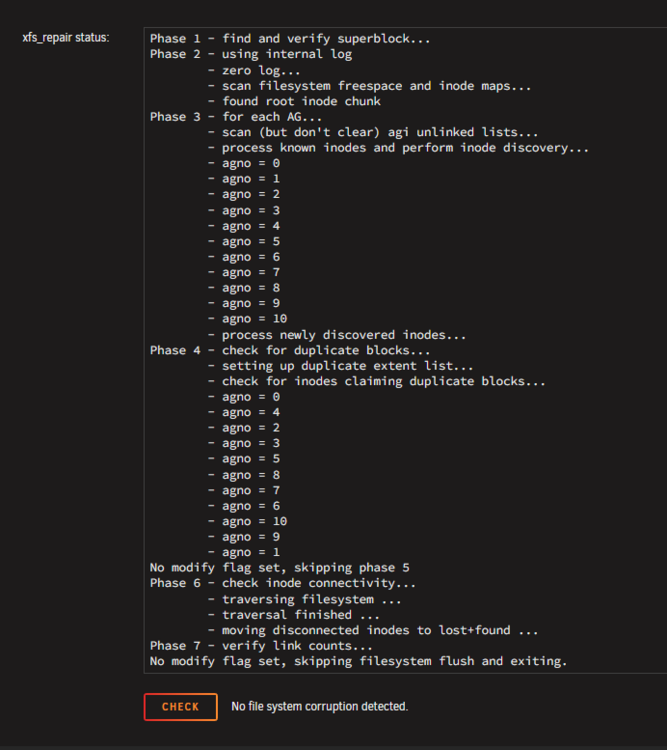 uploaded diagnostics venturanas-diagnostics-20250609-0908.zipSorry for late response, but had the same problems, multiple times during this time. Last week, the same hdd, gave the same problem, and after repair, had 16 current pending sectors, and increasing. Because i had a new hdd, replace him. Stopped array, remove hdd, started array, stopped, added new one, and with docker and vm off, leave to rebuilding it. After all the work, some series (i received notification that had been deleted) didnt shows up, so i ran Compute All and have 667Gb of data in lost+found. How can i recover that data, if i cannot access?
 Diagnostics after start array, not maintenance venturanas-diagnostics-20250501-1327.zip


