





shteud
Members
-
Joined
-
Last visited
-
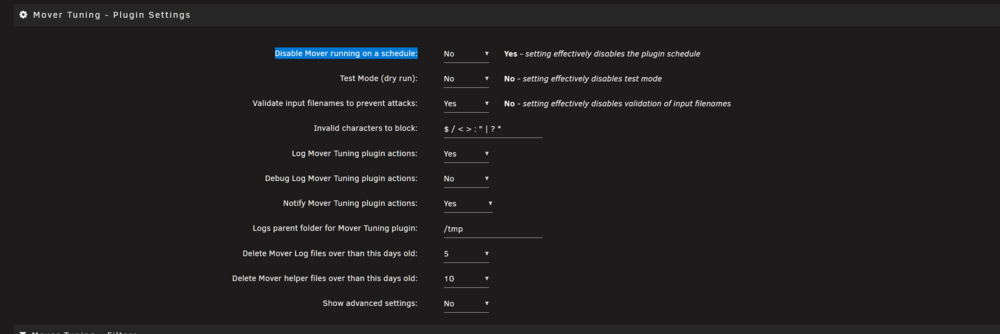
I mean to put Yes on this option?
-
I thought utility override def mover settings. So what should I do? disable default mover sheduler? (sorry i bit more casual unraid user, once i installed and tuned I forget most things I do with it, back to it only to change HDD on bigger one ;))
-
Nah. Cache goes to 96% and still nothing. Only manual mover works
-
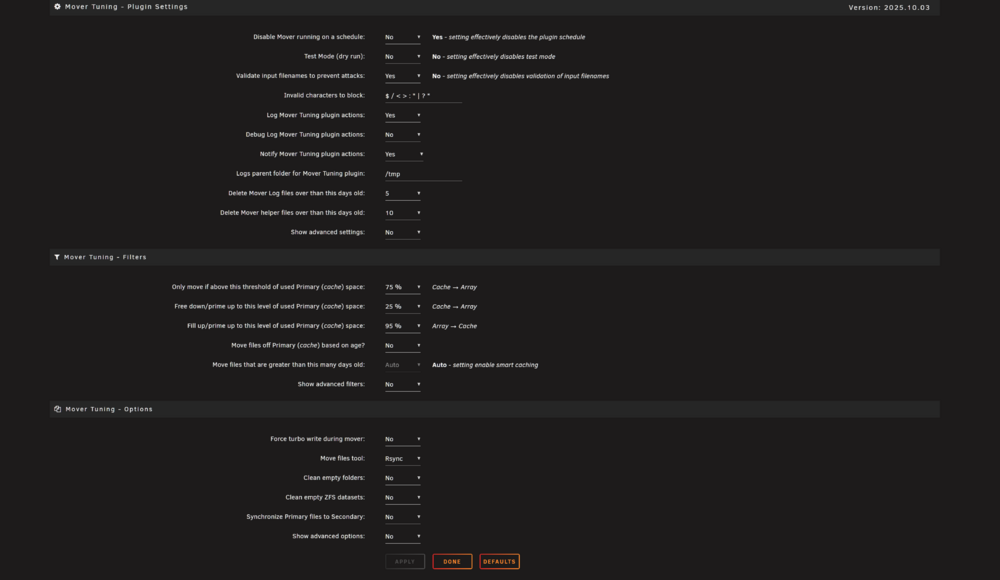
ca.mover.tuning-debug-20251015-1854.zip Ok, at last I filled Cache enough to make mover work. It's few hours gone and seems like plugin do nothing. Cache utilization stuck on 84% and no activity on disk at all. Actual settings
-
ye, my bad. thx But the automatic mover doesn't start (maybe I need to wait more time). The manual mover works. I will check later how the automatic mover works after the pool is filled again.
-
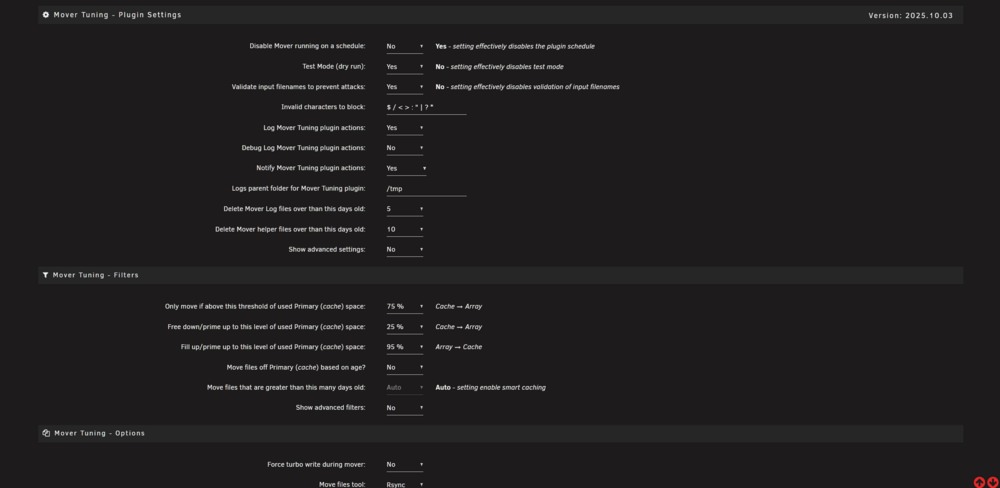
Hi all Recently installed a plugin, and some weird stuff is happening; basically, the mover stops working. With these settings, now the Cache is about 81% filled, and nothing is happening. I try to use the Move button, and nothing happens. For a few seconds, there is some activity on the cache array, and nothing happens after that.
-
Hello all A little question. Do it possible to make few extra auto load folders in transmission to sort torrent files before downloading? Or it's only possible in default folders?
-
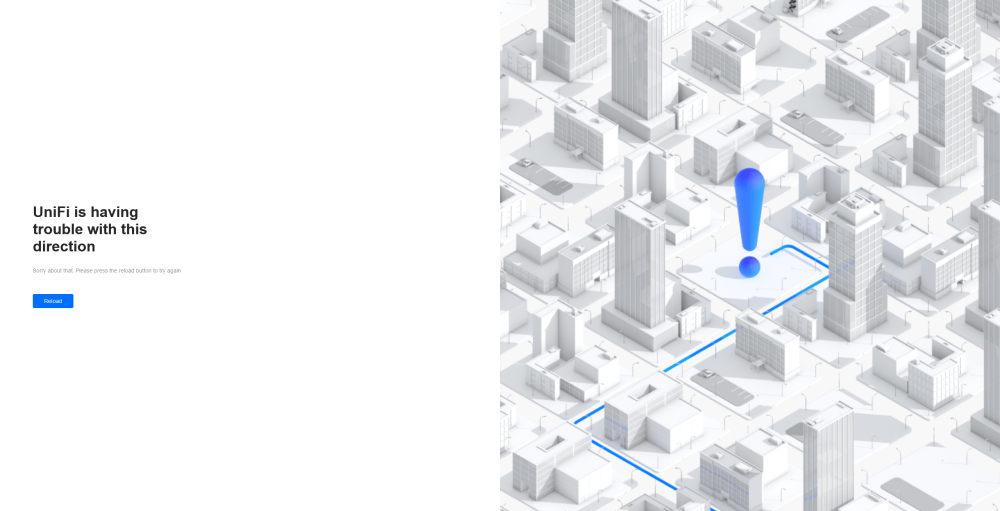
Hello! Last two weeks all i see on uni-fi controller webpage is this. How can i fix this? I didn't change nothing in nas. Docker plugin update didn't fix nothing.
-
No. done now, will see does it help. upd. seems it help. thx!
-
Hi everybody! I have a bit weird trouble with unifi-controller docker app. Every time I update an app or restart it, I need physically reattach it (by unplugging and plugging back eth wire). If I don't do this co unifi-controller still sees AP (Unifi AP AC LR) but all the time it stays in "Adopting" mode. Any ideas on what's wrong in the setup and there I should look to fix?
-
after buying new controller (with new cable) i find out that trouble was in cable (new) dell hba330 works fine with sata 3 disks... maybe for some one it be useful.
-
Don't want to create new topic, so just ask here. I bought a new DELL PERC HBA 330 card (pci-e x8). And try to ad drives to array. But seems like Dell unit don't see SATA drives. After some googling seems like this unit only support SAS drives(dell documentation bit unclear). So maybe some one who have experience with HBA330, can help me understand there is the trouble. Maybe i can change firmware to make it support sata drives (if this the reason)? Unit in working condition (i can use CTRL+C to tune it) and i use new supermicro cable to connect drives.
-
Trouble solved. i just put unraid ip in to Settings -> Controller -> Controller Hostname/IP and it's worked. Sorry for inconveniences
-
there is no such option http://prntscr.com/vflgoc
-
i do it and it says "access denied"


