





kingmonkey
Members
-
Joined
-
Last visited
Everything posted by kingmonkey
-
excellent, I'll update then, many thanks
-
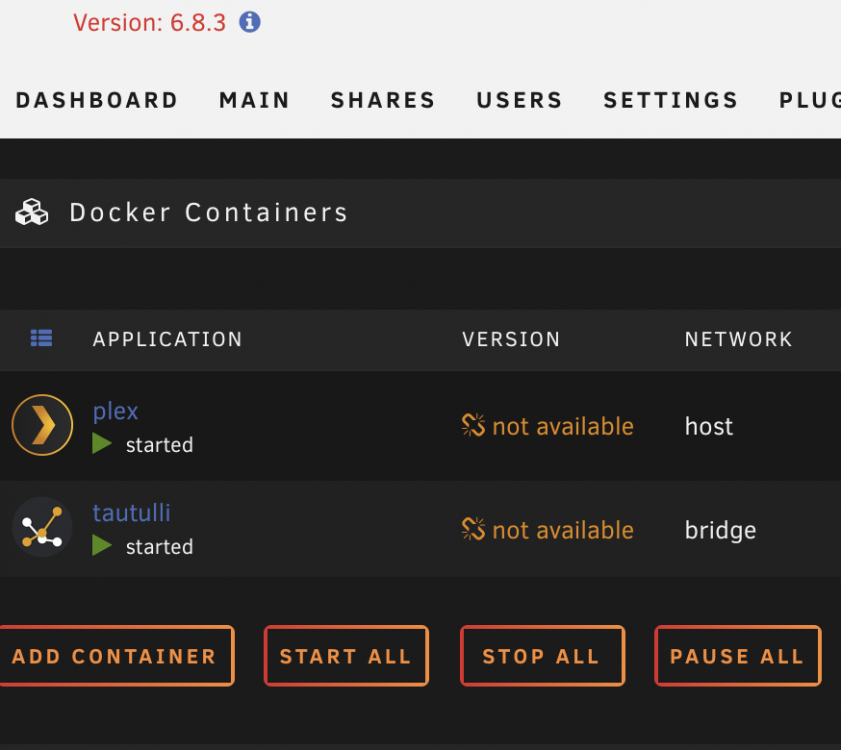
Hoping someone can assist with this please? Many thanks
-
that seems to have done the trick JorgeB, thanks so much for your help
-
Sorry JorgeB, excuse my ignorance but how do I do that?
-
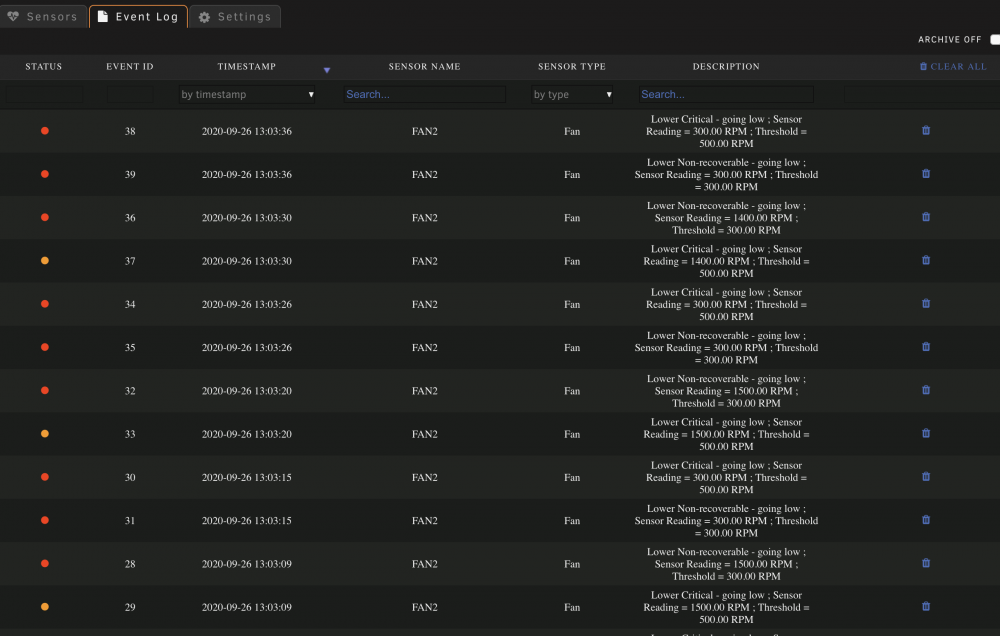
Hi JorgeB, please see attached
-
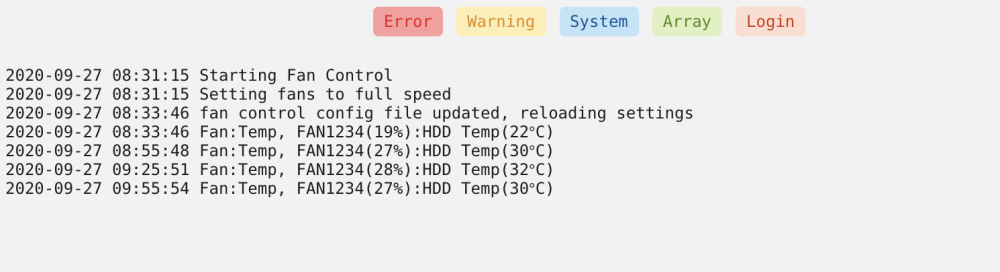
Hi guys. Log is attached. It seems that no matter what the settings, the fans will just run at full speed 😞
-
Thanks for the response chaps. Yeah, there are no fan settings in the bios. I've Downloaded the ipmi plugin and set the fan control to 'yes'. Fans now running at full speed (circa 1600 rpm). Any recommended settings please?
-
Hi guys and gals I have a rather annoying problem. The fans within my unraid server are cycling from slow to fast every 5 or 6 seconds. This starts just prior to unraid booting and when going faster it is loud. Hoping someone can help? My setup is as per below, thanks! CPU: Intel® Xeon® Processor E3-1241v3 (8M Cache, 3.50 GHz) Cooler master fitted to above Motherboard: Supermicro X10SL7-F Memory: 2 x Crucial 16GB Kit (8GBx2) DDR3/DDR3L-1600MT/s (PC3-12800) DR x8 ECC UDIMM Server Memory CT2KIT102472BD160B/CT2CP102472BD160B PSU: Corsair HX850i 80 Plus Platinum 850W Power Supply Case: Fractal Design Define R5 Mid Tower Black



