





Kristijan
Members
-
Joined
-
Last visited
-
Yes. Tnx. I understand i must restart docker after change. Now I reboot server and its ok . Many tnx all.
-
Yes. but again I can see 4GB cache. in /mnt/cache is folder appdata. inside is same data as appdata in user folder. can I delete this cache folder?

-
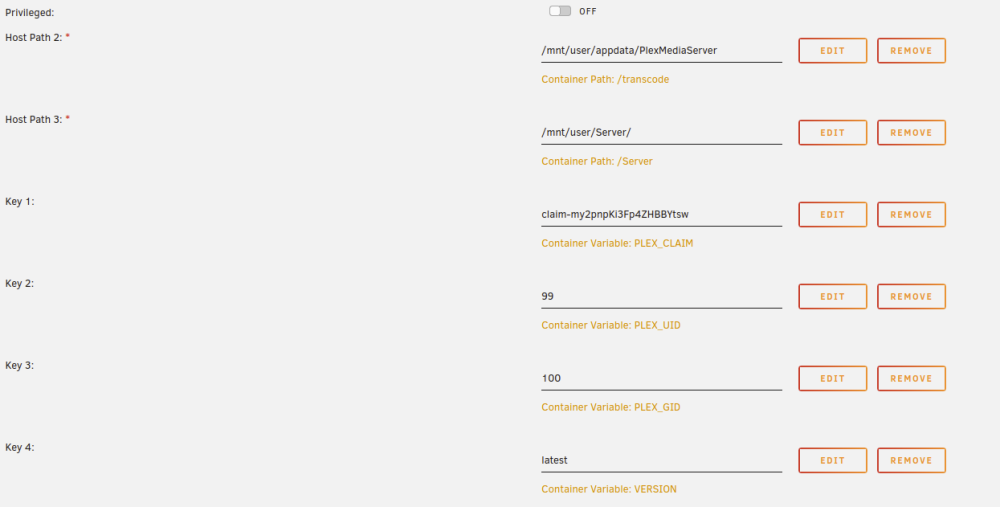
Yes veeam container have mapping that. /mnt/cache/appdata/veeam/opt Can I chenge cache to user and restart docker? How to delete this cache? I cant find where is located. But why openvpn and play show cache, but in docker setting not set to cache. Here is example for plex settings.
-
Here is diagnostic. tower-diagnostics-20230112-1227.zip Now I can see unraid registered 4GB cache drive. But I dont have cache drive.

-
Hi, Today i noticed my appdata is orange trianle (some or all data not protected). I dont have cache drive, all files is on array. I have dual parity. Unraid version is latest stable 6.11.5 I noticed some docker is only on cache, some on cache and disk In options I can see appdata share cache is prefered. This is default setting and I never changed this. Why now some data not protected?

-
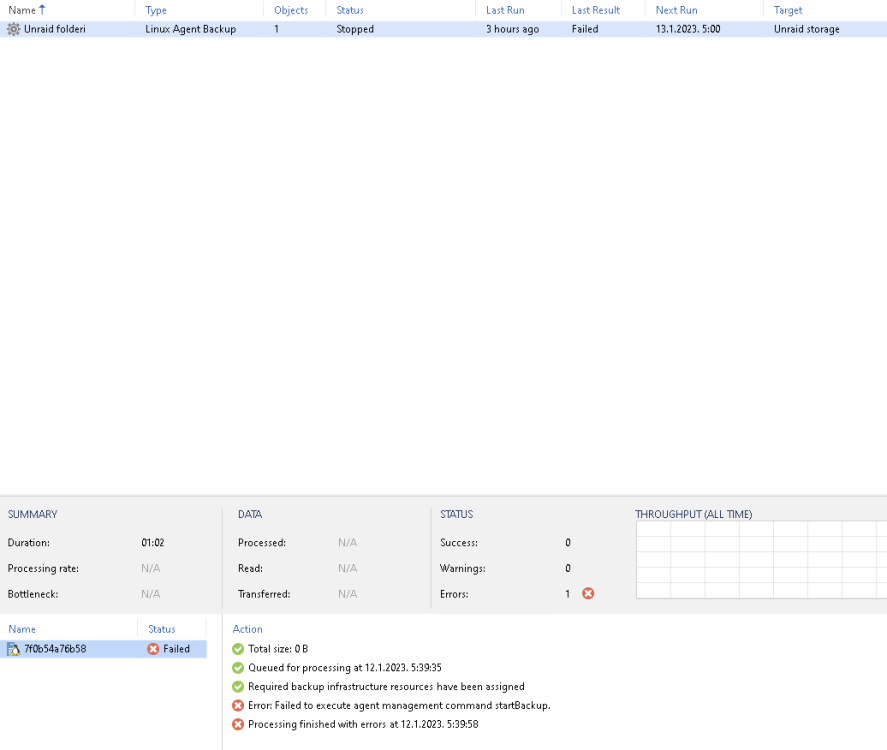
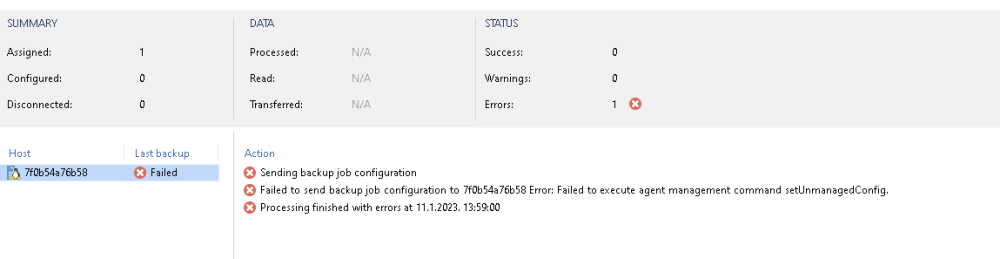
Thank you very much for your help. Don't let this pressure you. It's nothing urgent, but I'd like to sort this out if possible. Now I setup job as you. Job Mode Type Server, Managed By Backup Server. But again error but different.
-
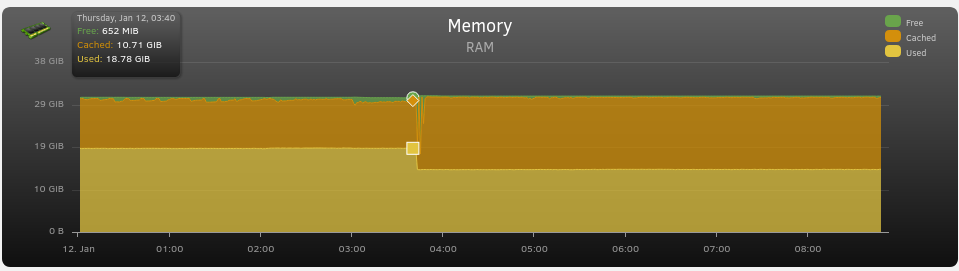
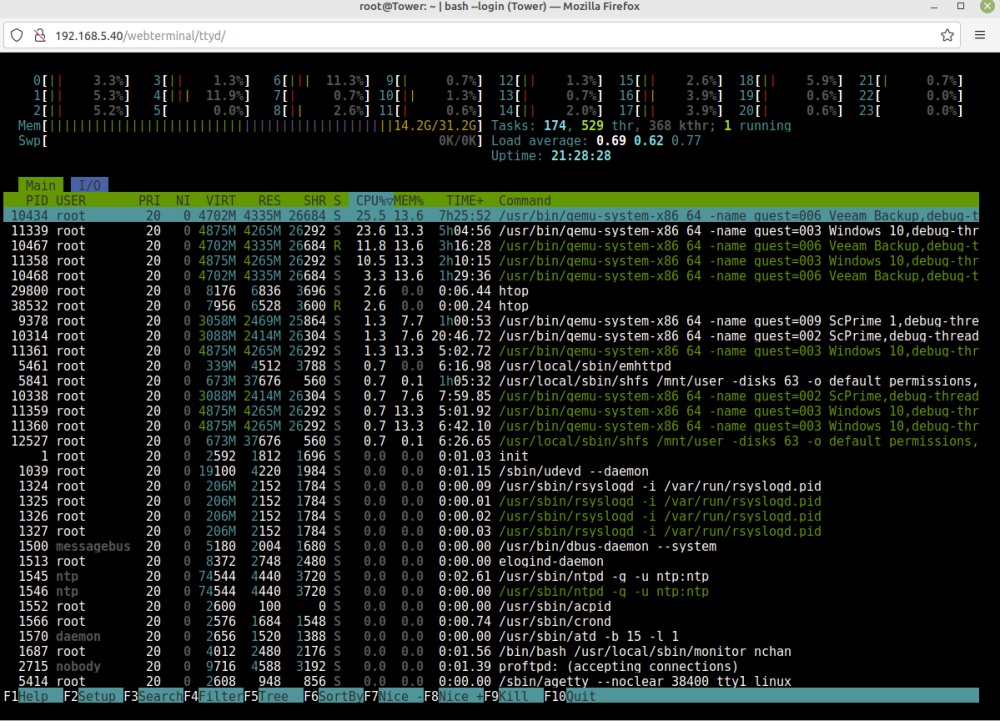
I I have noticed in 3:40 something happens end unraid kill VM. How i can find what usage ram? Now htop on unraid and gui dont show same ram usage. Before 3:40 htop and gui show same usage. Here is usage 14.2GB RAM In GUI show 76%

-
Ok. Thank you. What do you recommend for plex limit? now usege is 180mb. Is 500mb limit ok?
-
But I dont have Extra parameters line. I must create or?
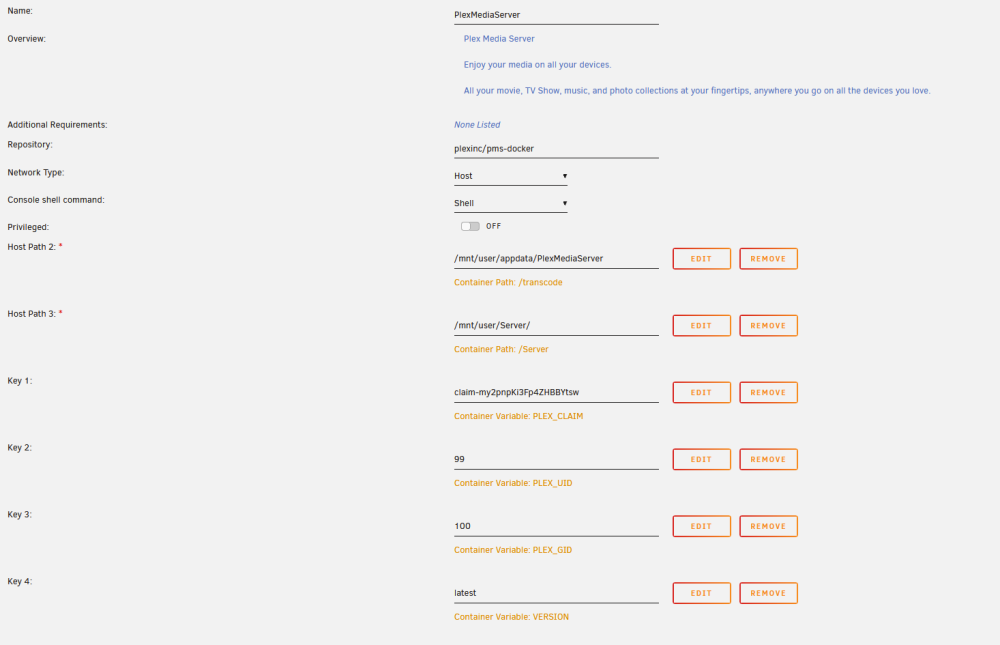
-
No I dont use ZFS plugin.
-
My free memory is only 300mb. I use 16GB all other ram i cached. What is recommendation to limit docker? Can yout tell me how to limit docker? I never limit docker, i dont see this options. Tnx
-
Yes I use plex docker. But I can see dont use a lot of memory. 186mb is used.

-
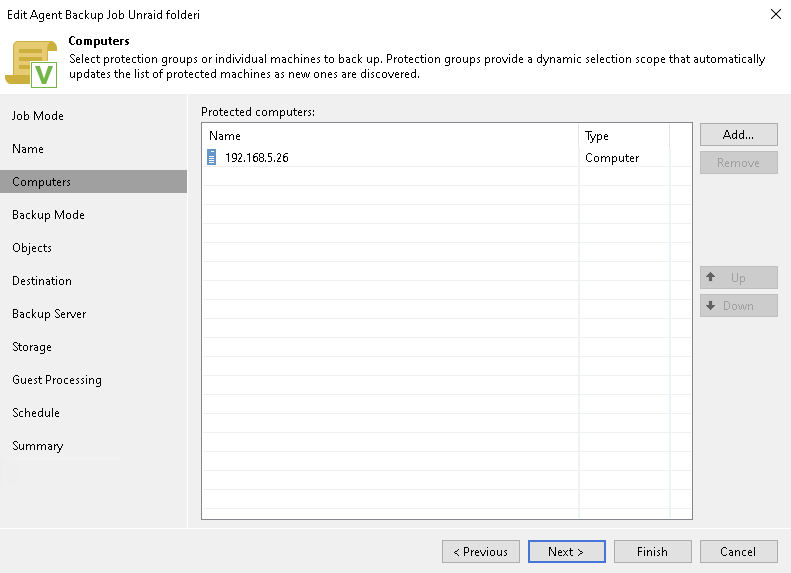
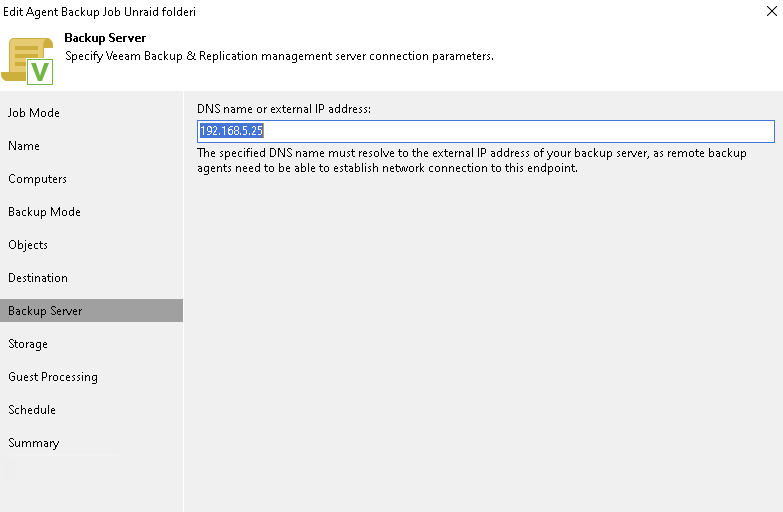
Yes. I did so. Protected computer is docker. Backup server is veem server ip address This error I have
-
Hi, I have unraid with few VMs and my problem is I often have out of memory and unraid killed VM random. System have 32GB ram and I have 3 VMs with 4GB ram and 2 VMs with 2GB ram. This is about 16GB ram. I used few docker, but memory usage is less then 1GB. In htop Remaining ram is cached, but I dont know why is out of memory when system have 15GB RAM cached. I used latest stable unraid release 6.11.5
-
OK ,i will start new trade. VM is normally started, and then I start new unraid kill one vm and i can see in unraid log out of memory, but I have 32GB memory and starter few vm with 4 and 2 GB.


