





nfriedly
Members
-
Joined
-
Last visited
-
I just found a bug in the "Permission Fix Excluded On:" setting - if you select a share with a long enough name that it's truncated with an ellipse (such as "CommunityApplicationsAppdataBackup") and click Exclude Selected, the share will not be excluded, because it will include the elipse in the setting and then not match the actual share name when running the Docker Safe New Perms tool: Also, it doesn't pre-select the right shares in the list, so it's easy to accidentally undo an exclusion when adding a new one. I guess that's less of a bug and more of a feature request. One other feature request is to add a link to the Docker Safe New Perms tool from this settings page, because it's somewhat confusing when you come here and see how to configure the tool, but no apparent way to run it. (Or, alternatively, just move the tool here - I think that probably makes more sense then having it off on it's own little island, since it's part of Fix Common Problems, and this is where the rest of Fix Common Problems is.)

-
Hey, it took me a while to figure this out, but changing the OR port doesn't work correctly with this template. For context, there are two settings named OR_PORT: an env var and a port forward. The problem lies with the port forward. If you change both settings to, e.g. 8080, then the docker app listens on 8080 internally and forwards traffic from 8080 externally to the default 9292 internally. Is it possible to have the internal port of a port forward configured by an env value in a different setting? If not, maybe it just needs a bit more documentation to clarify that you need to add a new port forward if changing the OR_PORT env var. Context: https://forum.torproject.org/t/cant-connect-to-my-obfs4-bridge-over-the-internet-or-my-lan/20385 (If you leave the env var on the default setting and change the external port only, then it will advertise the wrong port, so you'd only be able to use it if you already knew the correct port.)
-
Alright, a hard reboot appears to have brought it back to life. Now I get to wait two days for the parity check to complete.
-
shutdown -rn now did something. The web interface went down, I can't ssh into it now, and the screen that 's attached to it went from the login screen to just a blinking cursor. But it doesn't respond to keyboard input. It doesn't appear to have fully shut down or begun rebooting. I'm going to give it another few minutes, then do a hard reset.
-
I tried to stop the array earlier today, and when I came back a while later I saw that it still said "Array Stopping•Retry unmounting disk share(s)..." at the bottom. I then tried a safe mode reboot, then a shutdown (both from the web UI), then a shutdown now from the terminal (as root), but none of them worked. The shutdown now command appears to still be executing. The syslog is completely full of this set of messages repeating every 5 seconds: Jul 11 16:32:11 Unraid emhttpd: Unmounting disks... Jul 11 16:32:11 Unraid emhttpd: shcmd (1241291): umount /mnt/disk2 Jul 11 16:32:11 Unraid root: umount: /mnt/disk2: not mounted. Jul 11 16:32:11 Unraid emhttpd: shcmd (1241291): exit status: 32 Jul 11 16:32:11 Unraid emhttpd: Retry unmounting disk share(s)...Is there anything I can do short of a hard reset to recover from this? I'm on unraid 6.12.13. Docker appears to have stopped back when I first tried to stop the array. I don't have any VMs. unraid-diagnostics-20250711-1649.zip
-
Yeah, that would have been ideal. I kicked off a big process and then remembered to run screen 🤦♂️
-
Another vote for reptyr! Source is at https://github.com/nelhage/reptyr
-
Ok, I had two more freezes. Yesterday's was a bit different - it happened in the afternoon, they keyboard lights didn't blink, and when I rebooted it, it told me that the CPU was over temperature. This made me realize that the fan in the AOI cooler had died. (The pump was still working though.) That might be the root cause of the whole mess. I swapped it with a case fan and rebooted. It kicked off a parity check and seemed to be working when I went to bed. I thought maybe I had fixed the issue. This morning it was back to the same type of crash that had happened before yesterday with the keyboard lights blinking. I'm attaching the syslog and syslog-previous, but my suspicion now is that something is got permanently damaged by the CPU overheating. --------- Update: (April 22) maybe it was just overheating. It's been a month and a half, and aside from the one crash that happened the night after replacing the fan, it's been rock solid. I ordered an HBA card, and was waiting for it to arrive so that I could use a different CPU & motherboard with fewer SATA ports. But now that it's arrived, I'm not sure I actually need it. Oh well. I'll probably swap it out anyways. syslog syslog-previous
-
Ok, I turned on Mirror syslog to flash, I'll post another update after the next freeze. I see it says a copy of the syslog is stored in the logs folder on the flash drive - what's the right way to retrieve that file? Is it exposed in the web UI or over the network, or should I just plug the flash drive into another computer?
-
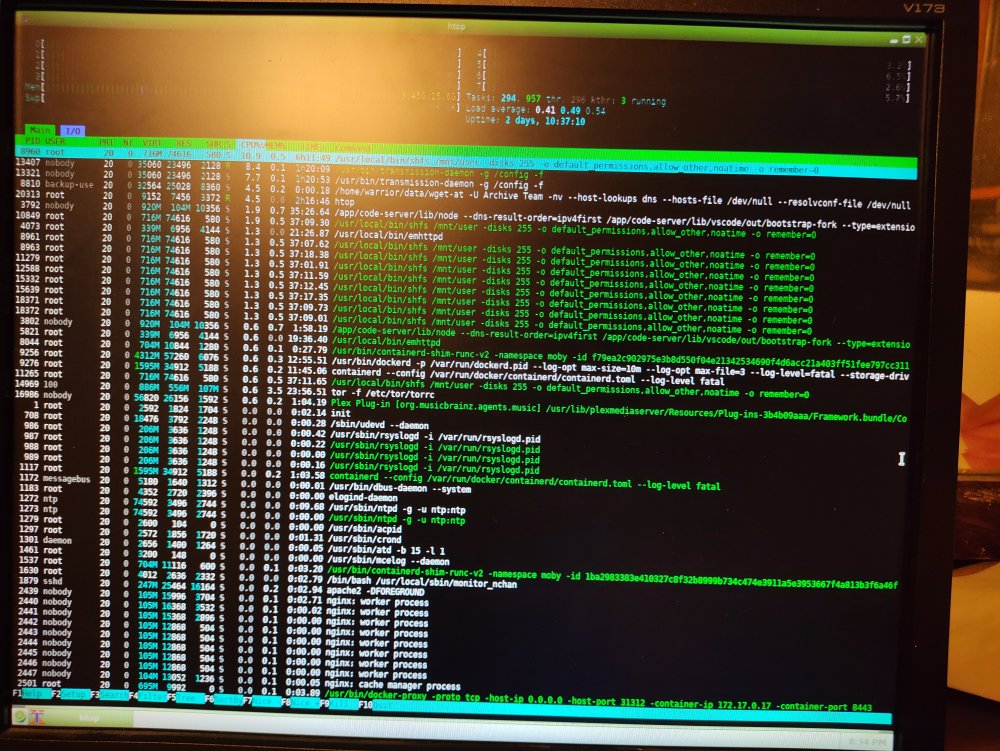
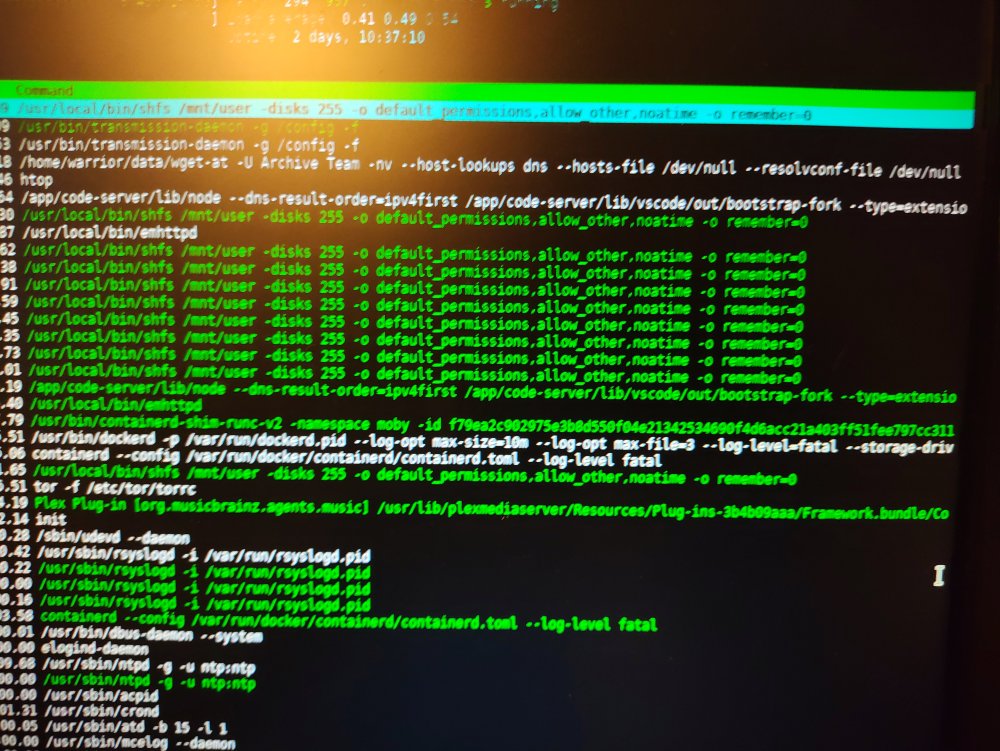
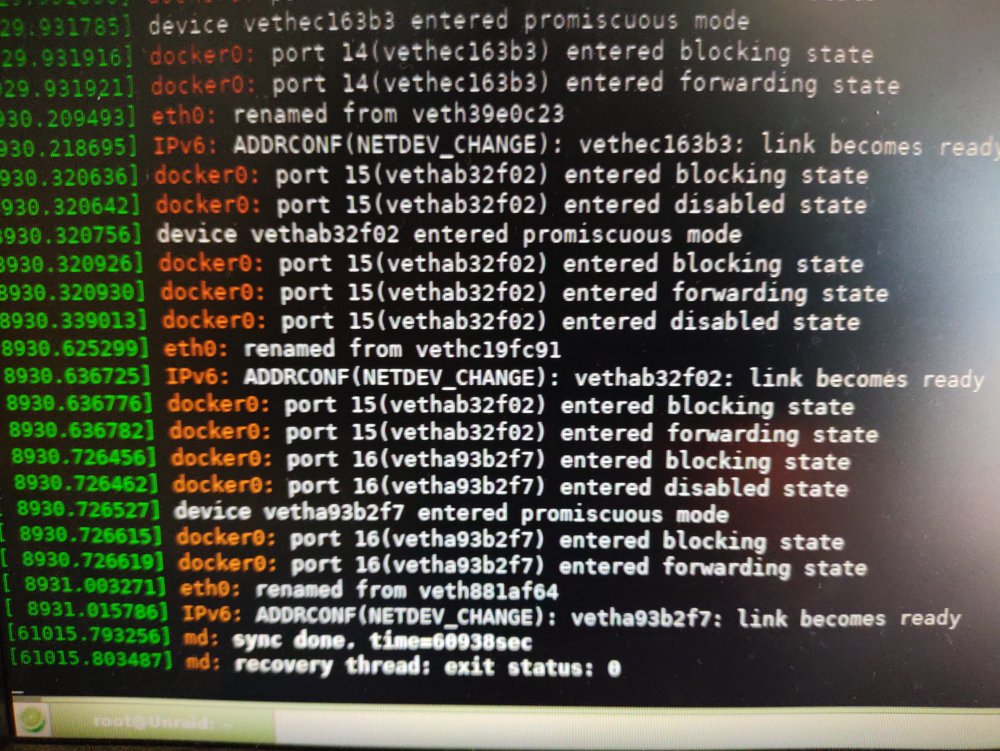
I put my server together about 6 years ago and it's been really solid until recently. However, 4 times in the last ~month I've found it completely frozen, not responding to network requests (file shares, docker images, the admin web UI), and not responding to keyboard or mouse inputs at the physical machine. When this happens, the numlock light on the keyboard turns off and the caps lock and scroll lock lights start blinking. It seems to be getting more frequent, with the most recent two freezes happening after only a day or two of uptime. The screen shows whatever was happening at the moment it froze, so I've left `htop` open once, and `dmesg --follow` the next time, but neither have anything too obvious. htop shows shfs using about 10% CPU and transmission using another 15% across two processes; dmesg shows only two recent messages: md: sync done. time=60938sec md: recovery thread: exit status 0 I'm not sure what those mean, but "exit status 0" sounds like "not a crash". I'm also attaching an anonymized diagnostics bundle. The CPU, MB, and RAM (i7-2600K, Asus P8P67 Pro, & 2x8GB Kingston HyperX Fury DDR3-1866) are all recycled from the desktop PC I built about 15 years ago, so my first thought is that maybe one of them is going out. But I'd still like to understand what's happening better. Also, all of 4 freezes have happened in the middle of the night, which makes me think it might be some scheduled thing that's triggering it. [Edit] One other thing that comes to mind is that I switched the cache drive from a SATA SSD to an NVMe SSD a couple of months ago. I initially messed up the file owners when copying everything over to the new SSD, which broke some of my docker images, but I think I have it straightened out now. Does anyone here have any ideas what the root cause might be? unraid-diagnostics-20240226-1418.zip
-
In my case, none of these were true - I'm on a personal account and I've had 2FA enabled for years - but it still wouldn't show me the App Passwords option. I poked around for a while and eventually found that the url https://myaccount.google.com/apppasswords works even though it doesn't show up in the security settings. After that, when I did finally get google to give me an app password, I tried just copy-pasting it to unraid, but that got an authentication error. Eventually I realized that even though the password was really 16-characters, google had put spaces after every 4 characters for readability (or whatever), so when I copy-pasted I got extra spaces that weren't part of the password. I had to paste it into a notepad, delete the spaces, then copy it into unraid.



