





.jpg.d757706408bd5d9cc2d812316893081e.jpg)
Unraid-arr
Members
-
Joined
-
What is the difference in using FanCtrl Plus vs FanCtrl Plus 2? Thanks
-
Old plugin still works just fine for me... https://forums.unraid.net/topic/51961-plugin-ca-cleanup-appdata/
-
Thanks for the fix, the row for that error is gone now.
-
Thanks, after today's update the columns are fixed now. I am still using your CSS for incognito button. Have a good day!
-
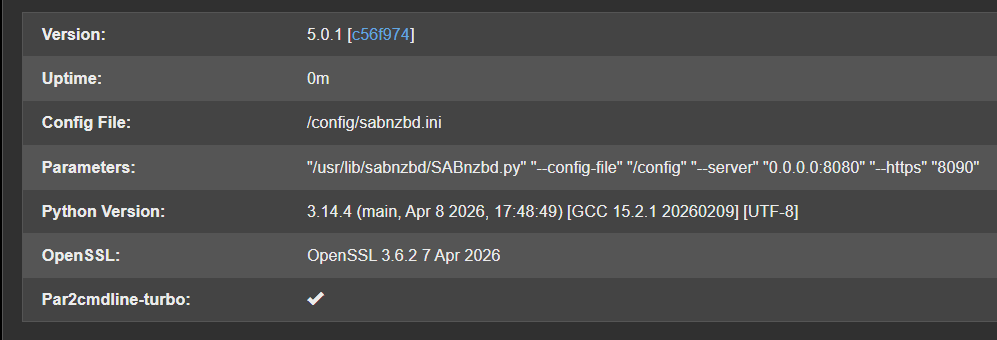
@binhex - After update today to version 5.0.0 - WARNING 01 May 2026 3:20pm 7za binary... NOT found! Thanks
-
I had the same issue with my P2000. Plugin has a bug where on upgrading the UnRaid from 7.2.4 to 7.2.5 it installed the latest driver that is incompatible with my GPU even though I had manually selected the 580 driver branch. Had to reboot the server 2 times after fixing this. Now it is okay though. Cheers!
-
IIRC, it was missed in the last update, before that it was good. Thanks for fixing it.
-
Hi @chodeus - Can you help me with the custom CSS to claim the space from last empty column "uptime"? My folders are always closed like this, and the uptime column is wasted space I would rather use to show extra containers in the folder. When the folder is opened I do see a use for the Uptime column and if there is a way to do that, I would appreciate it. I did use your CSS above to make things nicer today as I do not use incognito as well, but it did come in handy for the screenshot in this post. (https://forums.unraid.net/topic/197223-plugin-folderview3/page/7/#findComment-1618192) Thanks for the work on the plugin!

-
All the containers with Extra Parameters: --net=container:<container-name> failed to start, and I had to remove those Extra Parameters and manually set the container networks from none in dropdown to the container name. Just curious, why remove the parameter option?
-
Thanks, this helped me with my issue. Can you please let me know if this will persist across reboots? You saved my brain from a kernel panic at 2AM after updating UnRaid.
-
Unraid 7.2.4 with Docker compose plugin - Immich fails to start with error - Error response from daemon: failed to create task for container: failed to create shim task: OCI runtime create failed: runc create failed: unable to start container process: error during container init: error running prestart hook #0: exit status 1, stdout: , stderr: Auto-detected mode as 'legacy' nvidia-container-cli: ldcache error: process /sbin/ldconfig failed with error code: 1
-
I have moved on to Glance. - https://github.com/glanceapp/glance/ Cheers!
-
Agree, 100%. I reached here because Fix Common Problems showed me the deprecated warning today. I see no reason to remove the old and install the new plugin. This plugin is trying to solve a problem that did not exist in the 1st place. People need to realize that sometimes the software does what it needs to, and no feature updates are needed except security fixes. I will keep the old version. TYVM Thanks!
-
Plex SupportRepair a Corrupted DatabaseNote: This article is for Plex Media Server version 1.23.2 and newer. If using an earlier version, see . Though...
-
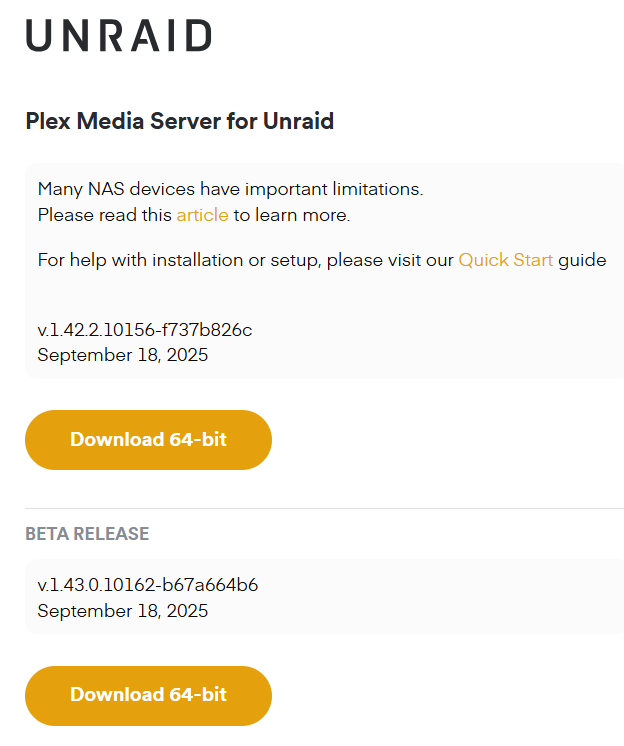
If anyone comes across this issue, in the meanwhile if you turn off all processing you can use the server. I changed from version - docker to public and no change in version (1.42.2.10156). That is the public version. Thanks
.thumb.jpg.d74871f2737d625ddd6091e019824d83.jpg)


