





Velicoma
Members
-
Joined
-
Last visited
-
Wonderful, thank you!
-
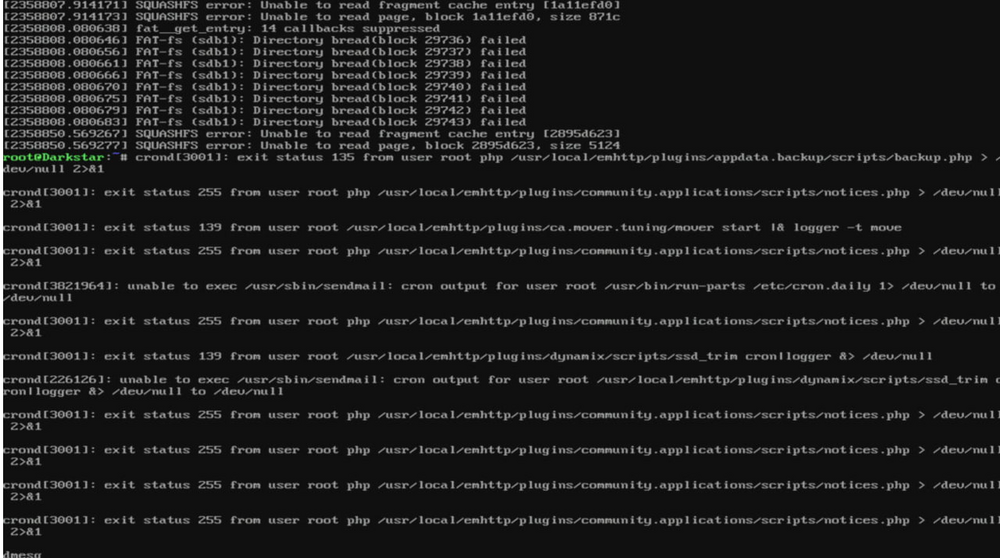
I think I've just had my Kanguru FlashBlu30 8GB fail. Appears to be in read only. I managed to get away with a reboot last week, but have had the webgui fail again, and logs. Only 2 years in, which is disappointing. Any other brand recommendations that are available in Aus?
-
I get the 400 error, but Plex is running fine through the Android and iOS applications. So seems to be a webui issue, but I'm only getting it on Plex. I'm going to take a look at if there was an update. I'm using the linuxserver container FYI.
-
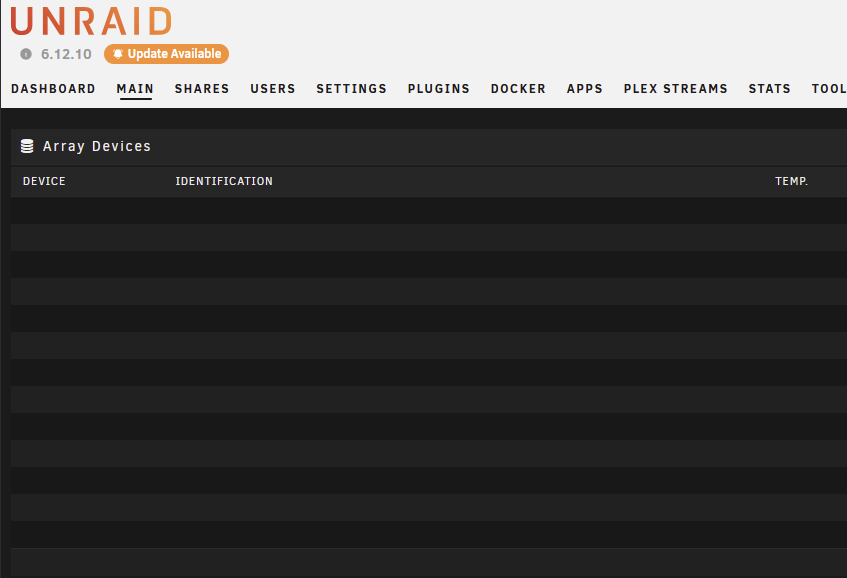
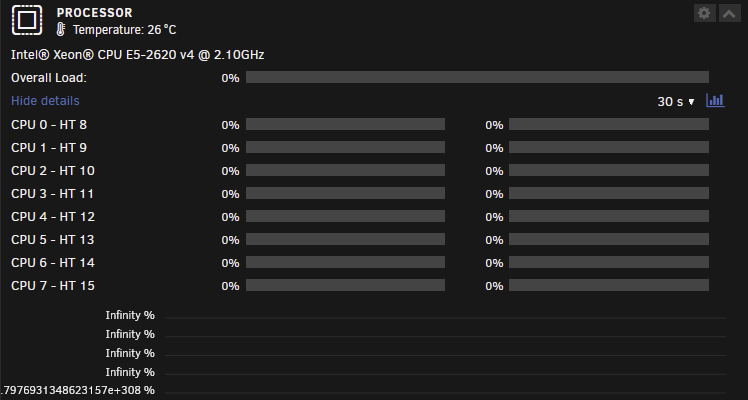
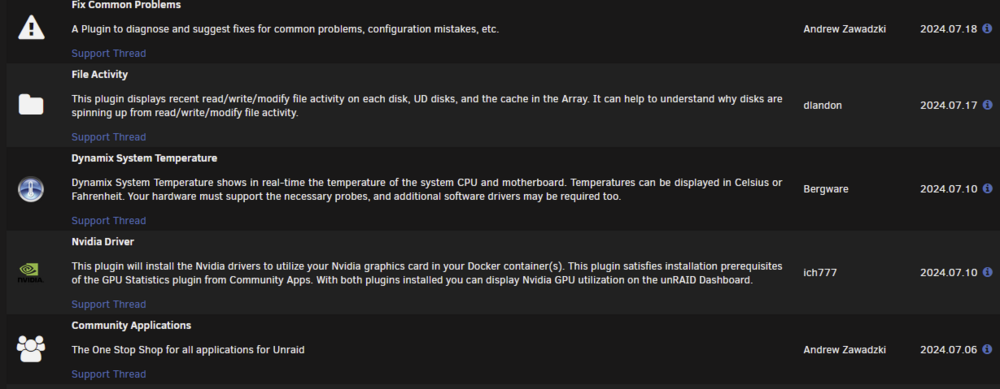
I am having the same issues, but also seeing issues on the dashboard page. This is only the last few days that I can tell. I haven't rebooted yet In addition, opening the log from the GUI seems to have trouble connecting then just closes. The only plugin updates are below, and I'll try and remove them one by one, then post an update.
-
Great, gave it a reboot last night, and will keep an eye on it. Thanks for your help again Jorge! Much appreciated.
-
Hi JorgeB, Thanks for the fast reply! root@Darkstar:~# docker network ls NETWORK ID NAME DRIVER SCOPE a669bba618aa br0 ipvlan local d13245982de2 bridge bridge local 9249e41856c0 host host local 8fc93cafebd7 none null local ae863481cf62 proxynet bridge local 16e18470056d pterodactyl_nw bridge local Before I saw your message I noticed that enable host access to containers was still enabled, and the extra info specified macvlan; even though I had ipvlan enabled. So I disabled that, and started up docker again. To see your message and have run the command. Happy to revert and run the command again though. Containers with specified IPs are back, but still showing br0, rather than Bond0 or eth0. So I'm not sure if I've done it all right now.
-
System locked up again this afternoon unfortunately. Kernel panic from the KVMoverIP console. I can't seem to select eth0 or bond0 for the containers that had static IPs previously, and so they fail to start. I suspect it's a setting I need to change in network settings or docker settings, but I'll have to wait until later when plex is no longer needed. Would the docker bridge setting for the containers be causing the issues? I do have 802.3af bonding on 5 NICs (one port disconnected cable). Not sure if any of that is related. darkstar-diagnostics-20240116-2129.zip
-
Ah did not realise I needed to reboot as the docker service was off to make the change. Now it's rebooted from the hard lock, I'll keep an eye on it. Thank you!
-
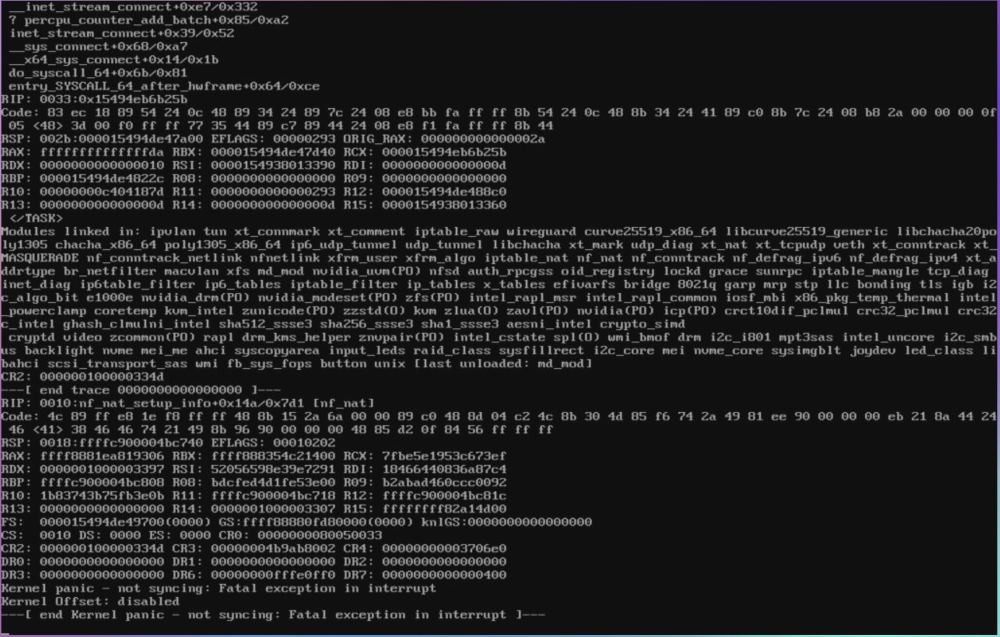
Good evening, I've spent the last couple of months (or longer) trying to troubleshoot this issue with a previously stable system (~6 months uptime, only short because I have been updating/upgrading some components). I am only a low quality cosplayer of a sys admin, so I apologise in advanced for likely missing something obvious. I have performed a number of troubleshooting steps, the last of which was macvlan to ipvlan change on docker networking as I had seen some call trace errors in the logs; but the system then crashed within 24 hours. I have been able to resolve all my issues across three unraid installs, but this one has eluded me. *disappointed hercules* I have tried to look through the diagnostics, but between work and two young kids, my tired brain has not been able to make much sense of it. I had an issue I thought was the source previously with some CRC read errors on two drives that I was near certain were good (as during parity check suddenly read errors across many drives). Cable replacements etc. All stopped when I mounted an 80mm fan to the HBA card (9300-16i) heatsink. The Kernel panic error I only found recently, as the system would hard lock and is under the house. I have a PiKVM (BLIKVM) which would rarely get a video output from the Ryzen system, but does not on the Intel one (see screenshot) where I can see the Kernel Panic error. Hence macvlan to ipvlan change recently, as it had been stable on macvlan previously and I have a Unifi Dream Machine Pro so didn't want to lose the traffic data monitoring. I am reading into the firmware on the HBA card, in case that is on an older version and might need upgrading. Unraid version 6.12.6 but has persisted across all of 6.12.x at least, potentially the later 6.11.x as well. I do have quite a lot of plugins installed, not sure if there's an easy list I can create to add here. Troubleshooting activities latest to oldest: Macvlan to ipvlan docker networking USB replacement (16gb micro Sandisk to 8GB Kanguru Blue) Whole system migration (Ryzen to Intel workstation - details below, as I needed the Ryzen for a third kids PC, and read some users had stability issues with Ryzen) Multiple memory replacements while on Ryzen (including some unregistered ECC, 2x16GB DDR4, 2x32GB DDR4) Unraid verison updates Removing some plugins (System Fan for e.g.) Number of other steps. I do have quite a lot of plugins installed, not sure if there's an easy list I can create to add here. Major hardware components Current: Intel Z640 (BIOS March 2023) Intel® Xeon® CPU E5-2620 v4 32GB 2x16GB ECC Registered USB migrated from Sandisk micro to Kanguru 8GB blue (which I had hoped was the issue) in USB 2.0 port (both systems) 4 port Intel NIC PCIE Nvidia GTX 1050 HP PCIE NVME M2 (Sabrent Rocket 4TB) LSI 9300-16i HBA (IT mode) 12x mixed HDDs from 8TB Iron Wolfs, WD Whites 12TBs, 14-20TB X16-20 EXOs Plenty of fans HDDs are running on separate PSU (1200w Corsair) The rest on HP's PSU Previous Ryzen 3900X MSI B550 Tomahawk 64GB (2x32GB) DDR4 3200 GTX 1050 ti (instead of 1050 above) All else the same. Apologies if I've missed some information, it's getting late (well, early I suppose) here. Appreciate reading the wall of text. Kind regards, Andrew darkstar-diagnostics-20240115-2345.zip
-
I'm having this issue over the past week or so also. No changes to the unRAID system, and Radarr is working fine.



