Skip to content
View in the app

A better way to browse. Learn more.

Unraid

A full-screen app on your home screen with push notifications, badges and more.

To install this app on iOS and iPadOS
  1. Tap the Share icon in Safari
  2. Scroll the menu and tap Add to Home Screen.
  3. Tap Add in the top-right corner.
To install this app on Android
  1. Tap the 3-dot menu (⋮) in the top-right corner of the browser.
  2. Tap Add to Home screen or Install app.
  3. Confirm by tapping Install.

Cowch

Members
  • Joined

  • Last visited

  1. grrr i think it would be something stupid i was over looking. but thank you all for the super fast replies and the help now i feel stupid i see it now. i was looking for the boat lmao
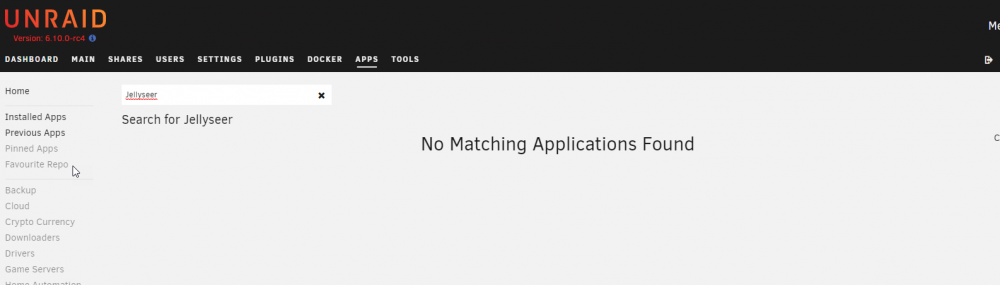
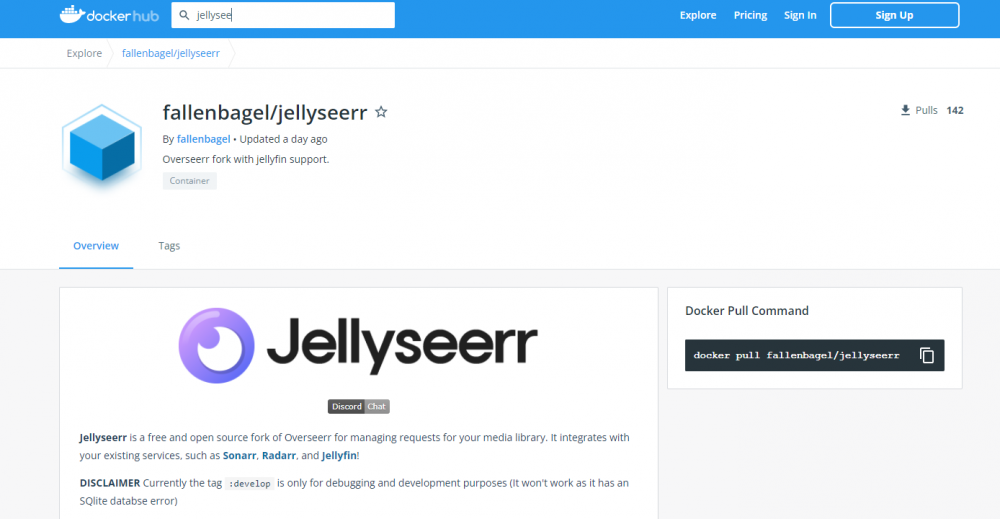
  2. When search for Jellyseer it shows with no results. how ever i know its on docker hub as i have it installed via portainer on another machine but want to go down to 1 main server (unraid) when i search like you suggested i get no result and dockerhub dose not show up like on videos and picture's i have seen
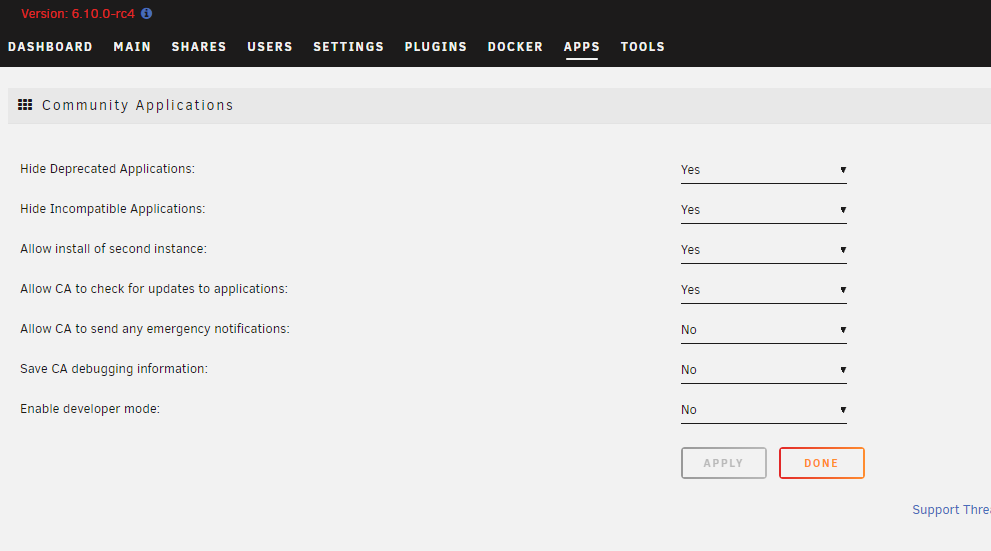
  3. i got a fresh install and i do not see the docker hub option like i am finding all over. what am i missing here.
Account

Navigation

Search

Search

Configure browser push notifications

Chrome (Android)
  1. Tap the lock icon next to the address bar.
  2. Tap Permissions → Notifications.
  3. Adjust your preference.
Chrome (Desktop)
  1. Click the padlock icon in the address bar.
  2. Select Site settings.
  3. Find Notifications and adjust your preference.