z0ki
Members
-
Joined
-
Last visited
-
Has the label issue been fixed yet?
-
Glad I came here before updating - I'll hold off for now.
-
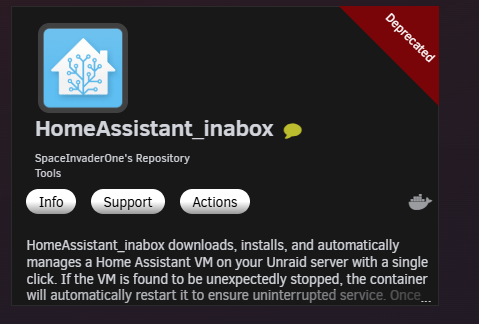
Looks like this one is now deprecated? But it only had an update yesterday?
-
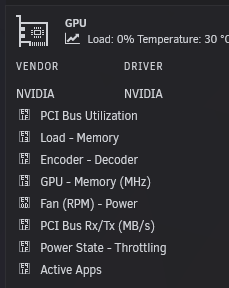
Hey @Victor90 been running this one daily for a while now and it's beautiful. But I am wondering is there a way to fix the GPU plugin icons? As it's the only real missing piece for the dashboard.
-
The old version was a much better no frills plugin....
-
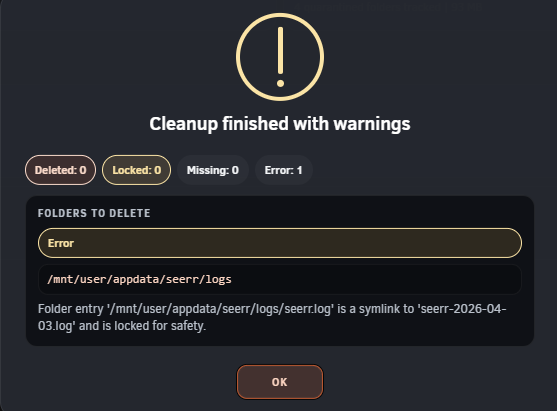
Still getting symlink locked errors
-
One more question that i've noticed. For deleted Lidarr folders they get deleted via the recycling bin option to another directory which are kept there for 7 days. These have no write permissions and I am unable to delete them manually. The folders Lidarr are creating are functioning as normal, but the ones being deleted to another path have no permissions. I do not see anything in Lidarr specifically regarding read/write permissions for deleted folders.
-
Clicking the purge history button then clicking purge completed does nothing. Nothing in that purge history dialog box functions. I need to click Multi-operations then select all then delete them that way. This stopped working a few months ago. Is there a fix or just a bug with the latest container update?
-
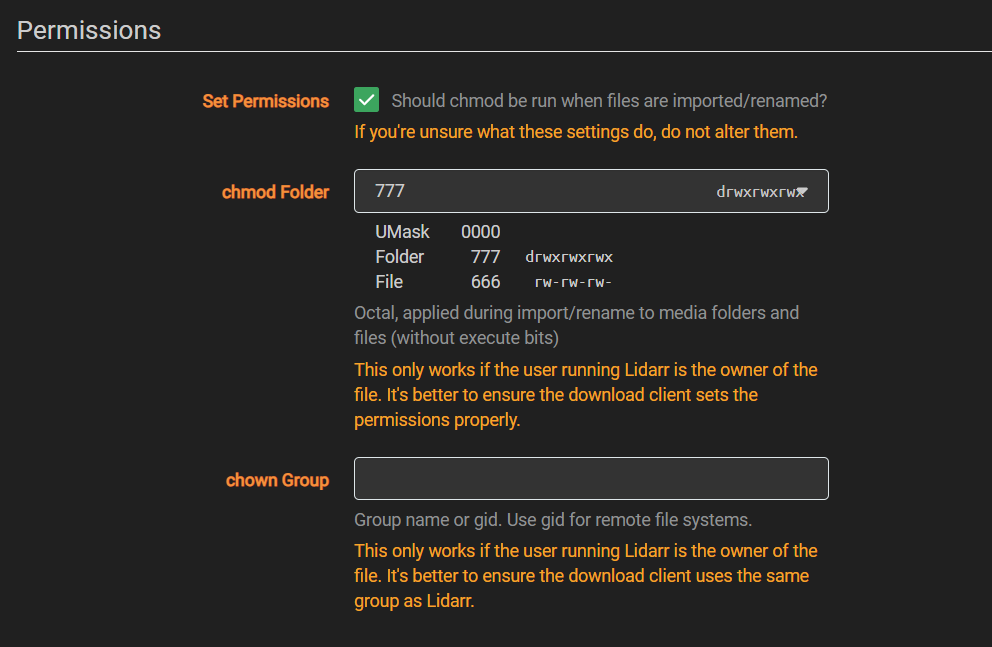
Ha. Yeah i just did it again saved changes got a new artist created via Lidarr and permissions are ok now. I never needed to change this setting in the past. I wonder why it's required now all of a sudden?
-
Would I add this as a variable in the container template?
-
Interesting! I might try and go back to an older linuxserver lidarr version and see if this fixes it.
-
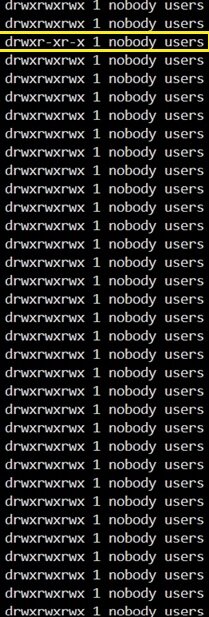
Ok i ran this. As i ran new permissions everything was shown as drwxrwxrwx which is correct. I then added a new artist via Lidarr re-ran the command for the artist directory and that newly created folder shows drwxr-xr-x
-
Here are my diagnostic logs. areslab-diagnostics-20260107-2141.zip
-
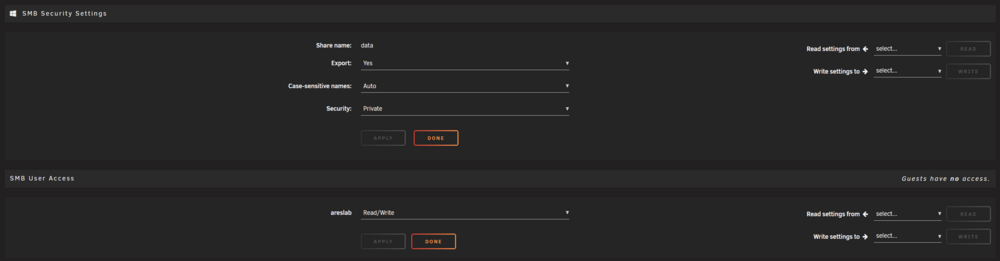
Here are my SMB settings in unraid. Nothing I do allows write permissions on newly created folders from Lidarr.
-
I did try this option, unfortunately it still gave me 'You do not have permission to perform this action' when accessing it via SMB. I can obviously edit/delete the folder and it's contents via Krusader/Terminal. I am just not able to via Windows. All of my other shares are fine. It's just whatever Lidarr creates I no longer have write permissions until I run New Permissions. Then obviously once a new folder/files are created by Lidarr I run into the same problem. It only just started maybe a week or so ago. Only noticed it by accident as I went to edit some music files manually which I do sometimes.