



Skip to content
View in the app

A better way to browse. Learn more.

Unraid

A full-screen app on your home screen with push notifications, badges and more.

To install this app on iOS and iPadOS
  1. Tap the Share icon in Safari
  2. Scroll the menu and tap Add to Home Screen.
  3. Tap Add in the top-right corner.
To install this app on Android
  1. Tap the 3-dot menu (⋮) in the top-right corner of the browser.
  2. Tap Add to Home screen or Install app.
  3. Confirm by tapping Install.

WCA

Members
  • Joined

  • Last visited

  1. I don't think I did, but I spent a lot of hours troubleshooting and basically every time that container went through /mnt/user, shfs crashed. If anyone wants to test it, feel welcome to do it in my place. I don't have time to further troubleshoot this in the coming days. Just sharing what I found. Sorry
  2. After a lot of searching, I gave up. Shfs completely crashes when restarting or stopping the container (95% of the time, sometimes it survives) Temporary workaround: map all the stuff to /mnt/cache/appdata/unifi-server-os instead of /mnt/user/appdata/unifi-server-os.
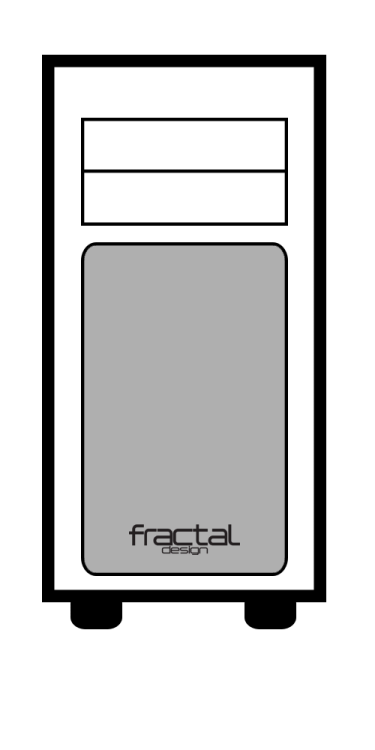
  3. For the Fractal Arc Midi R2, in the same style as the unraid ones
Account

Navigation

Search

Search

Configure browser push notifications

Chrome (Android)
  1. Tap the lock icon next to the address bar.
  2. Tap Permissions → Notifications.
  3. Adjust your preference.
Chrome (Desktop)
  1. Click the padlock icon in the address bar.
  2. Select Site settings.
  3. Find Notifications and adjust your preference.