Teryeah
Members
-
Joined
-
Last visited
Everything posted by Teryeah
-
haha. thanks But here's the result with check in the gui And getting this when trying to mount it:
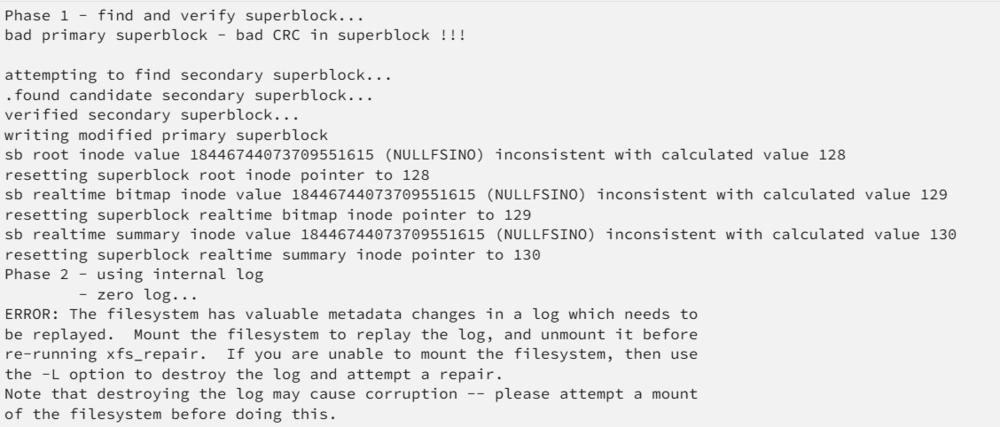

-
When restarted I'm still not able to stop the array..
-
How do i do that? Have already tried to google that ofc
-
I'm not able to run that. since I cant stop the array, I cant start it in maintenance mode..

-
I get this when running xfs_repair. still going..
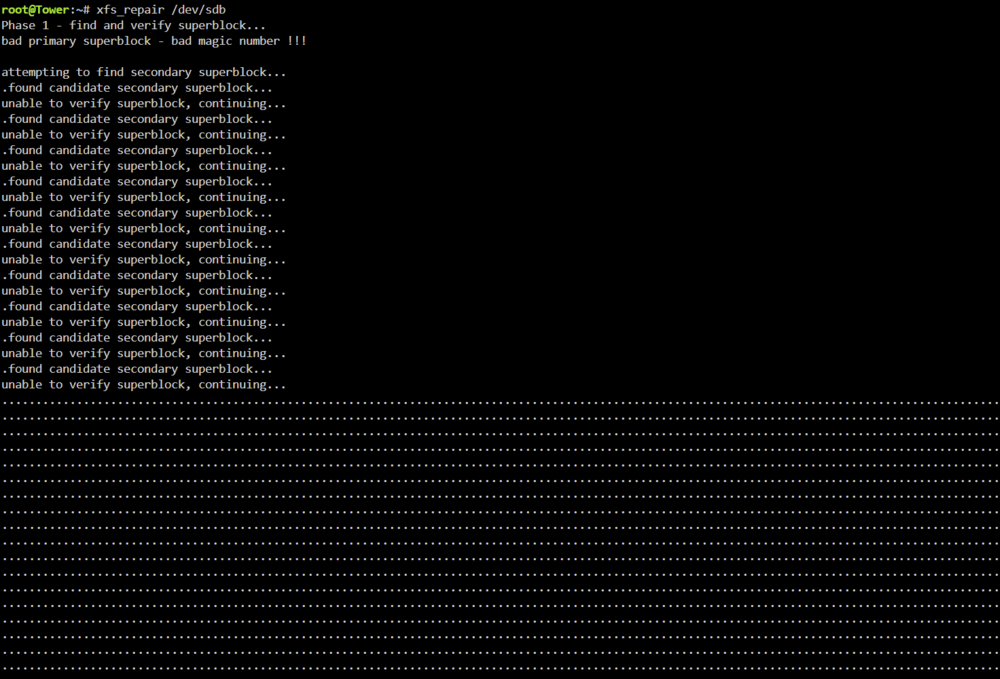 It doesnt states emulated either..Thanks. But how to do it when the disk shows disabled? and I cant stop the array to mount it..I got this. how to fix it?
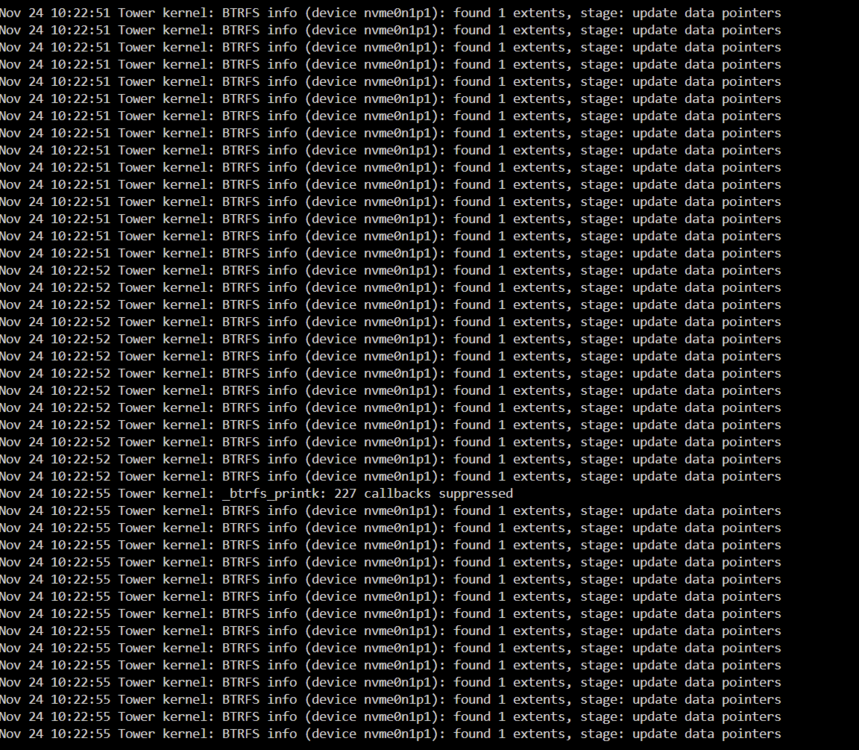
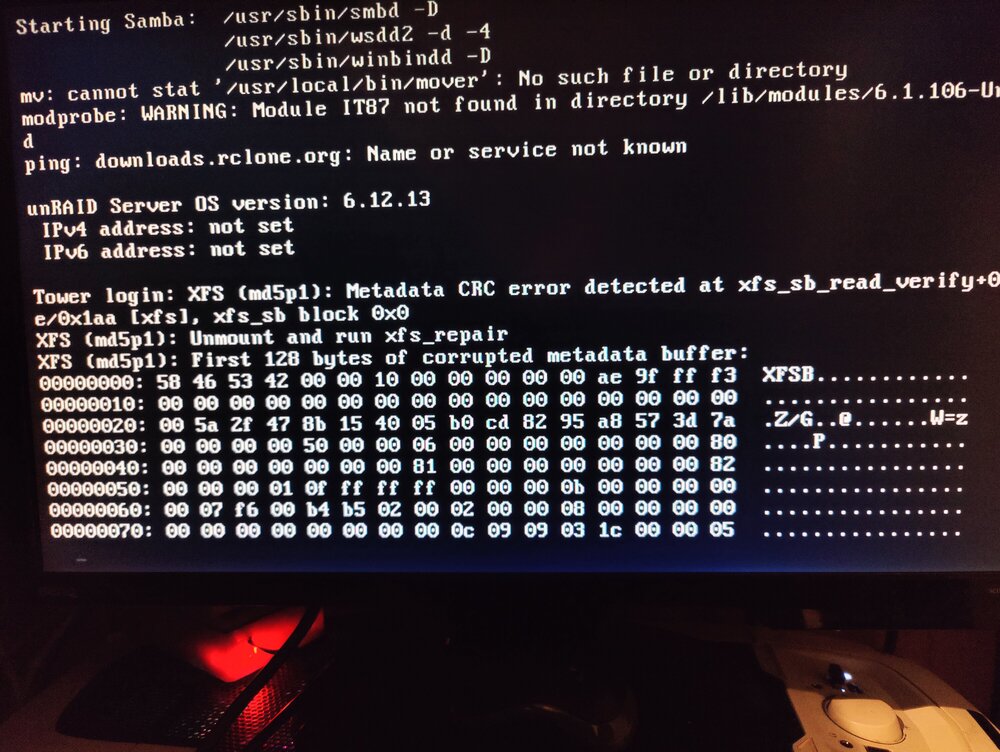 According to the log. issues with one of the cache pool disks.Well. I didnt have much of a choice. since I had a lot of issues. Docker didnt start, and so on..Ok. But is there any way to find out why it got disabled then? I still find the data on the disk 5 If I attach it and boot into ubuntu. But in Unraid it shows unmountable and I need to format it.. SMART status is perfect on both disks. HDD sentinel shows perfect condition..I am running tests on the drives now. with another computer. But will do that when its finished. Some error with superblock on the parity disk, and som xfs error on the Disk 5. I also recently had issues with the cache pool. So I removed one of the disks and checked it for errors. Since I havent been able to stop the array, I havent been able to add that disk back to the cache pool. I guess maybe why the pool cant balance?I have several issues and need some help.. This is the second time these 2 drives has gone disabled. I did manage to rebuild the parity last time. But lost the data on disk 5. How do I know why they got disabled? I cant stop the array. Now its 12 hours since i clicked stop. and it still says "stopping..." And I cant restart when its trying to stop the array.. When I tried to reboot/power yesterday it started the shutdown process but didnt manage to power off.. had to press the power button. I tried to change the flash-drive yesterday, even though the current one shows no issues, but I got an error while trying ot transfer the key. So I wasnt able to start the array.. The log is only filled with these: tower-diagnostics-20241124-1022.zip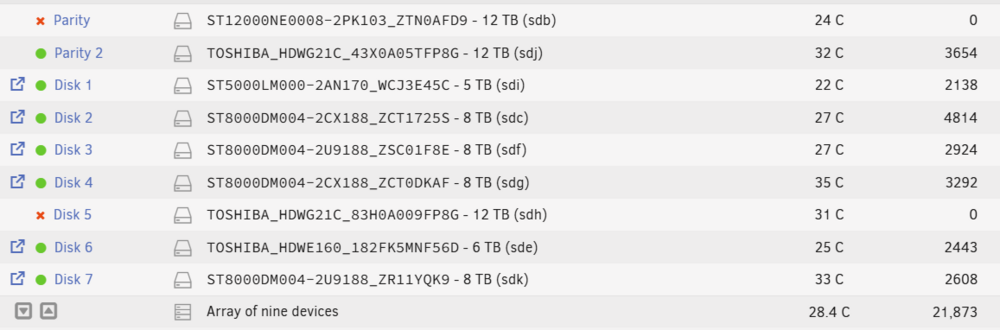
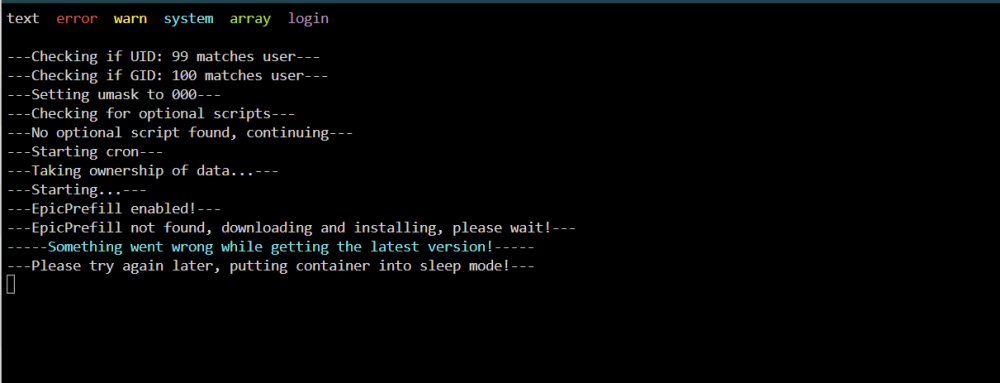
 It did work today. So dunno what the problem was.I'm trying to get the prefill lancache up and running. But it doesnt start and install properly, this is in the log: