





MitchB
Members
-
Joined
-
Last visited
-
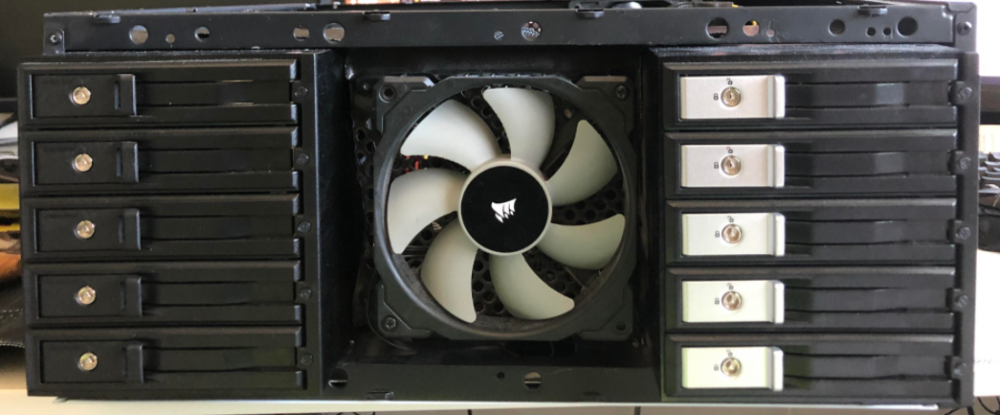
Hello, No movement for years. I'm looking for an answer to this question. Also im a bit of a noob for cluster storage so perhaps im barking up the wrong tree. I have one box currently at 90% capacity on the shares, I don't have any more room for drives on this box. Mid tower that has been heavily modified to support 15 hdd and 5 SSDs. Goal: Build new box with more storage. cluster the extra space. I would like the shares to be the same and have any new data save to the new drives on the second box. Bonus: If possible use the exra cpu and or exra gpu to do some work too. Transcoding. Is this possible or do i need to switch to something like Ceph which is an open-source software built on enterprise OS?
-
I'm currently in the same boat however rebooting the docker and unraid server have not changed the result. The auth file has user3:passwor1:5 eddited with notepad++ I even created a new connection in the connection manager with the same credentials, different ones too. No luck. All apps have been updated to the latest version. Any help would be appreciated.
