






jungle
Members
-
Joined
-
Last visited
Everything posted by jungle
-
I’m here to help - tell me what you need me to do.
-
-
It's ALIIIIVE! Thank you sir Where can I donate to you?
-
The Unit ID is picked up now but the Dashboard still has N/A on everything. Do I need to unblacklist the amdgpu drivers? https://forums.unraid.net/bug-reports/prereleases/unraid-os-version-690-beta35-available-r1125/page/11/
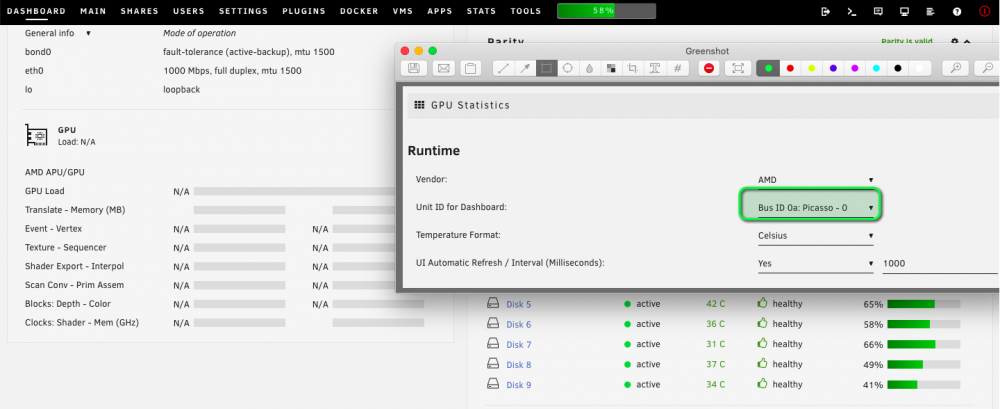
-
root@NASIR:~# lspci | grep VGA 0a:00.0 VGA compatible controller: Advanced Micro Devices, Inc. [AMD/ATI] Picasso (rev c8)
-
@b3rs3rk the drop down still won't work after the update.
-
Hey @b3rs3rk you got it. Drop down doesn't allow any selection.
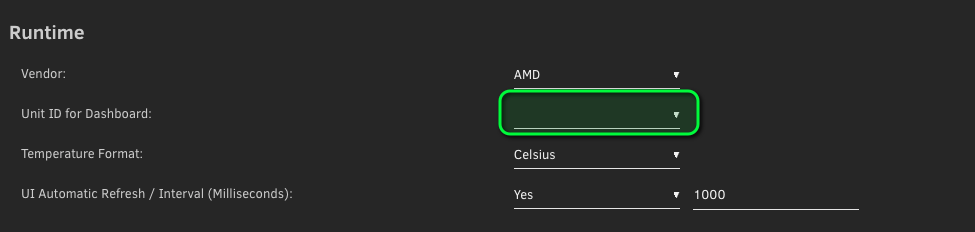
-
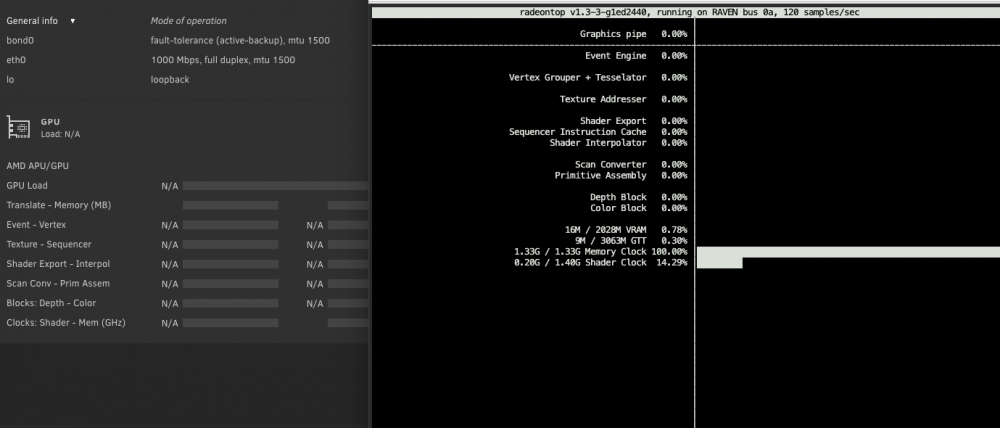
Question. I have a Ryzen 5 3400G APU and I've installed the GPU Stats and Radeon TOP plugins (Radeon TOP installed first) - I can see some activity when in the CLI and running radeontop but there is no activity on the dashboard. Am I missing a step or is this due to the APU?
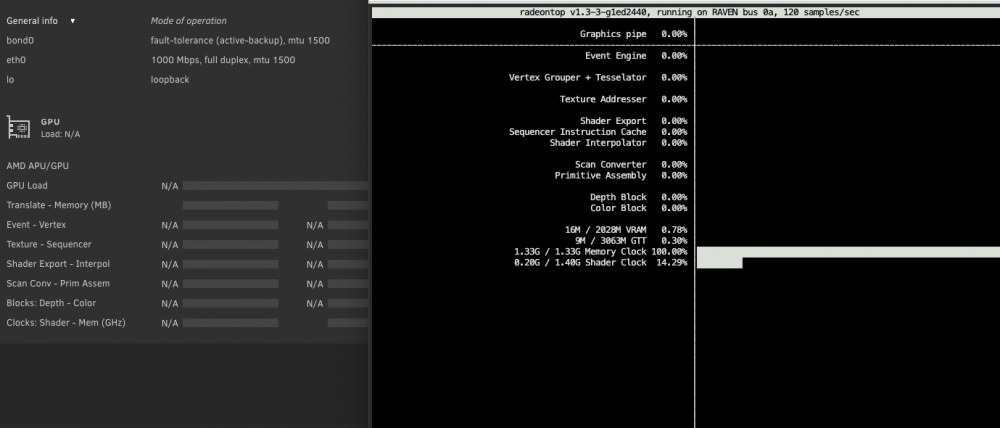
-
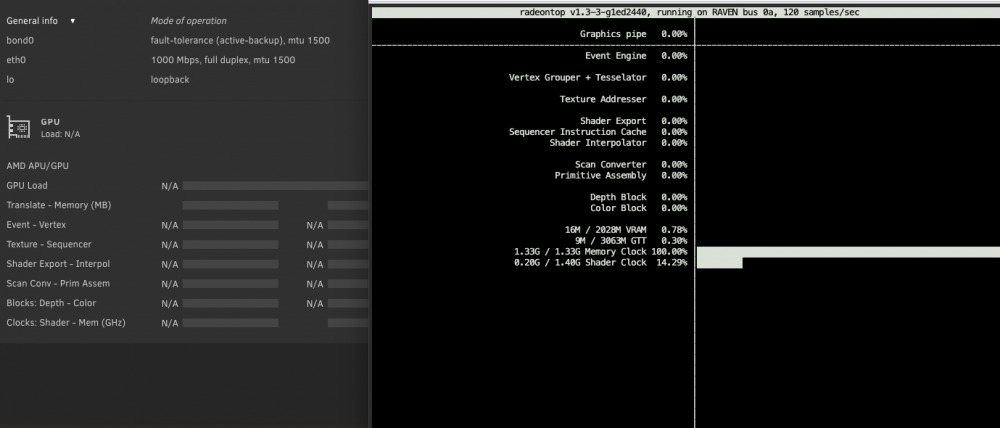
Question. I have a Ryzen 5 3400G APU and I've installed the GPU Stats and Radeon TOP plugins - I can see some activity when in the CLI and running radeontop but there is no activity on the dashboard. Am I missing a step or is this due to the APU?
-
I can't find this under Apps anymore. I'm on beta 35.




