





gr2659
Members
-
Joined
-
Last visited
-
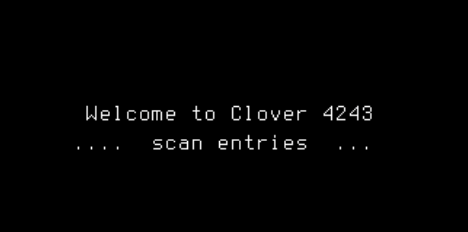
Correct. If I start the VM and immediately start VNC, this is all I see (and it sits here indefinitely): ... And I can't interact with this at all (enter, esc, ctrl+c, etc.) I tried changing the CPU section of the XML but the results are the same. I'll try to rebuild my image without the kexts file, with my OSX key in the XML but it sounds like that's more preference than anything that might fix my issue. Thanks much for the suggestions! ... have any others?
-
So... I've been trying to get this working since the new video came out. I'm running 6.4.0-rc9f, Latest High Sierra from the App Store, latest Clover (4243) and I've tried Q35-2.9 and 2.10. I'm following the video instructions verbatim (including copying the FakeSMC.kext into my image). Should I NOT be using the FakeSMC.kext at this point? If not, what should I be doing with my XML or config.plist instead? At this point, when I start my VM I see "Welcome to Clover 4243 .... scan entries ...." and it hangs. I am using a Ryzen 1700x if that matters. Just trying a plain install, access via VNC, no GPU passthrough or anything crazy at this point. Any thoughts on how to get past this? Thanks in advance!!
