Fuwo
Members
-
Joined
-
Last visited
-
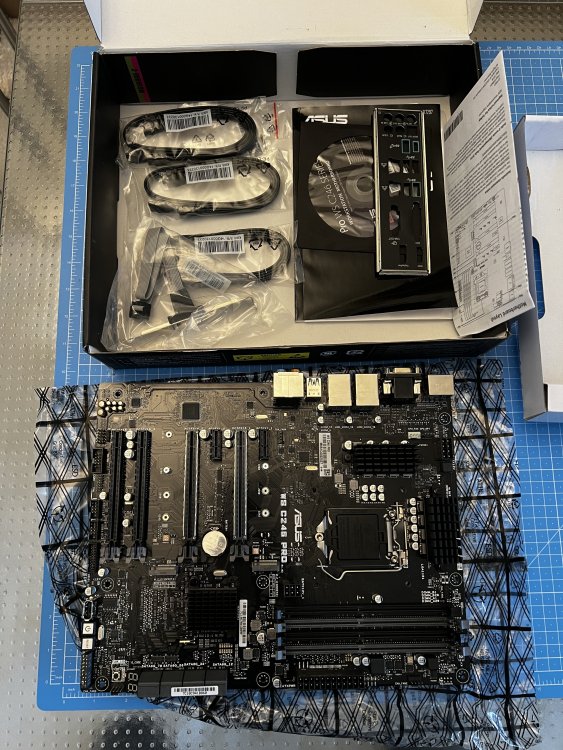
After a upgrade to a newer Intel generation I now have my Asus WS C246 PRO Motherboard left. It ran without problems with an i5 9500 and 32 GB of RAM (4x8 Corsair Vengeance LPX) The onBoard USB Socket was great for the unRaid USB-Drive. Geizhals Website for technical specifications: https://geizhals.de/asus-ws-c246-pro-90sw00g0-m0eay0-a1857698.html Price is 200€ + shipping of your choice, payable by bank transfer. If you wish, you can also buy the Motherboard through Kleinanzeigen or eBay: Kleinanzeigen: https://www.kleinanzeigen.de/s-anzeige/asus-ws-c246-pro-workstation-motherboard/2656107075-225-6832 eBay: https://www.ebay.de/itm/325973309785 Da es sich um einen Privatverkauf handelt, gibt es keine Rücknahme, Garantie oder Gewährleistung. As I'm a private seller I exclude any and all liability for material defects. This sale is made under exclusion of any warranty or returns.
-
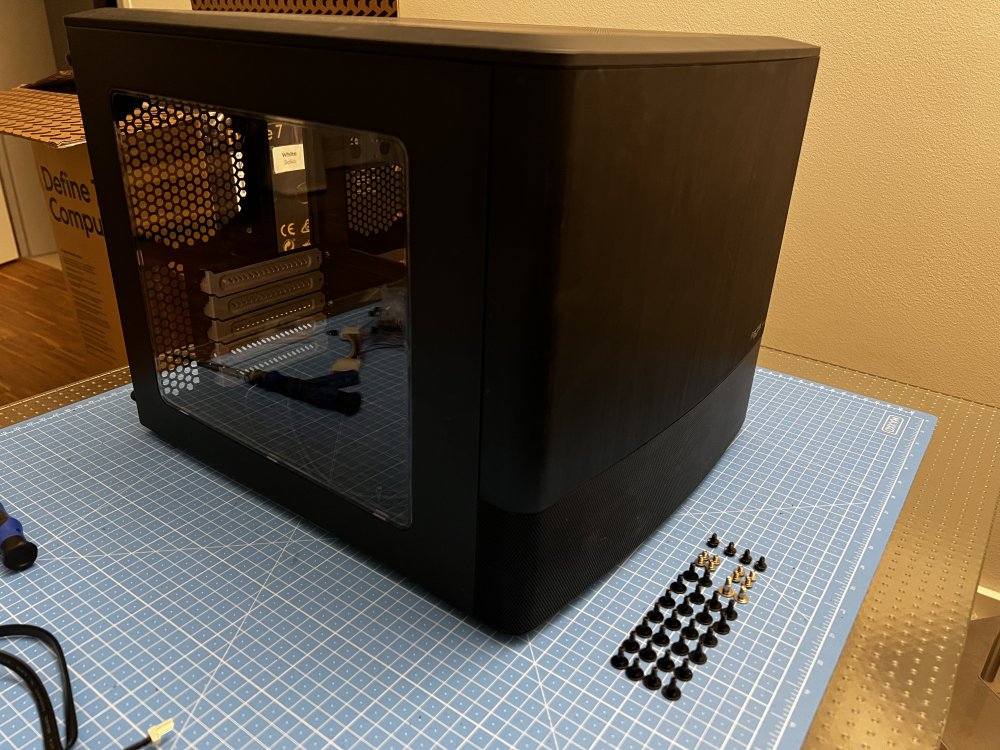
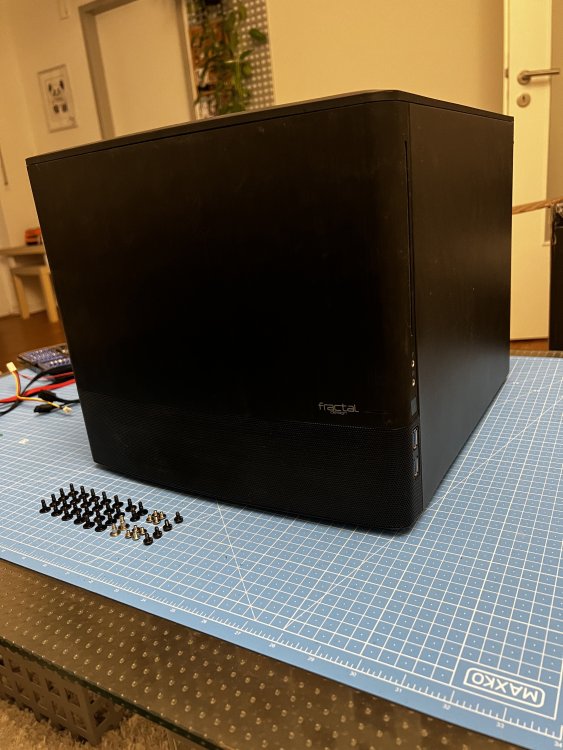
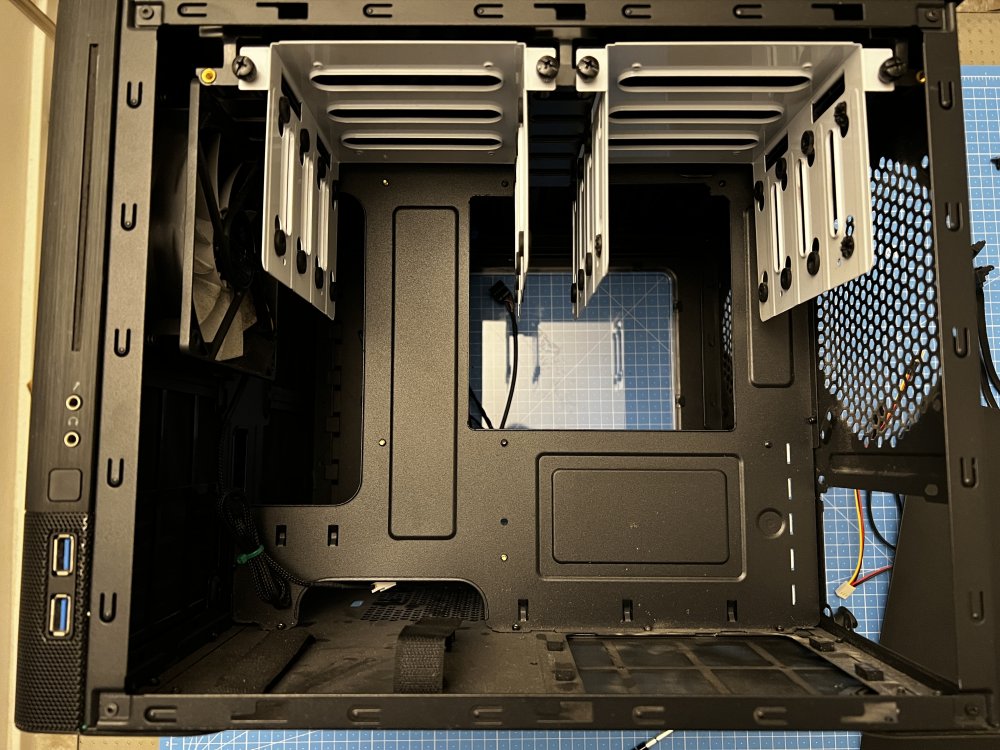
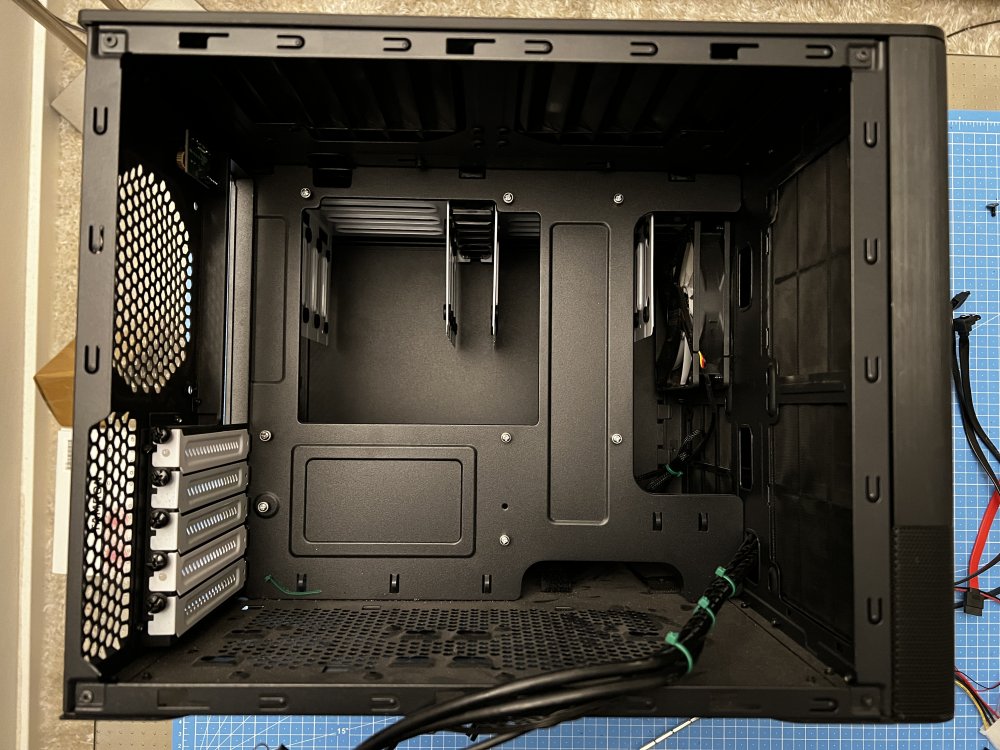
On the off chance that someone close by is on the lookout for a Case for a small-ish unRaid build, after moving my HW into an FD Definde 7 I have my Node 804 left. Due to the lack of packaging only pickup in Nürnberg is possible. - Node 804 - mATX Standoff + screws - 7 Sets HDD Mount screws - 2 Sets SSD Mount screws - 4 screws to mount the power supply As for the price, just make an offer