Allesanddro
Members
-
Joined
-
Last visited
-
/var/log but the system is rebooted once a week so it will be fine
-
ye all good but thanks for helping with the cache issue
-
its a 16 digit i would actually disable root login and just use ssh keys like i do for everything else but unraid sadly needs root login to be enabled
-
will never get bruteforced ^^
-
Well only ssh is exposed web is done via reverse proxy on a different host in the network
-
I know I have ~4k logins daily ^^ planned anyway to use fail2ban https://www.abuseipdb.com/user/13641
-
they were deleted them on disk1
-
tower-diagnostics-20230108-2104.zip
-
Now its working, I wanted to hear back before I do anything and yes it is exposed but with a strong enough password secured
-
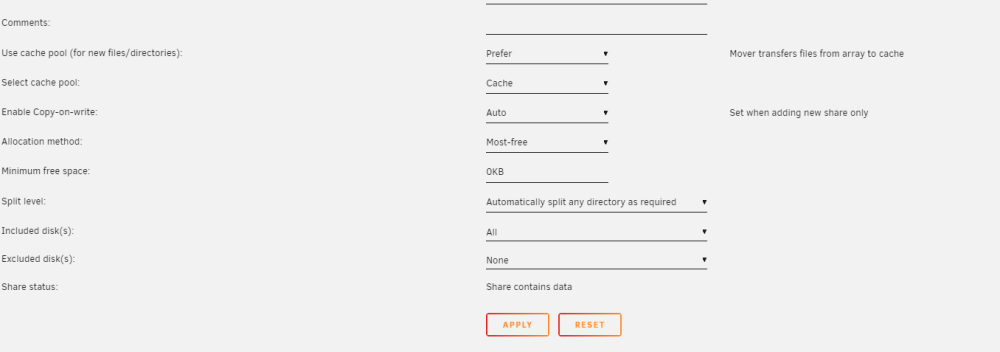
So this would be the correct config? tower-diagnostics-20230108-2004.zip

-
tower-diagnostics-20230108-1941.zip will try
-
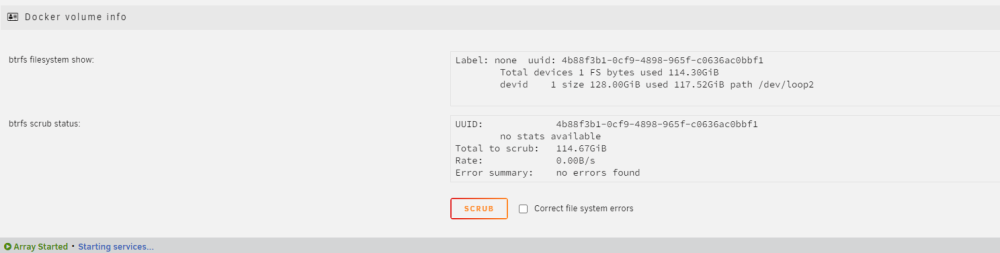
Hello, I've been trying to find a way to "recache" files again but I couldn't really find anything about it. Basically I have lancache running in a VM before I had Unraid and im to "newbie" to migrate my current instance to the docker version from the app"store" so I just implemented my existing VM in Unraid, the issue is that the mover moved the files to the array and now I've been getting really slow performance because my parity drive is a HDD (yes reconstruct write is enabled). If ya need more Information let me now thanks in advance.