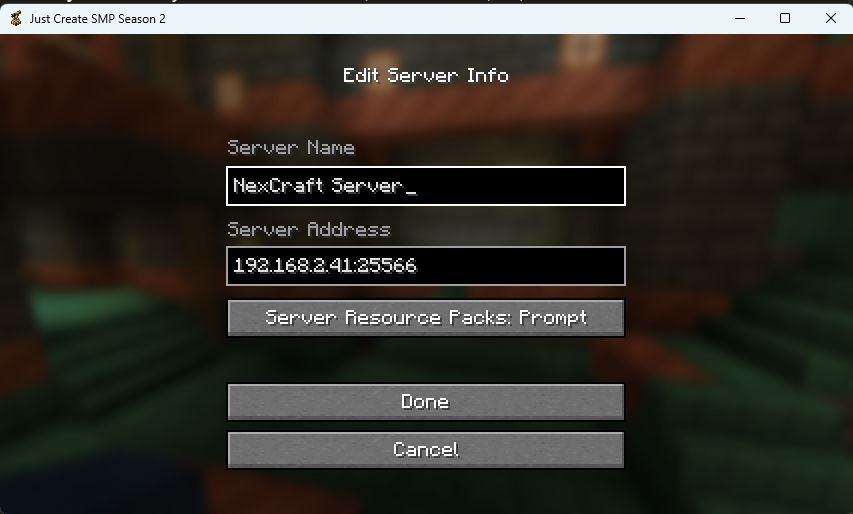
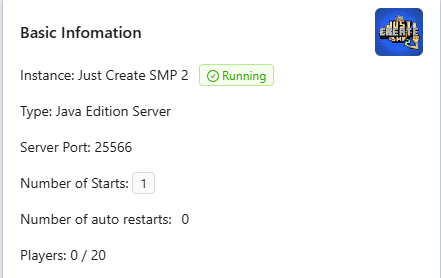
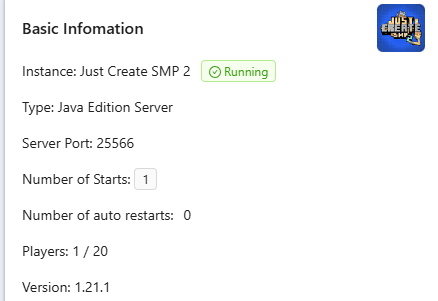
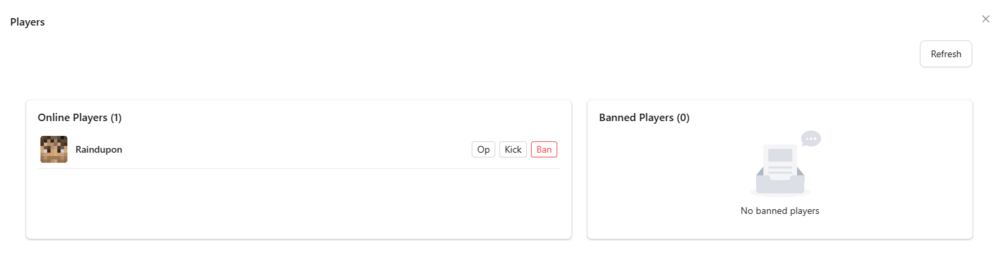
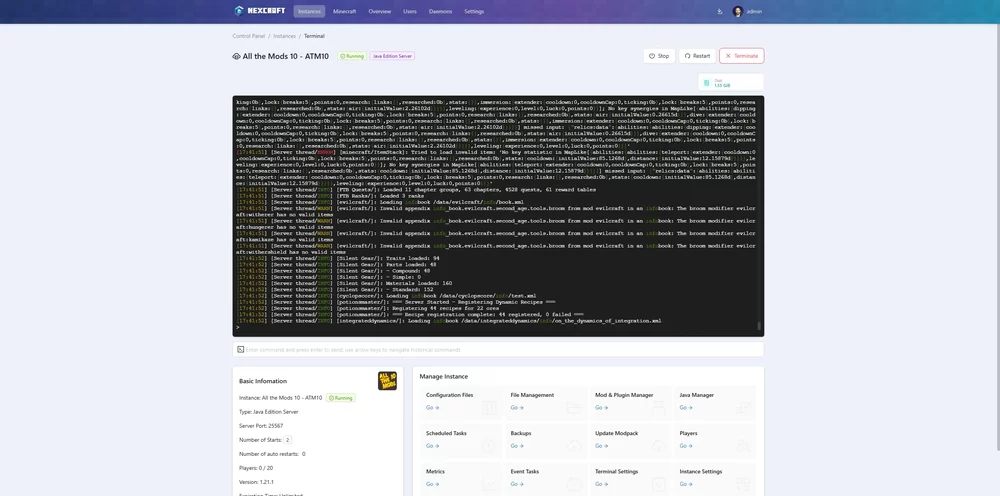
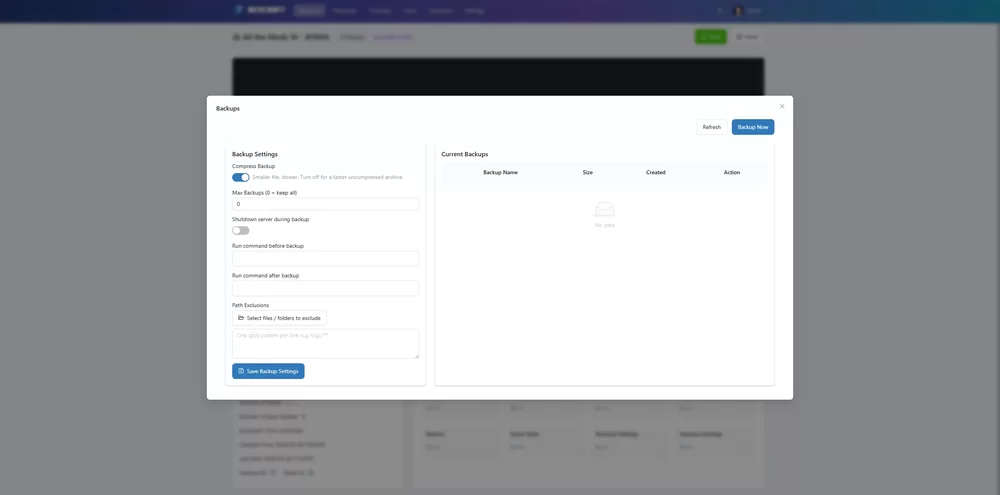
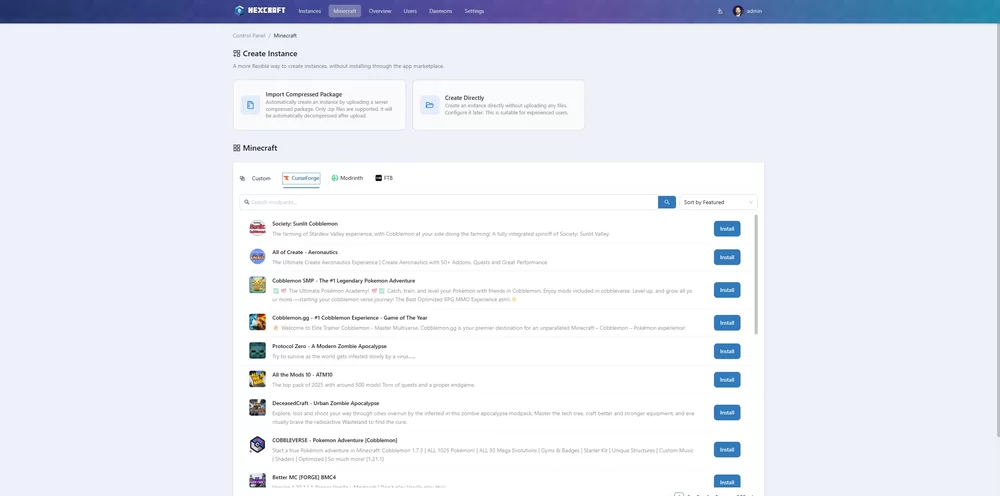
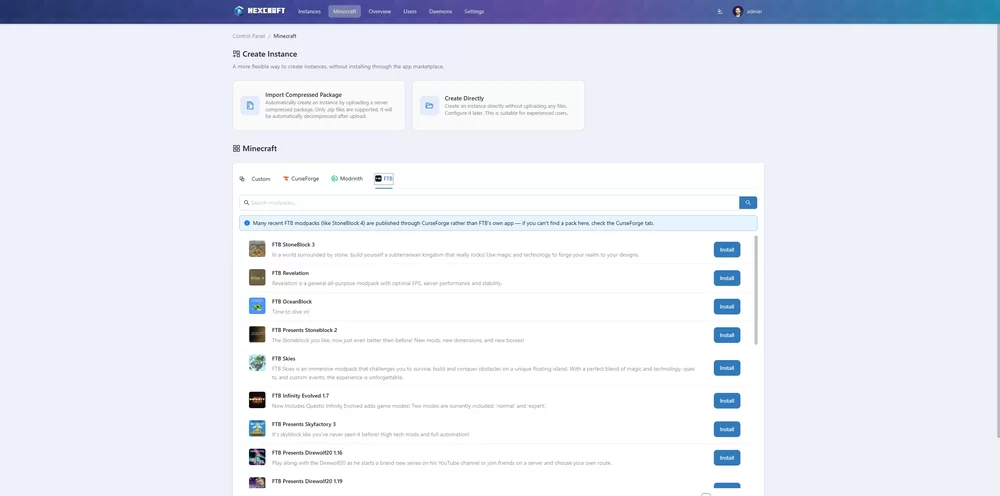
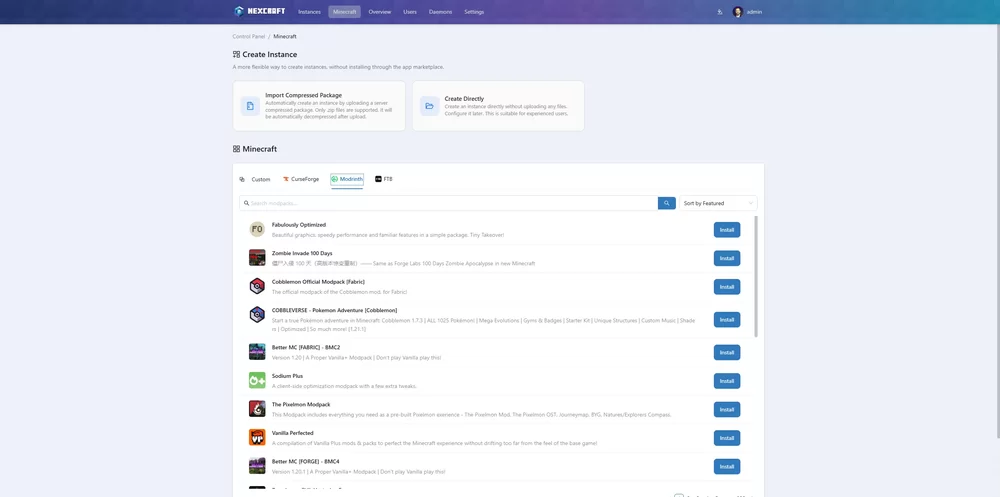
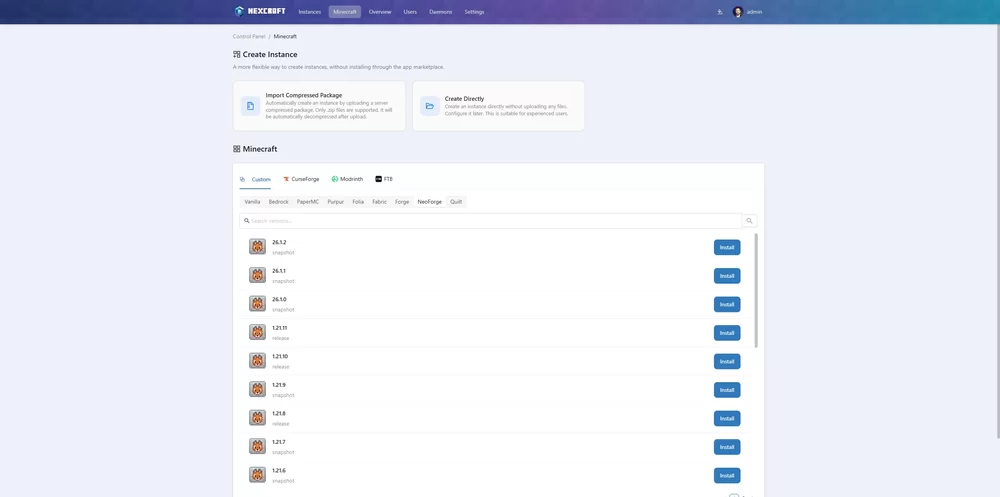
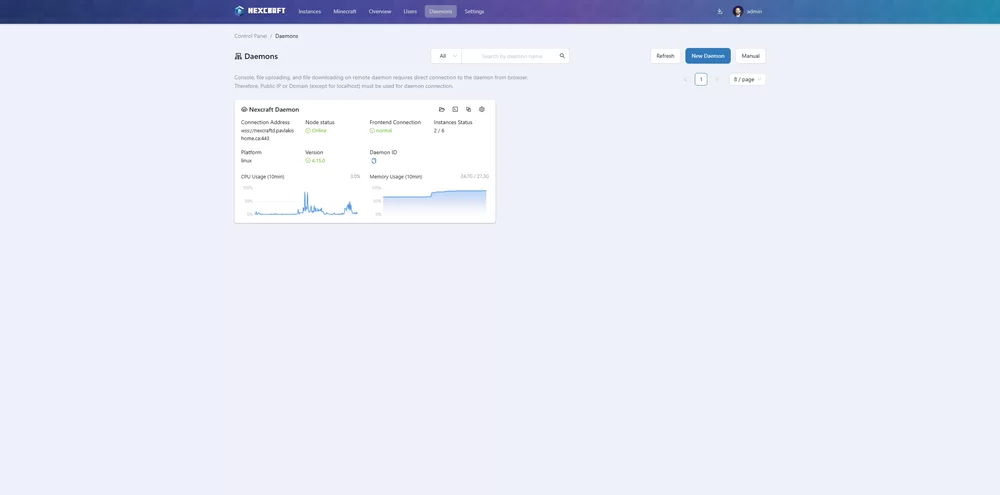
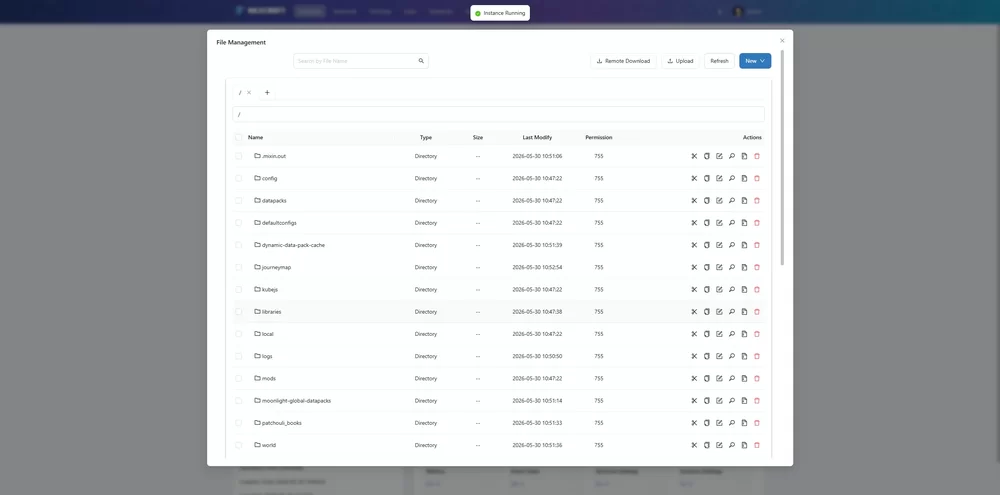
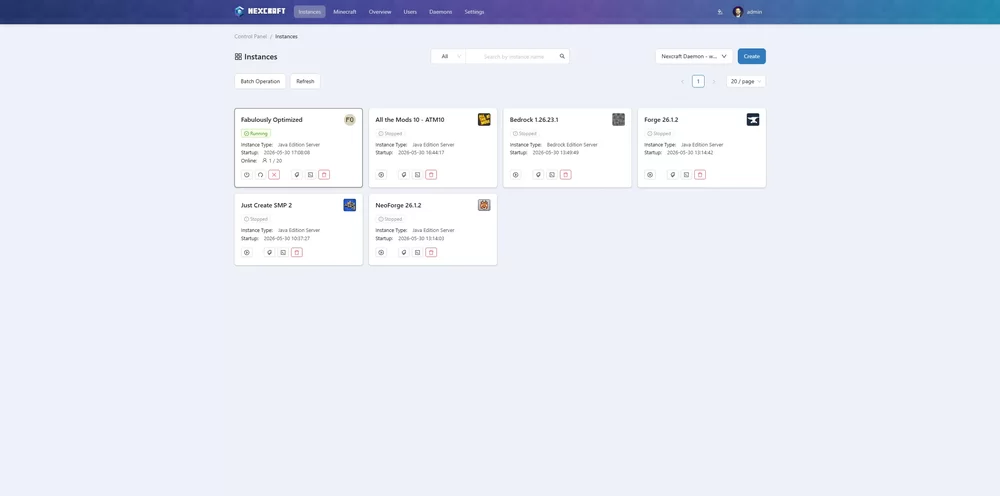
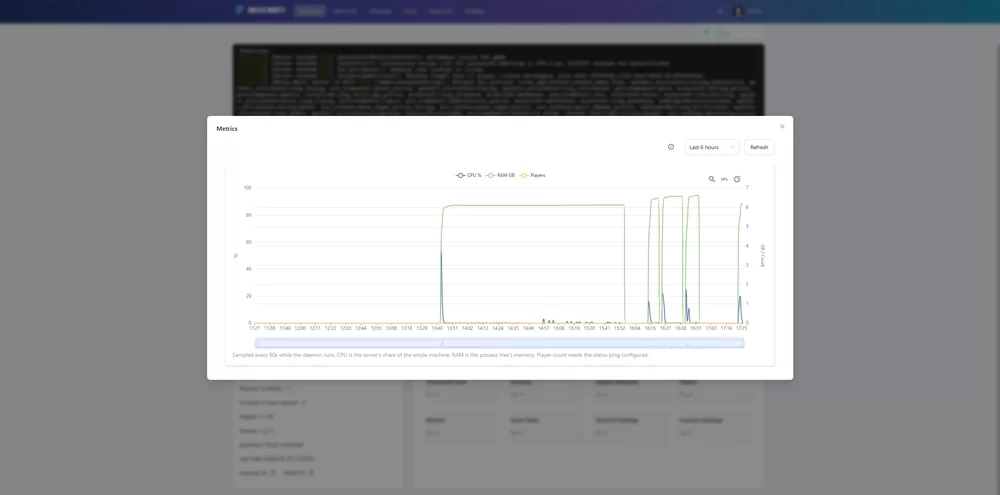
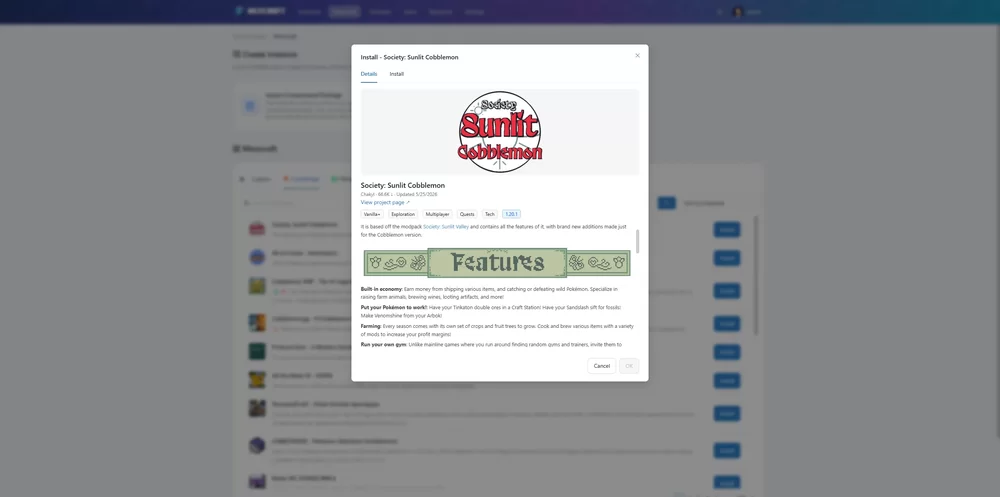
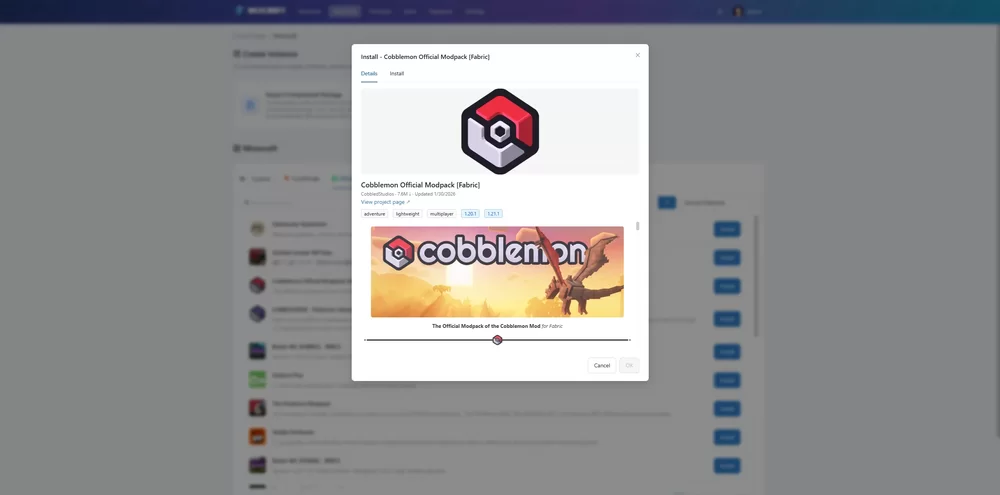
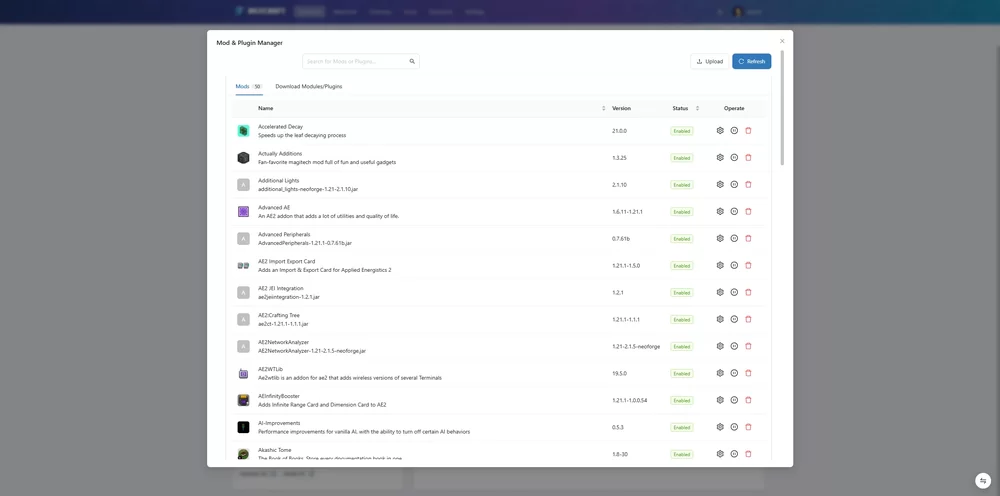
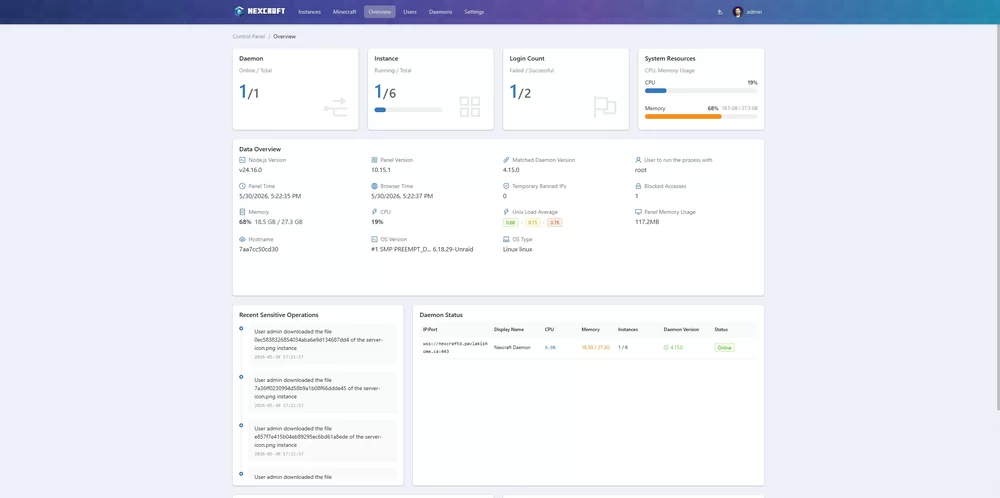
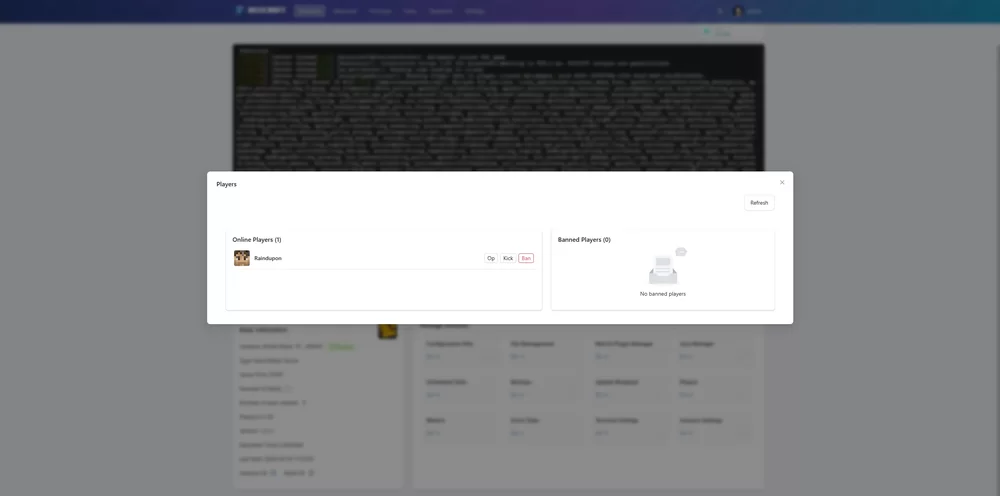
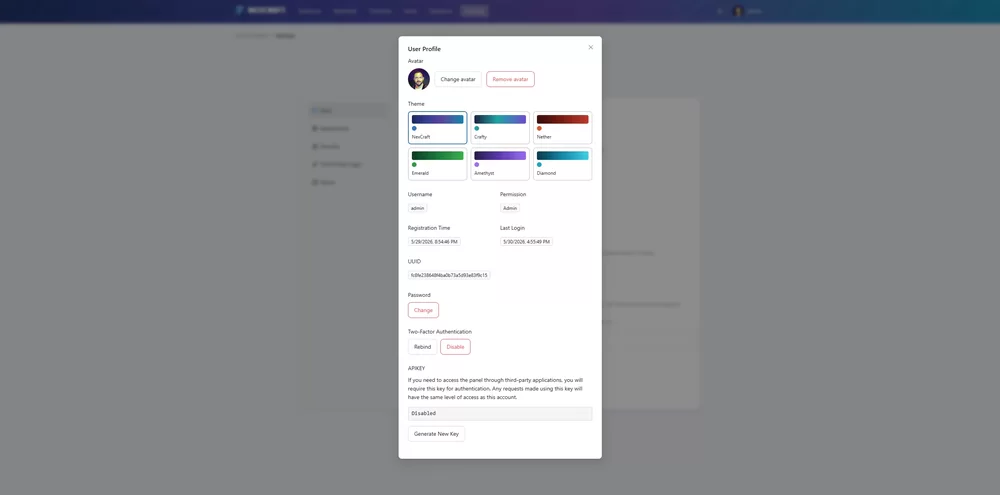
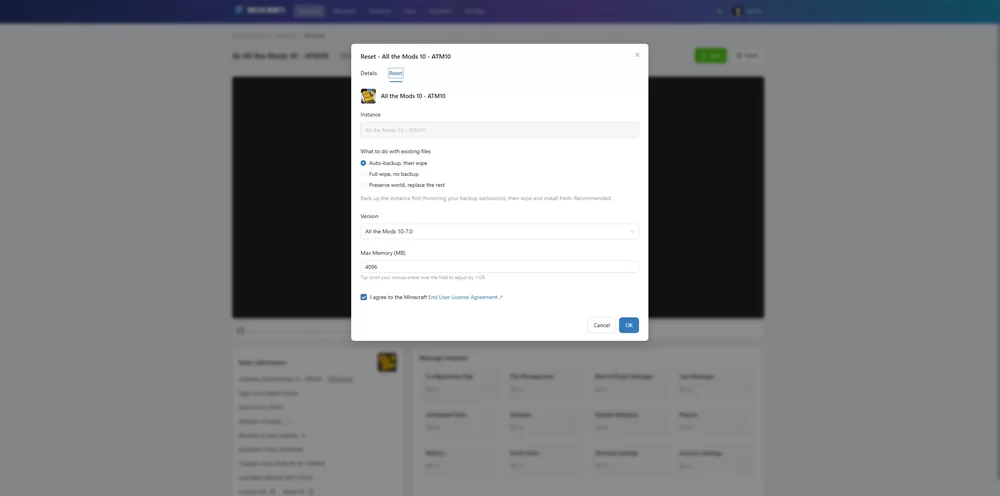
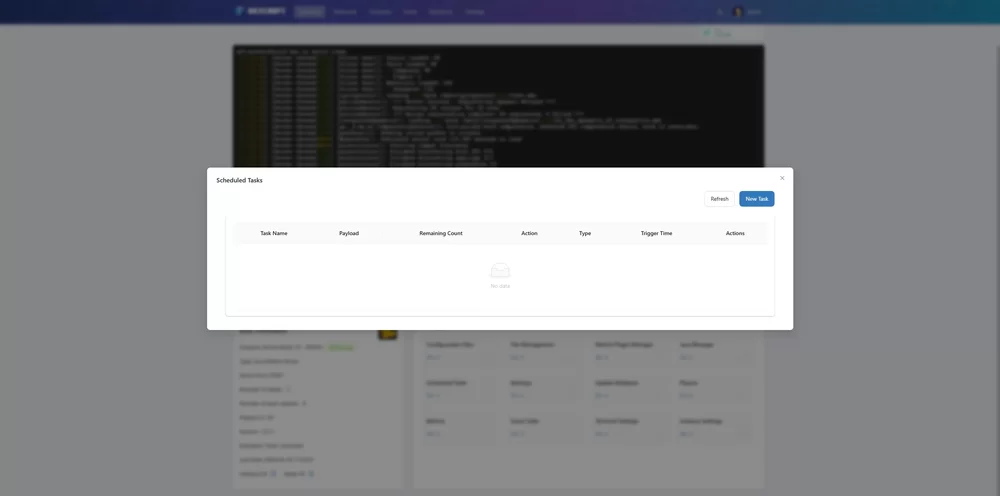
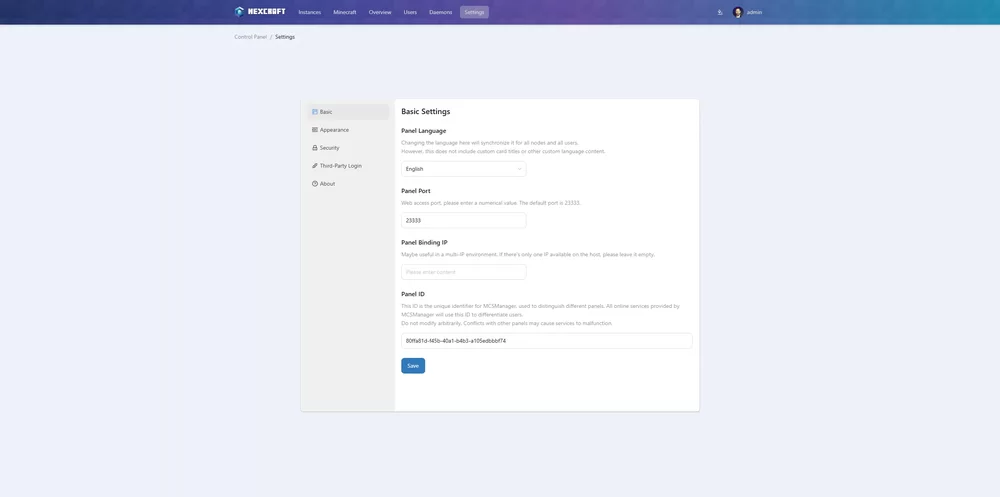
Hey all, I want to share something i been working on: NexCraft (it sounded cool), a self-hosted web panel for running Minecraft servers, with a Prism Launcher-style modpack browser built in. Why I built it It started with my kids. I wanted a simple way to spin up and manage Minecraft servers for them: pick a modpack, click install, get a running server. No more hunting for server files, staring at a Java error wondering what it means, or asking why the thing just won't work. I loved the look and feel of MCSManager. After playing with it, I tried to back up a server and couldn't find an easy way to do it. I searched the web and found it meant using a script, tried to get it to run inside the container (which it did but not well), and then realizing it never created a zip. A lot of pain and trial and error. I have a Claude Max plan through work, so I took a crack at adding backups myself. From there the "you know what would be cool" factor took over, and that's how we got here (which includes a GitHub and a bunch of stuff). I know plenty of people are against using AI for this kind of thing. For me it came down to a simple trade: I knew what I wanted but didn't have the skills to build it, and between work, family, and life I had no time to teach myself. So I used AI. It makes my life easier. My kids and I can jump into any modpack they saw on YouTube and play together, without the complexity. What it does now Modpack browser: search and install from CurseForge, Modrinth, and FTB in one click. Custom builder: Vanilla, Paper, Purpur, Folia, Fabric, Forge, NeoForge, Quilt, plus Bedrock, with live version lists. (Who knew there were so many.) Per-instance update: move a pack to a newer version, with an automatic backup that keeps your world. Reset and reinstall from the same builder. Auto-Java: grabs the right JRE per pack, so you stop hitting a wall of errors. Auto-Port management: gives each instance its own free server port for both Java and Bedrock, so your servers never fight over the same one. Backups: manual and scheduled, with restore. (This started all of this.) Players over RCON, live CPU/RAM/player metrics, MOTD editor, server icon, autostart delay, shutdown timeout. (screenshots below) How to try it on Unraid NexCraft runs as two containers: a Web panel and a Daemon. The daemon runs the servers, the panel is the dashboard. Restart or update the panel and your running servers stay up. Public images on GHCR: ghcr.io/dpavlakis/nexcraft-web ghcr.io/dpavlakis/nexcraft-daemon 1. Add the templates. They aren't on Community Applications, so grab them from the repo. Open a terminal on your Unraid box and run: cd /boot/config/plugins/dockerMan/templates-user/
wget -O nexcraft-web.xml https://raw.githubusercontent.com/Dpavlakis/NexCraft/main/unraid/nexcraft-web.xml
wget -O nexcraft-daemon.xml https://raw.githubusercontent.com/Dpavlakis/NexCraft/main/unraid/nexcraft-daemon.xml
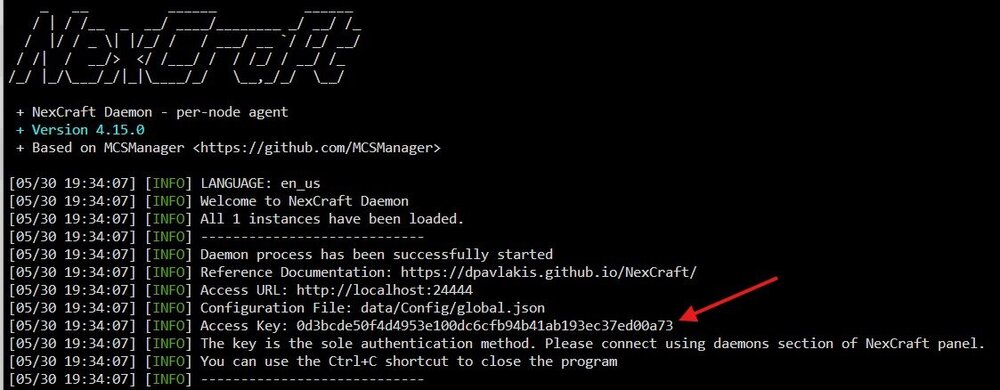
2. Add the containers from the template. In the Unraid web UI, open the Docker tab and click Add Container. Open the Template dropdown at the top and pick NexCraft-Daemon under User templates. The image and paths come pre-filled, so review them and click Apply. Unraid pulls the image and starts it. Do the daemon first, then repeat for NexCraft-Web. 3. First-time setup. Open the panel at :23333 and create your admin account. Then add the daemon node at :24444 using the access key from the daemon's logs. In Unraid, click the daemon container and choose Logs, then copy the value on the Access Key: Long Number Links GitHub: https://github.com/Dpavlakis/NexCraft Docs: https://dpavlakis.github.io/NexCraft/ Issues and feedback: https://github.com/Dpavlakis/NexCraft/issues Credits NexCraft is built on the open-source MCSManager panel. Thanks to the MCSManager team and contributors for the foundation. I am No way taking away from them or the work they put in and without them this wouldn't exist I built this for my own family. I'm sharing it in case it helps yours. Support is best-effort and honestly i am tinkering with it the layouts the look and feel and so on, hopefully it can help some other dads out there! I am open to feedback and features you think would be a "cool" addition. Thanks for reading.