





onkelblubb
Members
-
Joined
-
Last visited
-
So i was able to fix it. Disconnect any device (no usb stick oder nvme or sata drive) Deactivate secure boot is now possible (IT WORKS!) Restart USB Boot is now with UEFI possible If you want also to clean secure boot, i was need to update back to newest version of bios and clear tpm and secure boot clear the secure boot is back to setup mode . Thanks Gigabyte for this buggy implementation.
-
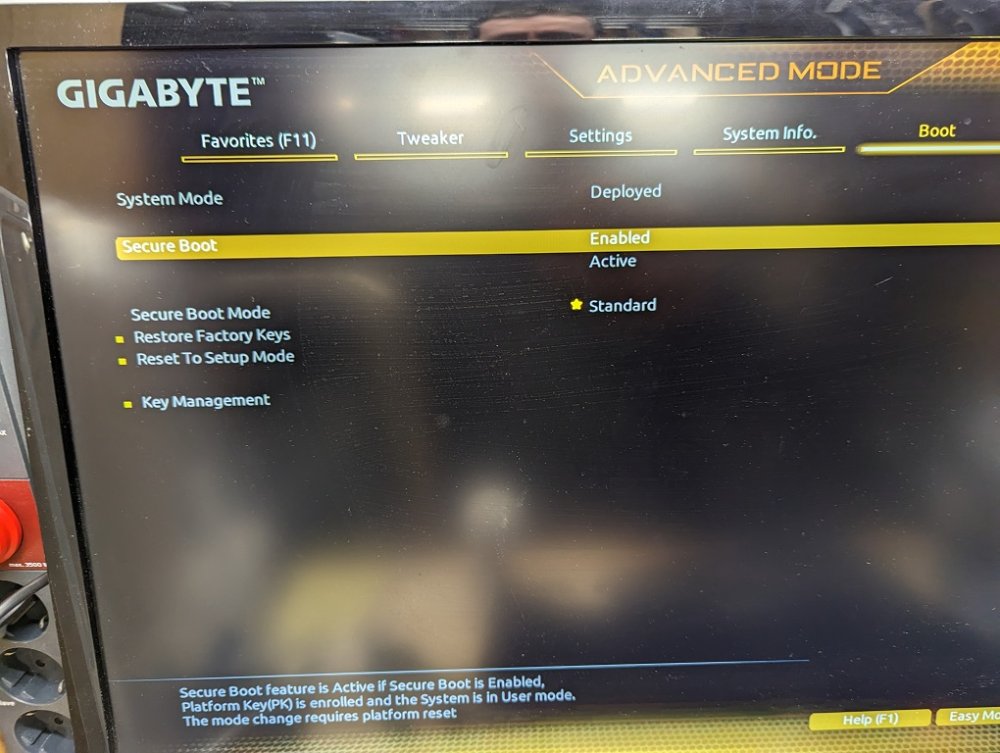
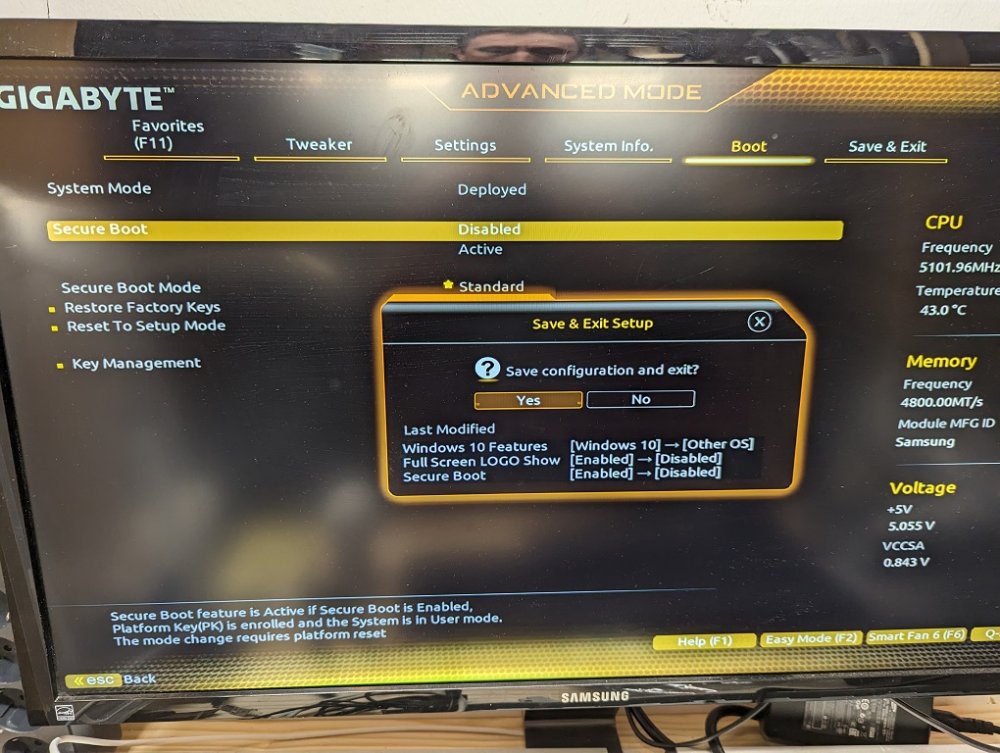
I was nearly an hour to test every option activate an deactivate secure boot, tpm and ttp. Nothing works. I flashed back to F21 Bios (before this "enhanced security boot" releasenote comes) and nothing changed. I testet a fresh new stick with unraid, and also signature issue. If i go to bios deactivate secure boot, it comes directly after save and boot up again. I open an reguest to Gigabyte to clearify why its not possible to deactivate secure boot. (i order in next minutes an asus board, i found a few z690 unraid guys but alway with asus boards). Other ideas?
-
Ok, maybe i found issue behind CSM issue. I will dry with the dedicated gpu, but UEFI issue will still exist after CSM will work proberly. Found this : "you can't enable legacy compatibility mode (CSM) on this motherboard if you are using the iGPU - I guess something about it prevents you. Essentially you need a GPU card if you want to support legacy compatibility mode."
-
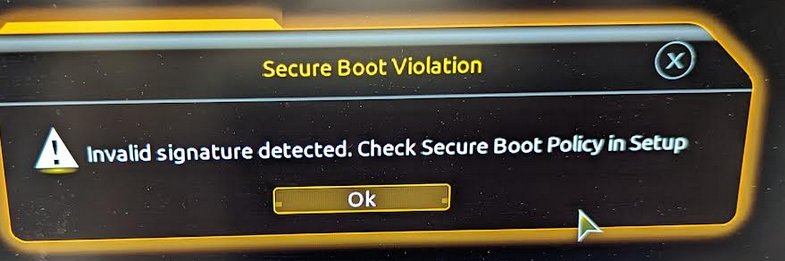
Hello, after an Hardware change my Unraid will not boot. Old System: x570 Gigabyte Gaming X Mainboard is an Gigabyte z690 Gaming X latest F23b Intel 13600k CPU with onboard GPU Bios Settings UEFI Boot Settings Harddisk Legacy Secure Boot "off" VT-D / Virtual "on" USB Legacy "on" If i activate CMS Bios dry it but comes back with UEFI and and this erros Signature error. If i dry to deactivate secure boot also not work. EFI Ordner on Stick was renamed with to EFI instead of "EFI-". UEFI the Stick is in view an dry to boot but following errors comes up: · Secure Boot Violation · “invalid signature detected. Check Secure Boot Policy in Setup” If on intels IGPU CSM not more working? Very frustrating situation. Any Ideas?
-
Redis volume path "/data" <-> "/mnt/user/appdata/redis/data" thats works for me: (my Nextcloud config.php) 'memcache.local' => '\\OC\\Memcache\\APCu', 'memcache.distributed' => '\\OC\\Memcache\\Redis', 'memcache.locking' => '\\OC\\\Memcache\\Redis', 'redis' => [ 'host' => 'redis-host.example.com', 'port' => 6379, ], Br



