Faruz
Members
-
Joined
-
Last visited
-
Thank you for replying. I was able to get on the internet and install my basic license key. So, for me not installing the 2TB drive, when I started the array, it shows the 2TB drive missing and shows that there was 14GB of the 2TB used. If I do a new config, will I lose the data currently on my other drives?
-
Hi All, Fairly new to Unraid. I've been running it for about 2 years. I had to change my motherboard on my Unraid server. The new motherboard I'm trying to use only has 4 SATA ports instead of 5 on the old motherboard. So, I'm unable to use one of my drives that was in the nas. On the old motherboard I had a 500gb cache drive plugged into SATA port 1, a 10TB (parity drive) in SATA 0, a 2TB in SATA 2, and 2 4TB drives in SATA 4 & 5. As I said, since the new motherboard only has 4 SATA, I will use the 500gb cache in SATA 1, the 10TB (parity drive) in SATA 0 and I will use the two 4 TB drives plugged into SATA 2 & 3. I will eliminate the 2TB drive. I redid my flash drive with a backup I made from the old NAS using the same usb drive I was using to boot in the old motherboard. This USB drive has my license that I purchased. I booted from this with the new motherboard into unraid with gui but it is telling me that I can't connect to the internet with a trial version, so unable to start my array. I'm not sure why it is saying I have a trial version. My first question is, with a change in drive setup (quantity of drives and drives plugged into different SATA ports), will my NAS work (all my data be the same) with the current configuration? Will it be able to adjust to the new setup while still being to access my data? 2nd question, is with the internet error. Is that because of the different set up or another issue. Reluctantly, if I have to, I can rebuild the entire thing from scratch, like it was new with the current configuration, but I would like to prevent that and lose data. Any help would be GREATLY appreciated!! Sorry if this confusing sounding.
-
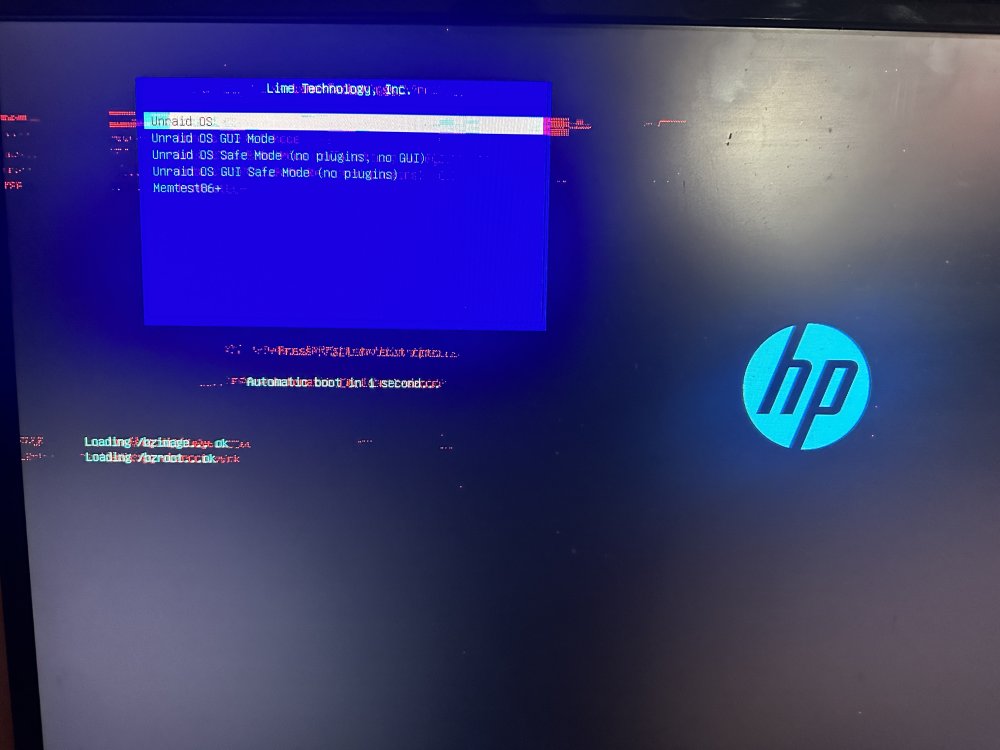
Really? Ok. I can try that. I just made a new flash usb from my back up. I rebooted and it went to the screen selection (picture included) but then it froze up again. I will see if I can replace the memory and see if that resolves anything. Thanks!
-
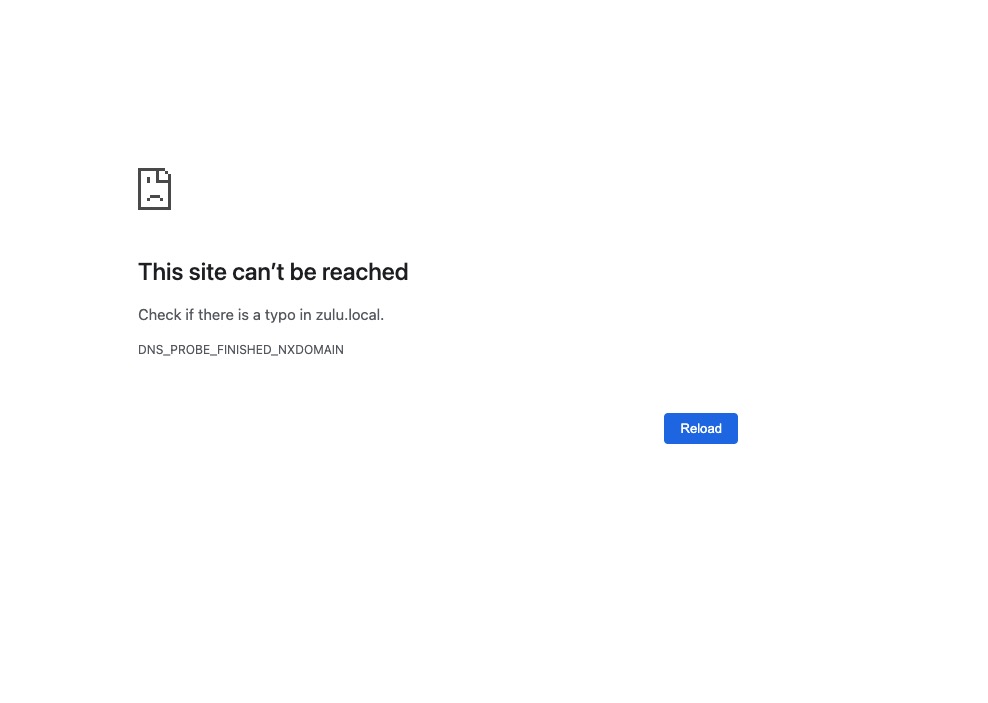
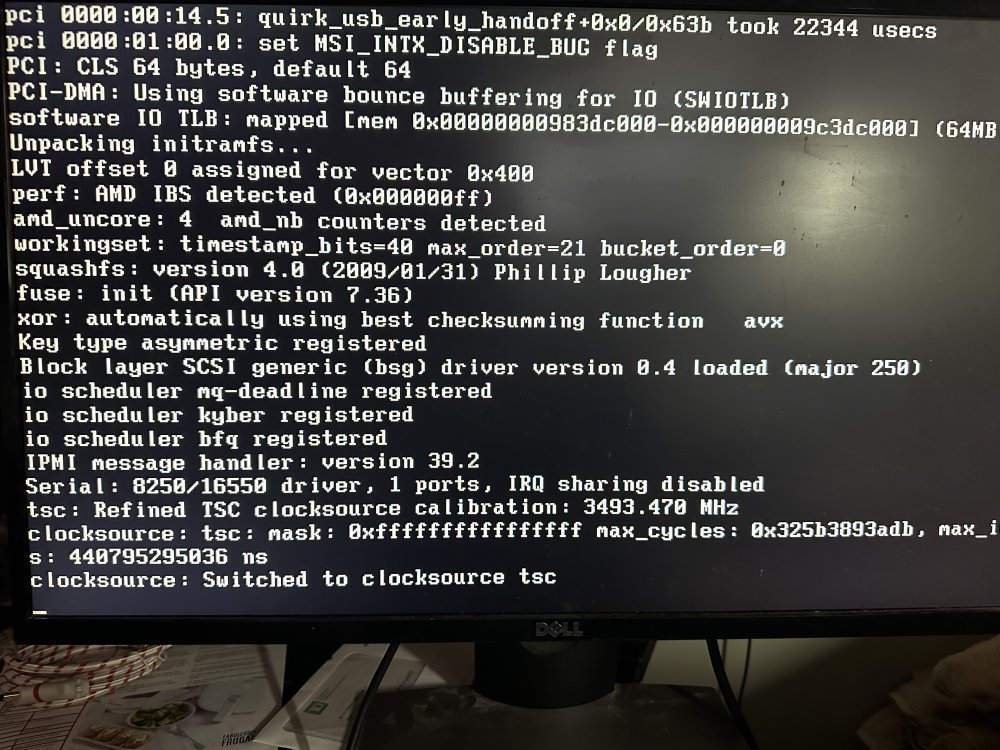
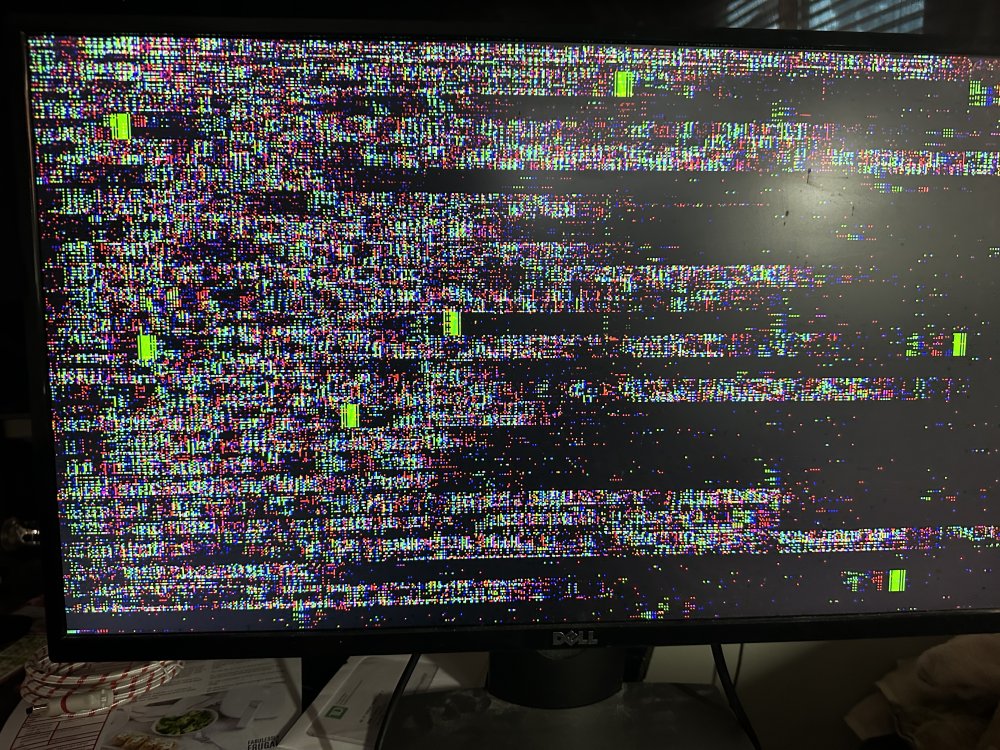
Hi All, Fairly new at Unraid but have had my server running for 1 yr +. It's been running fine up until a few days ago. I noticed that I lost my gui connection (using my Mac for web access). It said " This Site can't be reached. check if there is a typo in zulu.local. DNS_PROBE_FINISHED_NSDOMAIN. (picture included) I hooked up a monitor directly to the Unraid server and all I can see is flashing cursors and colors. (picture included) I tried different monitors and connections to server (VGA, DVI & HDMI. I still have the same results. So, I rebooted the server and gets to the gui selection. I leave it run and once it gets to line... clocksourse: Switched to closcksource tsc ,(picture included) it crashes and goes to that flashing cursors and colors screen. can't see or access anything. As I said, I'm fairly new to Unraid. Any help would be greatly appreciated.