TKB
Members
-
Joined
-
Last visited
Everything posted by TKB
-
thanks I will order a SSD and get started thanks for every. and he did have a 500G laying around and he just used spare parts but it have been great till now.
-
My friend setup everything now she is gone, I am not very techie with server but I understand a little. I will make the changes and let you know. and it is the settings within each application. I am almost out of space waiting on a new hard drive to come in. I have been moving some of the file to clear up space. 500G for docker.img not sure that what's my friend setup tried to get him to teach me but that did not happen. Thanks for all your help.
-
I removed Headphones.plg on the flash drive and reboot but my setting for Sonarr, Radarr, Sabnzbd and Plex did not keep I will re set them up again. is there anything else I need to do to keep my setting?
-
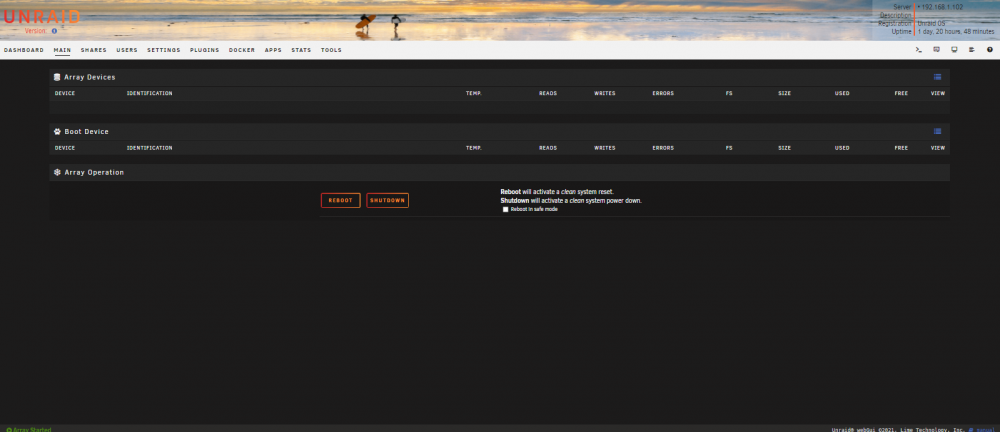
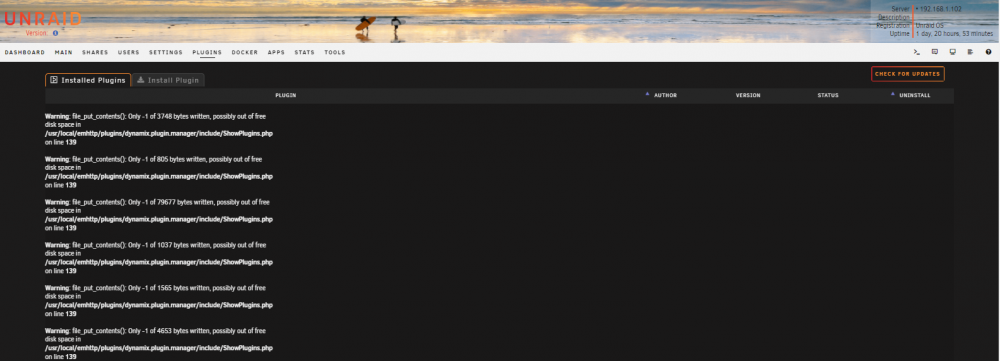
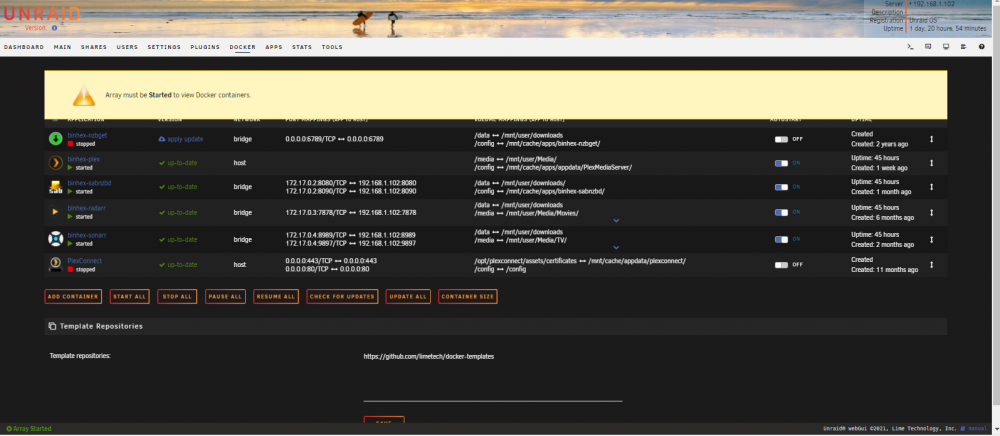
I need help my server will work for about 2 to 3 days, then I will get array must be started. The only fix I know of is to restart the server but after restart I have to reset up Sonarr, Radarr, Sabnzbd and Plex I am also getting an error under plugin Warning: file_put_contents(): Only -1 of 1565 bytes written, possibly out of free disk space in /usr/local/emhttp/plugins/dynamix.plugin.manager/include/ShowPlugins.php on line 139 Do this mean that I am out of disk space, I am not very good with this and my friend that was teaching me pass away and I have no one to help me fix his problem I have also attach an old diagnost because I can not get the diagnost to run only when I reboot. Thanks for any help you can give me. ladybugg-diagnostics-20211228-1209.zip