unrd44
Members
-
Joined
-
Last visited
-
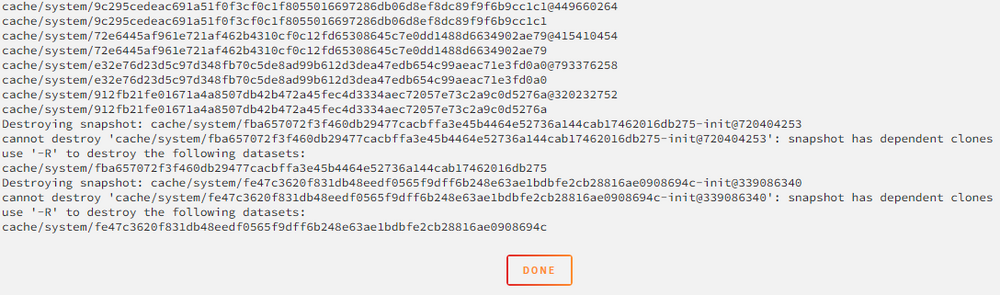
Solved! I user the following Script with the Parameter -R: # Example script to delete snapshots within `.system` SYSTEM_DATASET=$(zfs list -H -o name | grep -m 1 '.system') zfs list -t snapshot -r "$SYSTEM_DATASET" | awk '{print $1}' | while read SNAP; do echo "Destroying snapshot: $SNAP" zfs destroy "$SNAP" -R done
-
@bmartino1 Thank you for your Script and explains! When i run the Script i get the following error Messages. In the past i used Docker Directories, now i use Docker Image. I think this is old stuff... What can i do to get a clean system Share?
-
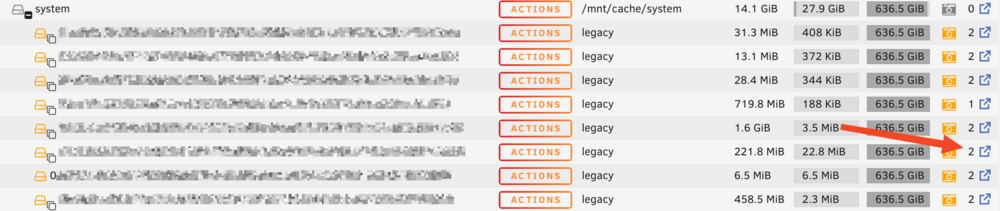
@bmartino1 Thanks for the Script. How can i execute that? With the user script Plugin in Unraid? What Dows "legacy" and the yellow camera icon mean?

-
Thanks for your answer. In Snapshot Admin i do not get the whole tree, when i select the top entry...

-
I use my two nvme Cache Drives with ZFS and made some Snapshots. How can I delete EVERY Snapshot in my System Folder?
-
I changed the network settings in Unraid, added the DNS Servers 208.67.222.222, 8.8.8.8, and my router), restarted Unraid and everything worked.
-
I made the upgrade to Unraid 7.0.0 and everything works. My Docker and VMs are running, i have internet access and dns is also working (ping cnn.com in the console resolves). Only when I access the apps I get the error... What can I do? Community Applications requires your server to have internet access. The most common cause of this failure is a failure to resolve DNS addresses. You can try and reset your modem and router to fix this issue, or set static DNS addresses (Settings - Network Settings) of 208.67.222.222 and 208.67.220.220 and try again. Alternatively, there is also a chance that the server handling the application feed is temporarily down. See also this post for more information Last JSON error Recorded: Syntax error
-
A server reboot fixed the problem 🙂
-
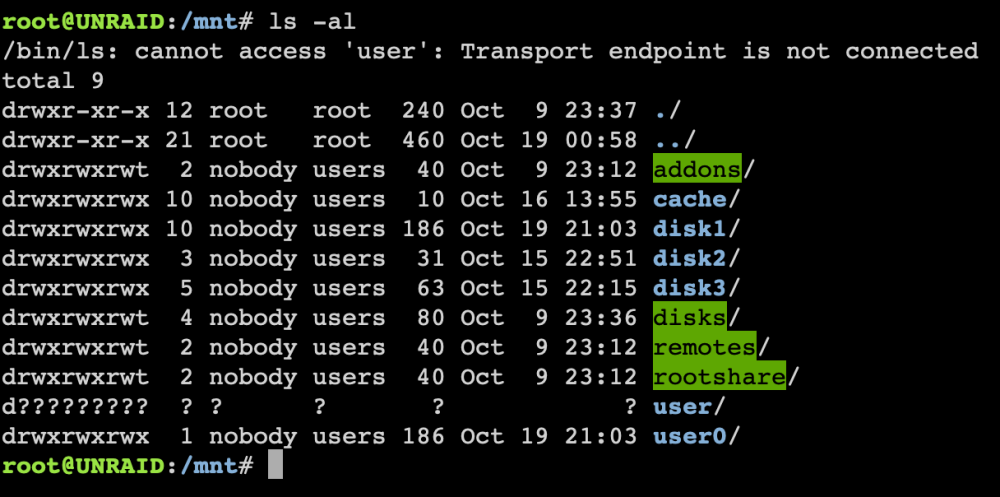
After the try to delete a share named "test", all my shares are gone... I get the message "transport endpoint is not connected". Any idea?
-
Unfortunately i am not able to create the diagnostics file, because the creation process hangs while going through the docker subfolders...
-
It seems to be a brocken BTRFS... I try to copy the system folder to a external disc and get errors (see attachments). So i will replace the both cache drives with new ones and recreate the cache pool. How does the missing / damaged system folder affect my docker? For backup reasons i prefer to use a docker image file on the cache drive instead of a single directory with a lot of files... The creation of the diag file is in (slow) progress... I will attach that when finished.
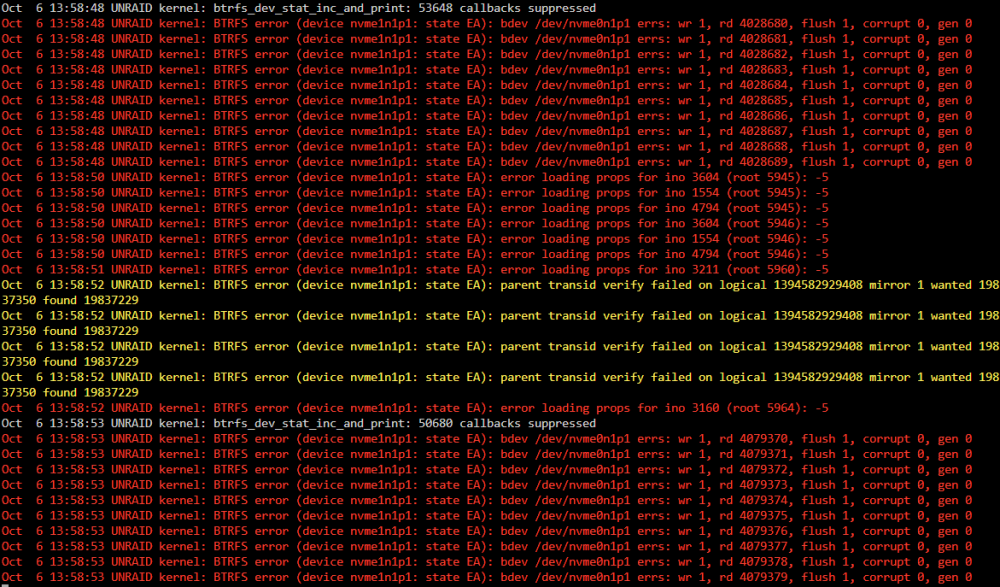
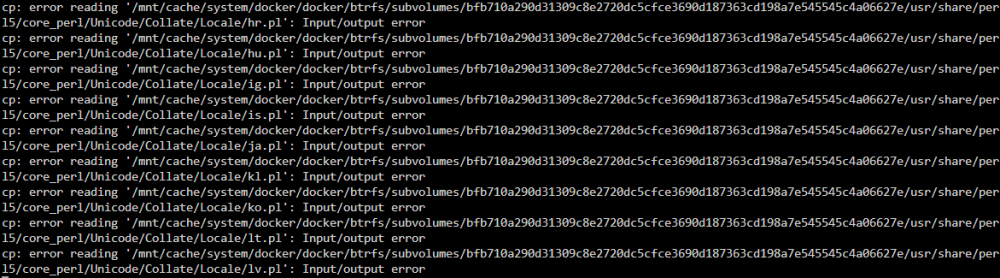
-
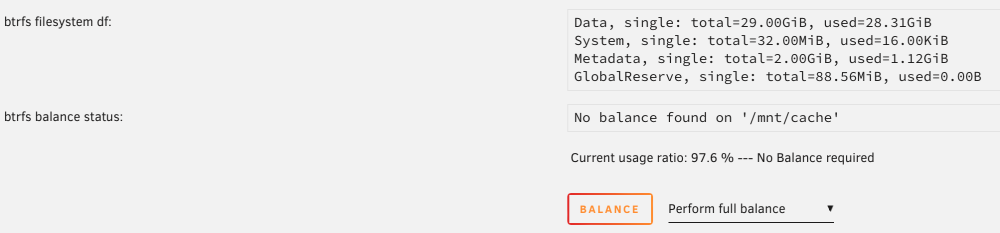
I have two 512GB M.2 NVME cache drives in my Unraid Server installed (RAID1). Suddenly Unraid reported a crashed cache drive. Then i did a shutdown of my docker and vmd, changed every share from "prefer" to "yes" and run the mover to change the one defect cache module. Also the appdata and system. Some files did not move from cache in the system folder. I tried everything... After a few reboots suddenly both cache drives are reported as ok and everything works fine (and slow, because of the storage on the array). Now I see, that both 512GB cache drives are shown as 1TB in total, there seems to be a broken RAID1 (BTRFS). It seems to be RAID0 (stripe set). But everything works fine... Also the amount of stored data seems to be different (see attached screenshots). Can everyone explain that? Can I recreate / convert to RAID1 with no dataloss? Why does the mover not move everything correctly although I did everything fine? THANKS A LOT for your help.