ac1617
Members
-
Joined
-
Last visited
Everything posted by ac1617
-
Hey everyone, I decided to try Binhex's Plex container instead of Linuxserver's and guess what... transcode works. Sigh, I'll just stick with Binhex's container as a fix. Thanks everyone!
-
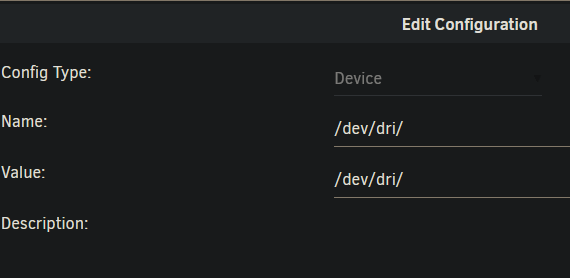
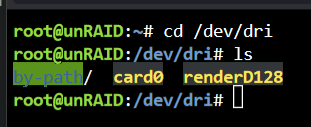
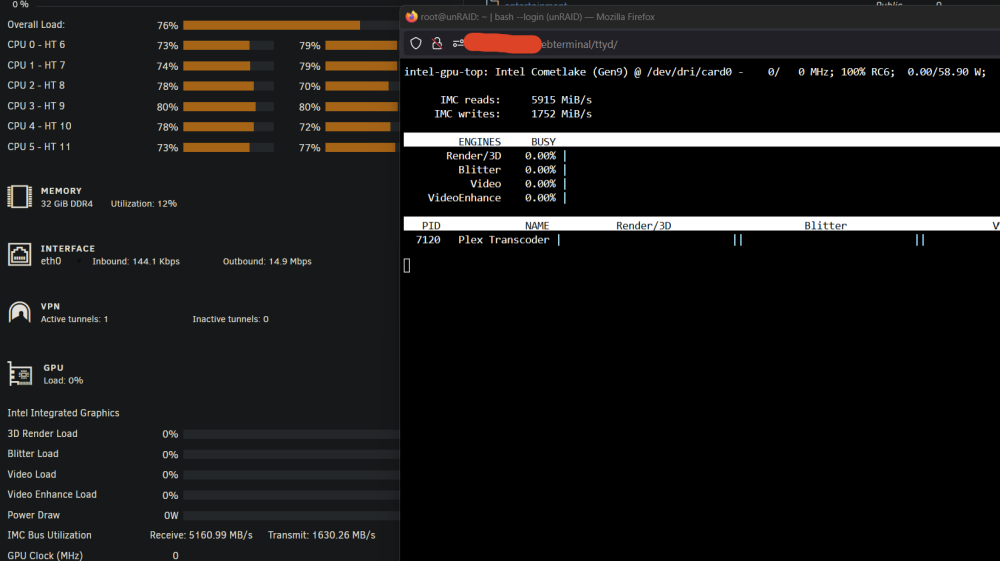
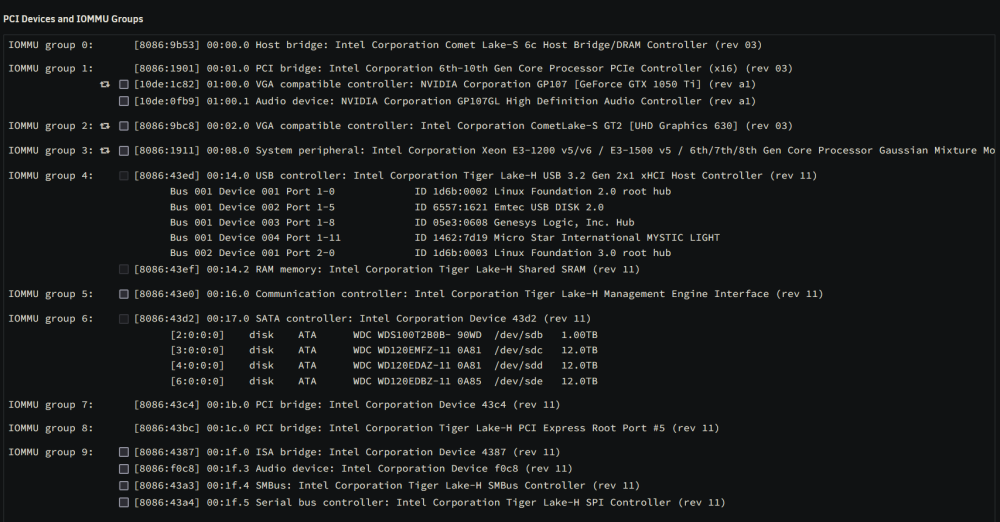
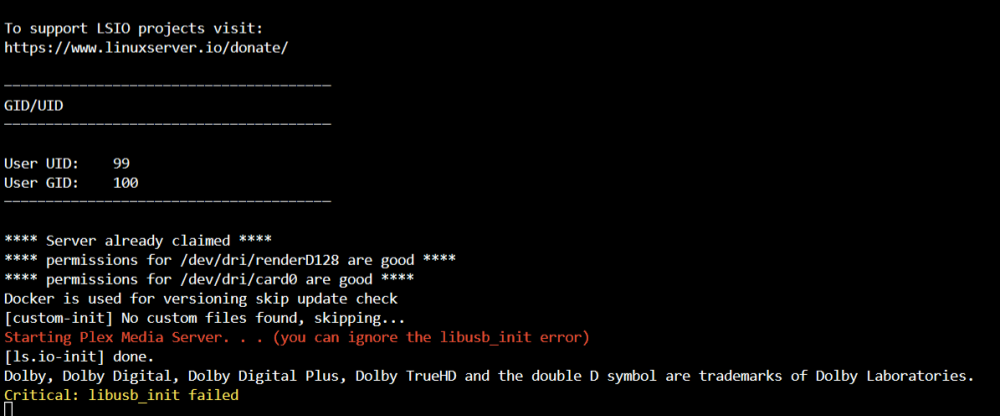
Hey everyone, I've spent all day trying to figure out why Plex is falling back to CPU despite the process showing up in Intel-gpu-top for my Intel i5 10400 but it's not doing anything and the CPU is being pinned. I do have a GTX 1050 Ti but I'm using it in my VM and I don't have the Nvidia Driver installed: The /dev/dri directory is showing the device matches what intel-gpu-top is showing: Plex has the device value and I have plexpass. Hardware transcoding is enabled in Plex. No complains from Plex logs: My IOMMU group if that helps: Any suggestions on how I can further diagnose this issue? Big thanks in advance!