




Skip to content
View in the app

A better way to browse. Learn more.

Unraid

A full-screen app on your home screen with push notifications, badges and more.

To install this app on iOS and iPadOS
  1. Tap the Share icon in Safari
  2. Scroll the menu and tap Add to Home Screen.
  3. Tap Add in the top-right corner.
To install this app on Android
  1. Tap the 3-dot menu (⋮) in the top-right corner of the browser.
  2. Tap Add to Home screen or Install app.
  3. Confirm by tapping Install.

AndrewFletcher904

Members
  • Joined

  • Last visited

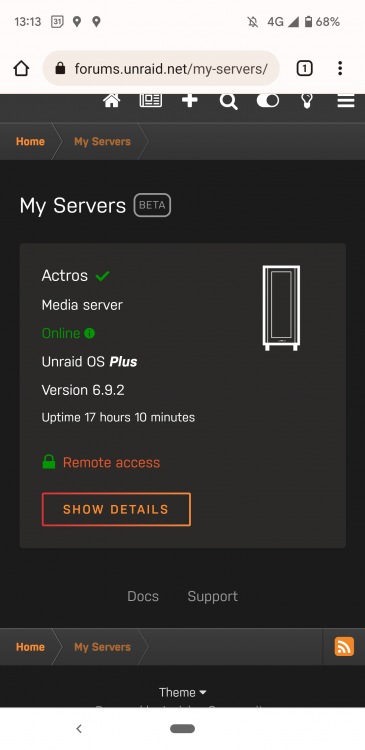
  1. Hi, I have recently setup up my servers and I am trying to configure it for remote access. I followed the spaceinvader tutorial and configured my "not 443" to something else as instructed. Have have configured my SKY router to forward the port I have chosen but I am unable to say transfer on to port 443 in the setup. My services no says remote access is setup but it doesn't connect? And when I check the connection it fails. Is this a problem with my router 😔 is there a workaround for this or what are my options. Kind Regards
Account

Navigation

Search

Search

Configure browser push notifications

Chrome (Android)
  1. Tap the lock icon next to the address bar.
  2. Tap Permissions → Notifications.
  3. Adjust your preference.
Chrome (Desktop)
  1. Click the padlock icon in the address bar.
  2. Select Site settings.
  3. Find Notifications and adjust your preference.