SirAmp
Members
-
Joined
-
Last visited
-
Hi, what solved this problem for me was a clean reinstall of unraid.
-
-
Hi thanks for the reply, I see that i left out some information: The server has been stable(ish) in the current configurations (might have swapped a harddrive) enabling the XMP profile for the RAM was done as a troubleshooting step, that i have forgot to reset, thanks for the tip 👍 however as the crashing started before the XMP profile was enabled i think there is another cause. got any pointers on what hardware I should test, and how? best regards SirAmp
-
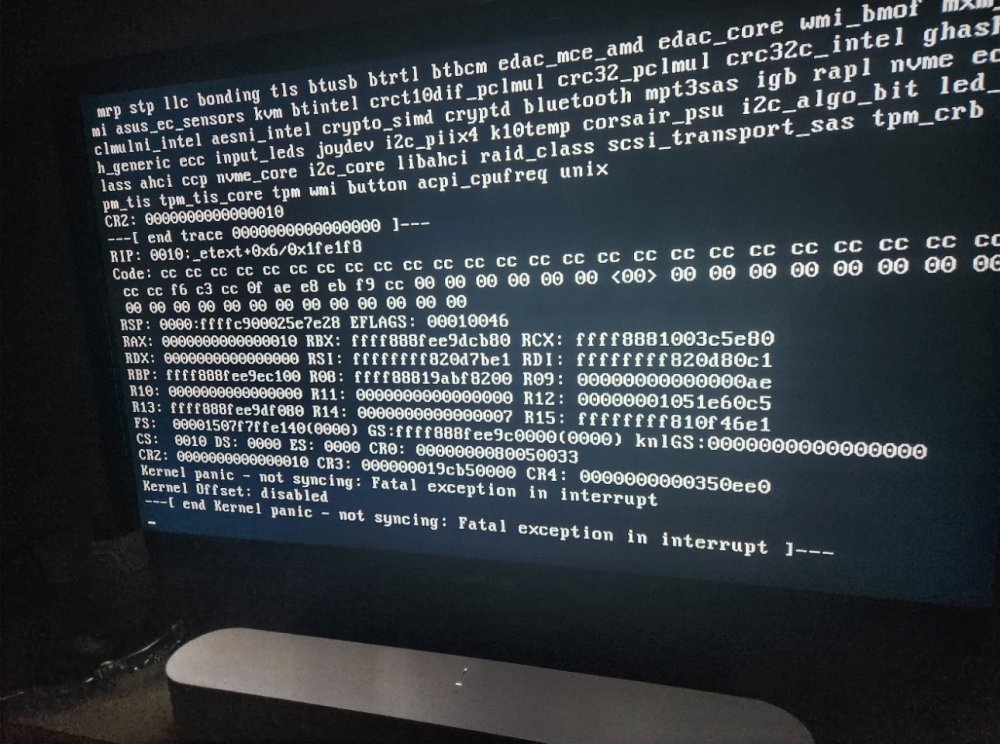
Hi! I'm having some issues with regular crashes, that I cant seem to get to the bottom of, so hopfully someone here can point me in the right direction. Enclosed are the diagnostics, a picture of the screen i connected, and a log from the syslog server. the server is a few years old, it is a zen buid, but i have disabled c-states I have done a memtest86, a few days without error I have updated the BIOS to latest best regards SirAmp tower-diagnostics-20230110-2305.zip syslog-10.0.0.10.log