vin15
Members
-
Joined
-
Last visited
Everything posted by vin15
-
Thank you so much! Who knew it would such a simple solution. For anyone else having issues; I loaded the VM through VNC. Right click on "My Computer" -> "Properties" -> "Remote Desktop" -> "Enabled". Stopped VM, Enabled GPU Passthrough and Remote Desktop into the VM. No issues.
-
Anyone can help with this please?
-
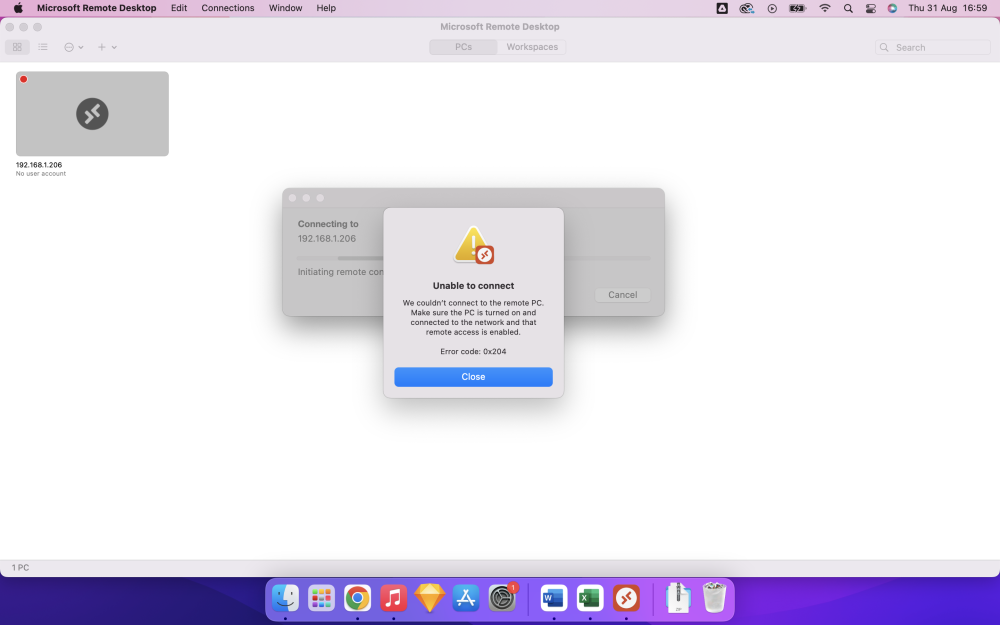
Hello, I've been an Unraid user for a while but it's predominately been for my Media Server. I have recently attempted to setup a Windows Virtual Machine but I'm having issues. I have successfully setup a working Windows Virtual Machine, but it only works without GPU passthrough. Therefore, I can successfully launch my Virtual Machine through the "Virtual" option when it comes to the "Graphic Card" section. I have already VFIO bound my GPU to the VM. The VM successfully state is "Started" and the correct GPU is being assigned. The problem I am facing; now I am no longer using the "Virtual" method to view my VM. I can not remote into my Virtual Machine through any of other devices. I have attempted to put the IP address of the VM, but it does not allow the connection. It always end up with some kind of error (attached the error screen from my Mac Remote Desktop application). I have an Unifi Dream Machine which handles my routing, and my Unraid machine is locked to a Static IP. i have attached a copy of my system log. Can you help what is the problem and why can I not access my Virtual Machine? neo-syslog-20230831-1556.zip