





MusicMan1776
Members
-
Joined
-
Last visited
-
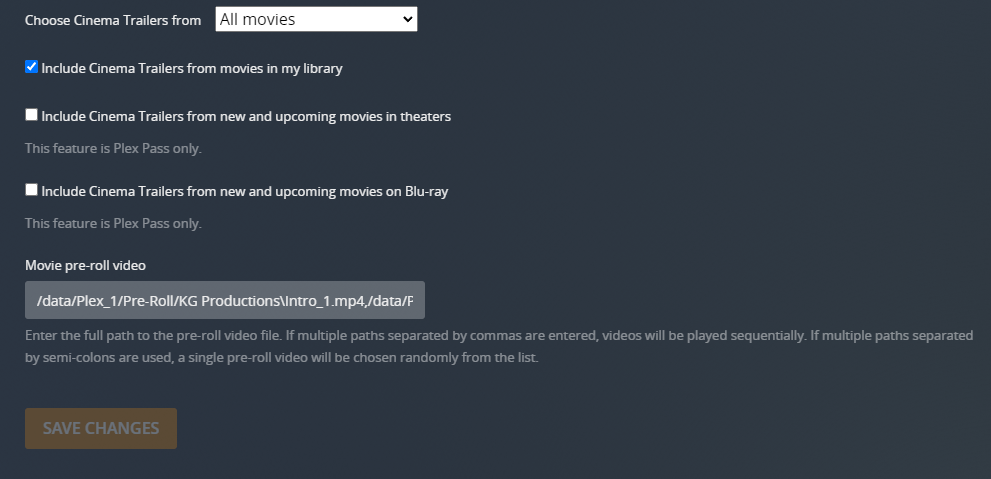
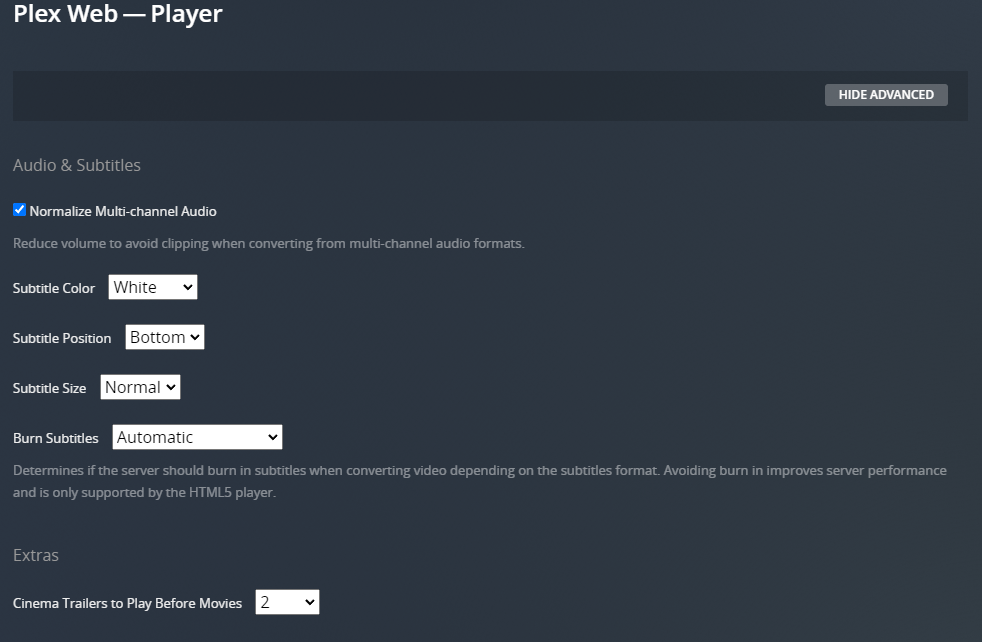
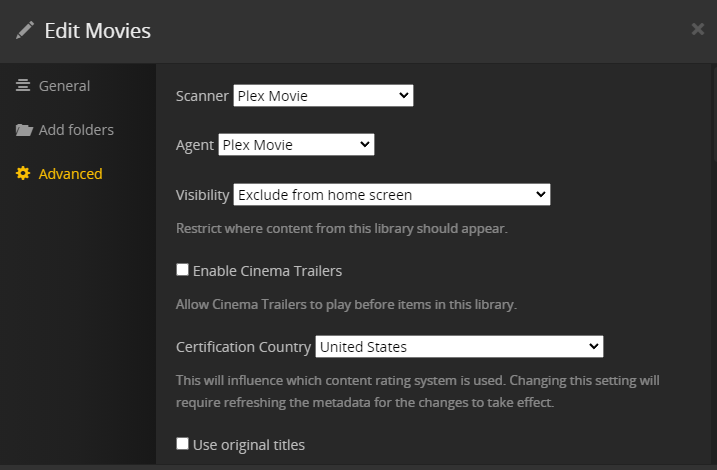
Hello, I am not able to post in the docker forum. So I am posting here. I originally had plex on a windows system. But I moved everything to unraid. I am using plex from "Official Plex Repository". When I add 2 pre-roll video's to my plex to play before any movie, it does not work, and goes straight to the movies. I am not sure if I am configuring something wrong. I have added photos.
-
Hi, Yes it was a failing RAM stick. I replaced it and everything is working fine.
-
I have edited my question.
-
Hello, I have received a warning from the fix common problems plugin. It says: "disk6 (WDC_WD40EFAX-68JH4N1_WD-WX12D514RU7Z) has read errors" "If the disk has not been disabled, then unRaid has successfully rewritten the contents of the offending sectors back to the hard drive. It would be a good idea to look at the S.M.A.R.T. Attributes for the drive in question" I am not sure if the drive is going bad. I have attached my smart log. svr-kgcr-smart-20211007-2228.zip
-
Hello, I am new to Unraid. I just installed it for the first time since 8 days ago. I love it so far. I am getting an error from the add-on "fix common problems". it says "Machine Check Events detected on your server". I have uploaded the system logs. I checked the syslog and did find a bunch of "HANDLING MCE MEMORY ERROR". I am not sure what this means. If someone could go over the logs and figure out what went wrong, That would be great. Thank you. svr-kgcr-diagnostics-20210723-1059.zip
