mamaship
Members
-
Joined
-
Last visited
Everything posted by mamaship
-
FIXED, Bloody BIOS update save the day! Could've saved me the day of headache. Still have no idea what causing it tho.
-
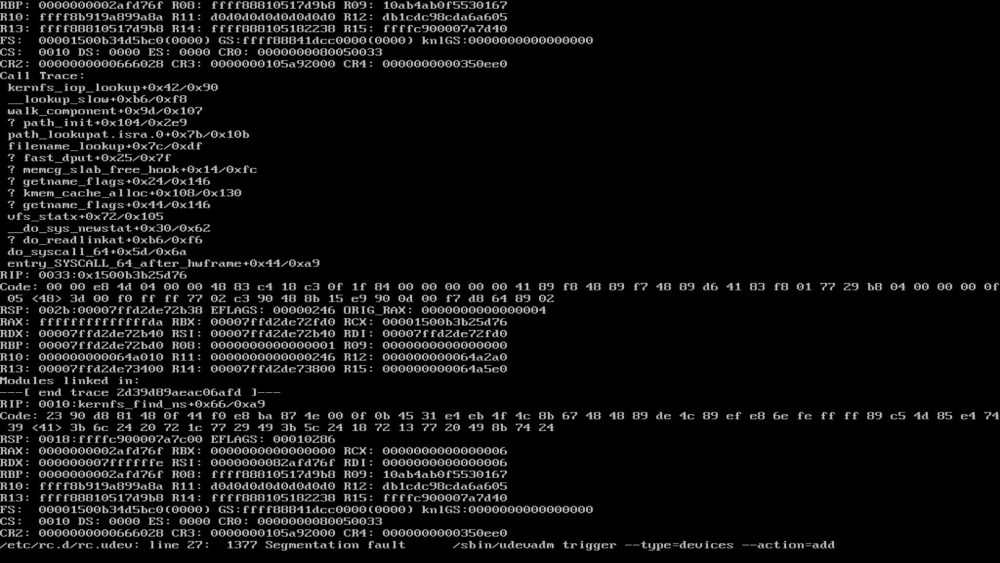
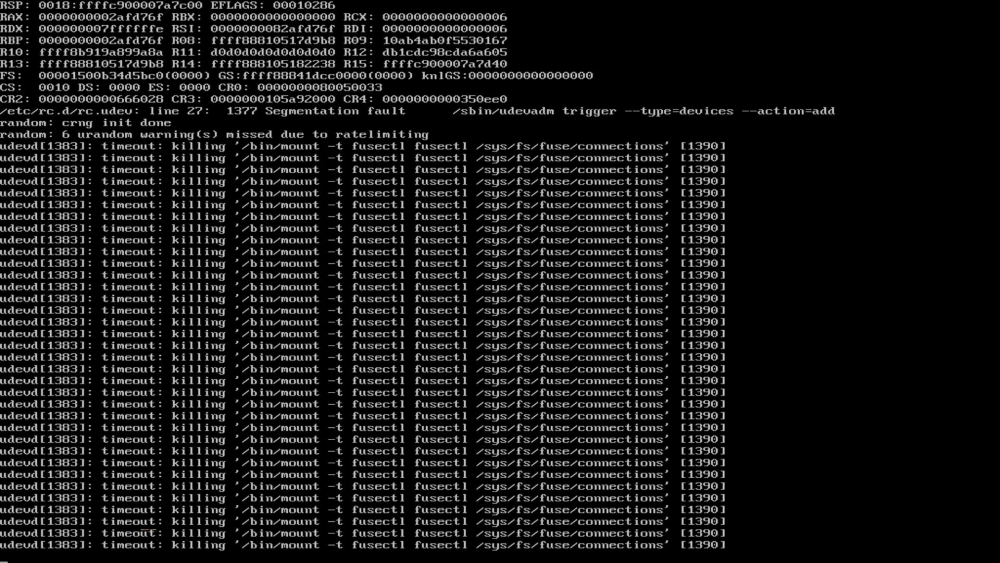
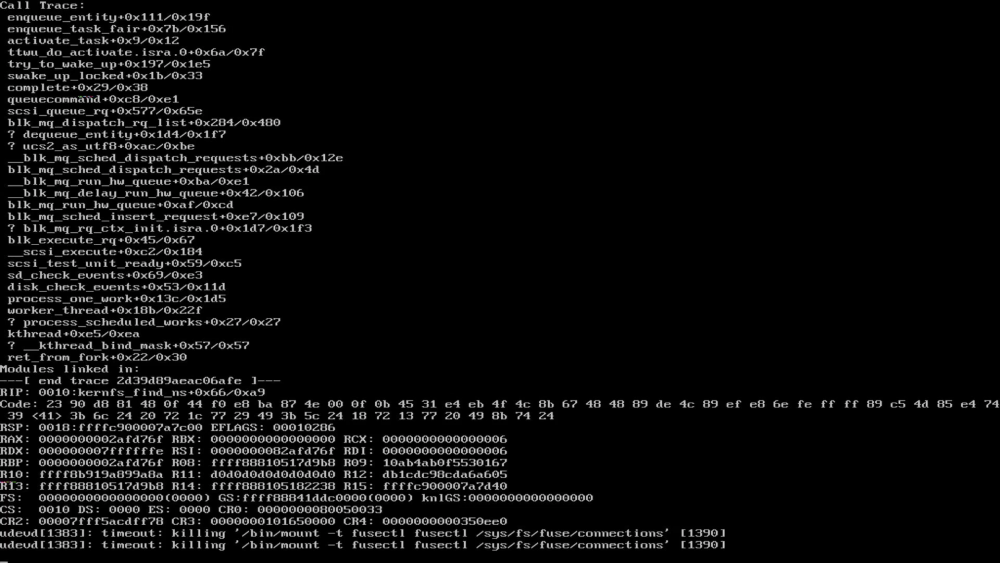
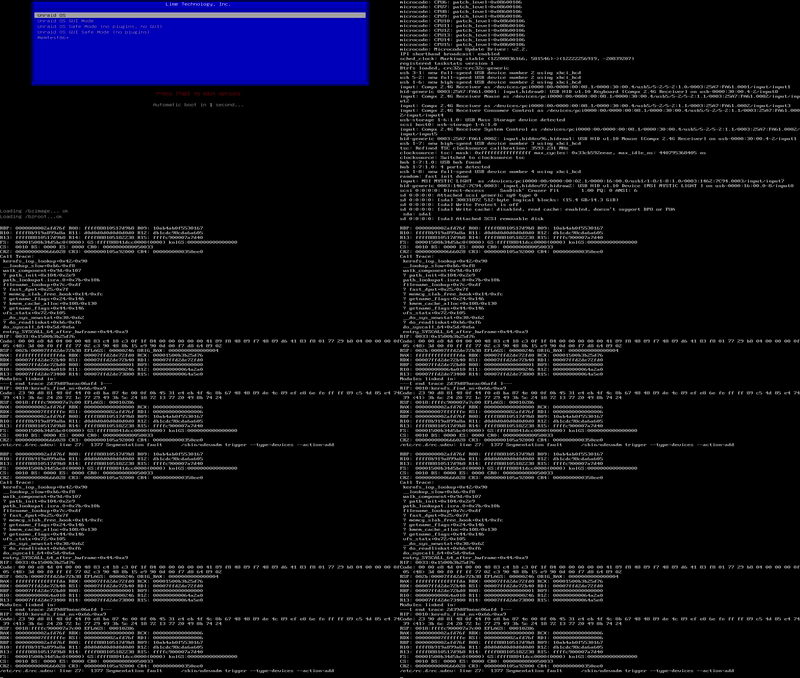
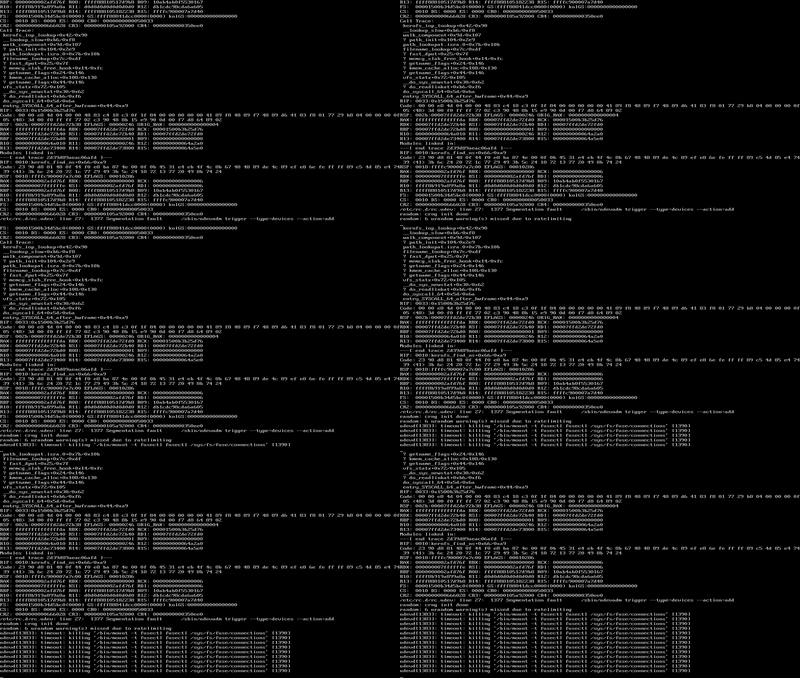
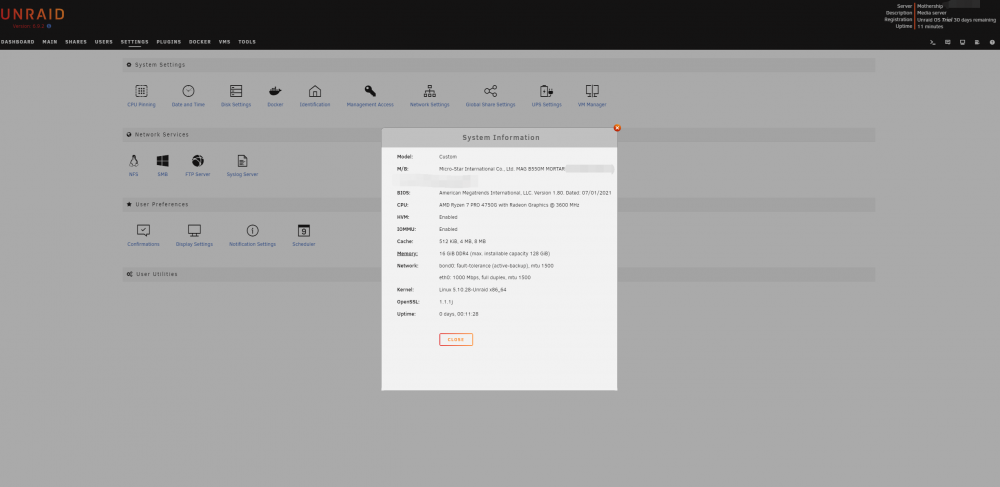
First time installing unraid and couln't event get it to install. Have no idea what is going wrong. I've tried boot from both UEFI and Legacy mode, didn't work; turning on and off TPM, didn't work; unplug all attachments and left only graphic output, a single HDD attached directly to motherboard sata port, and unraid install usb drive (usb 2.0 16g drive and on MB usb 2.0 port) and, didn't work. At this point I'm lost, any help will do. ------------------------------ HARDWARE INFO CPU AMD Ryzen 7 PRO 4750G (with onboard graphic) at 3.6ghz link MB MSI B550M MORTAR (without wifi func) link RAM VENGEANCE LPX 16GB (2 x 8GB) DDR4 at 3200mhz link HDD Some random 1tb 2.5inc drive I found laying around. USB SanDisk 16GB Cruzer Fit USB 2.0 Flash Drive link ------------------------------ Screenshots showing hangs (UEFI mode)