





Jhoopes517
Members
-
Joined
-
Last visited
Everything posted by Jhoopes517
-
That was it. It seems to be working as intended now. Thank you.
-
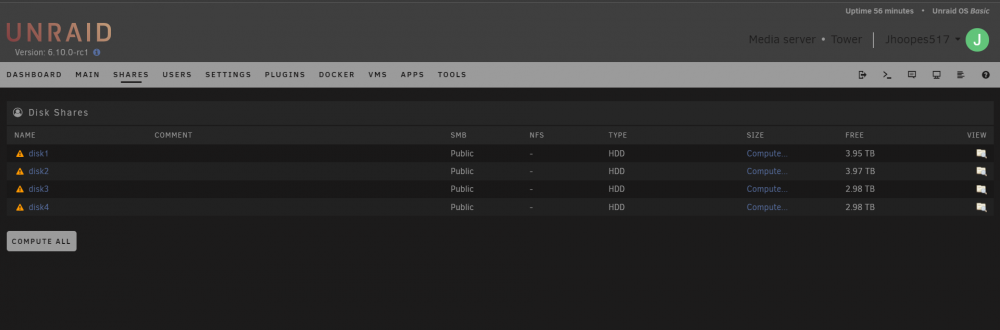
Pretty sure that the shares tab had a "add share" button towards the bottom left that allowed for a user share to be created. This is what I see now.
-
So, upgraded to 6.10 RC1 and shares are just confusing. I recently purchased a new server yesterday and was going to get it setup when I saw the announcement. Figured sweet, lets play with the RC as I am getting the new server up and running. Can't say I know what I am doing anymore. With 6.8/6.9 it was pretty easy to get going, set up user shares, the user shares spanned across the bays populated and I set up docker containers with ease. Now, I'm not sure what I am even doing. When clicking on shares it looks like it's all just disk shares which are all separate and on each disk and not spanning across. Looks like there is a option to set up a pool, which I think will be what I want, but I can't without a drive in the array? I'm just confused now. I want to be able to quickly make shares that span across the drive array, setup docker containers, and go from there. HELP

