





Troy144
Members
-
Joined
-
Last visited
-
I was able to back it up successfully on another PC and this time when unraid rebooted all is working. (Also noted it had backups as recently as 12 hours ago so it wasn’t messed up long whatever hiccup the usb had). I’ve ordered a new USB drive to migrate to if it dies again.
-
Uh oh , isn’t my license tied to the flash drive? is there a way for me to repair the flash drive?
-
My server has been operating well for years, today I noticed share drives not connecting but I could ping the server. Then physically at the machine itself it has ip and can ping out, I rebooted it to GUI mode but the browser says it cannot connect to local host - I cannot bring up the interface locally or remotely. Attached is the diagnostics, what do I need to do next? tower-diagnostics-20251008-1938.zip
-
I may have found it... rclone log. rclone backs up google drive nightly. well, someone in our group put a shortcut to another folder in a folder and a shortcut in that folder back to the original (so convenient). Rclone doesn't appear smart enough to know a shortcut from a folder and is making infinite nesting of folder 1/folder 2/folder 1/folder 2 ... Eventually the filename gets too long and it starts writing that to the log, infinitely. The default log is in rootfs. I changed the rclone script to use a /mnt point in the future and deleted the "shortcuts" on google drive. Will inform the team to don't do that. Will wait a couple days to make sure this is the true culprit , I'm 99% sure this is it though. Yep 2 days no issues - that was it, thank you!
-
Looks like you're correct root@Anubarak:~# df -h / Filesystem Size Used Avail Use% Mounted on rootfs 7.7G 7.7G 0 100% / Once I reboot it reads: root@Anubarak:~# df -h / Filesystem Size Used Avail Use% Mounted on rootfs 7.7G 764M 7.0G 10% / What do I do to fix that and stop from happening ?
-
Sorry misunderstood, here is the syslog from the latest crash syslog
-
As requested:
-
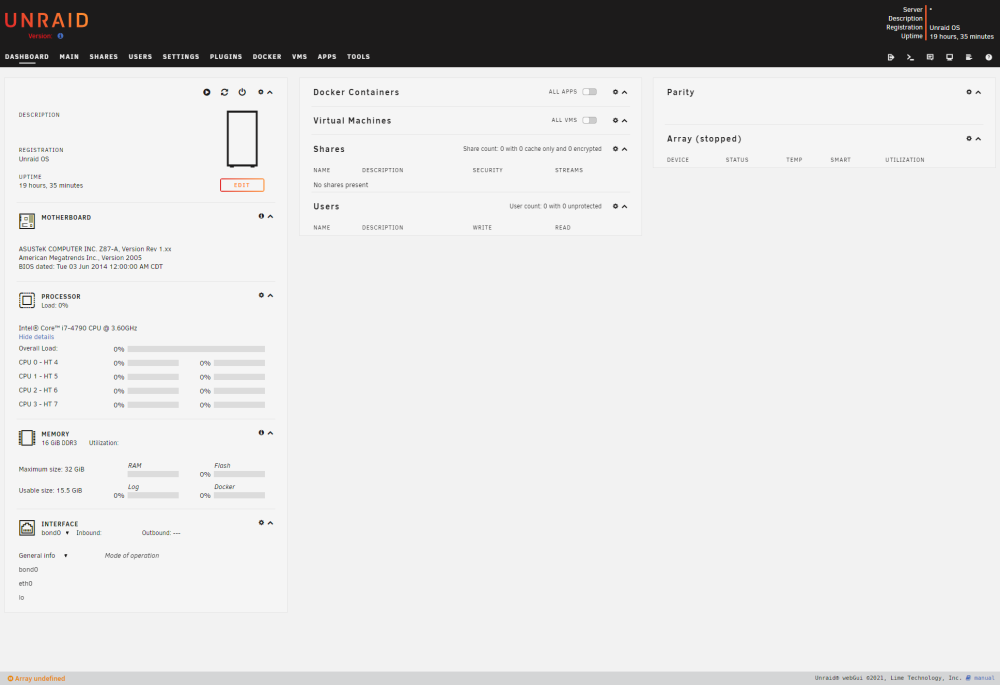
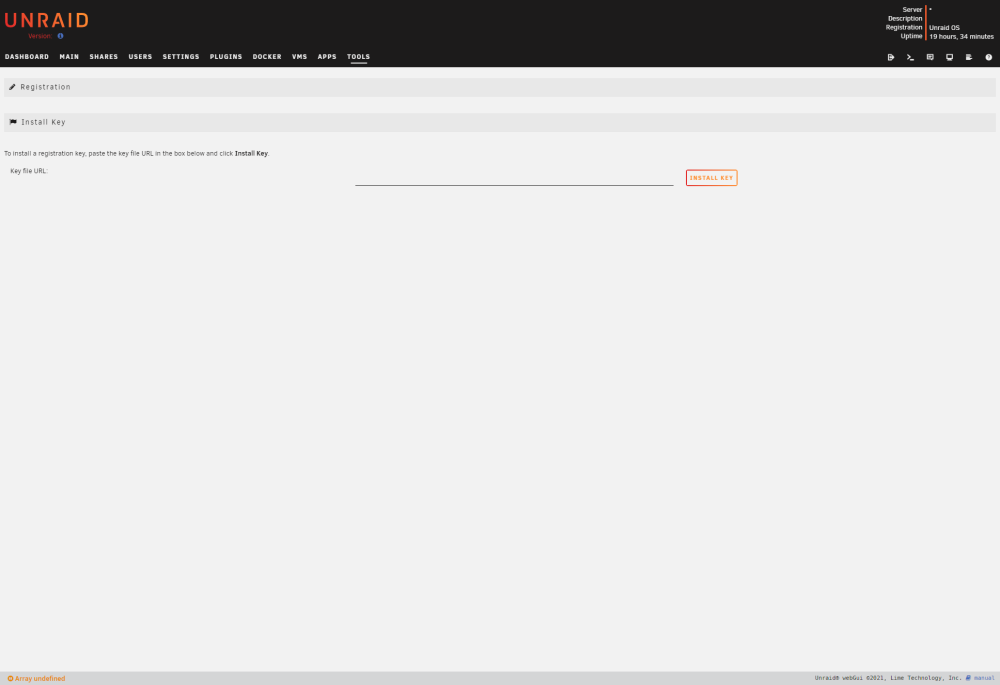
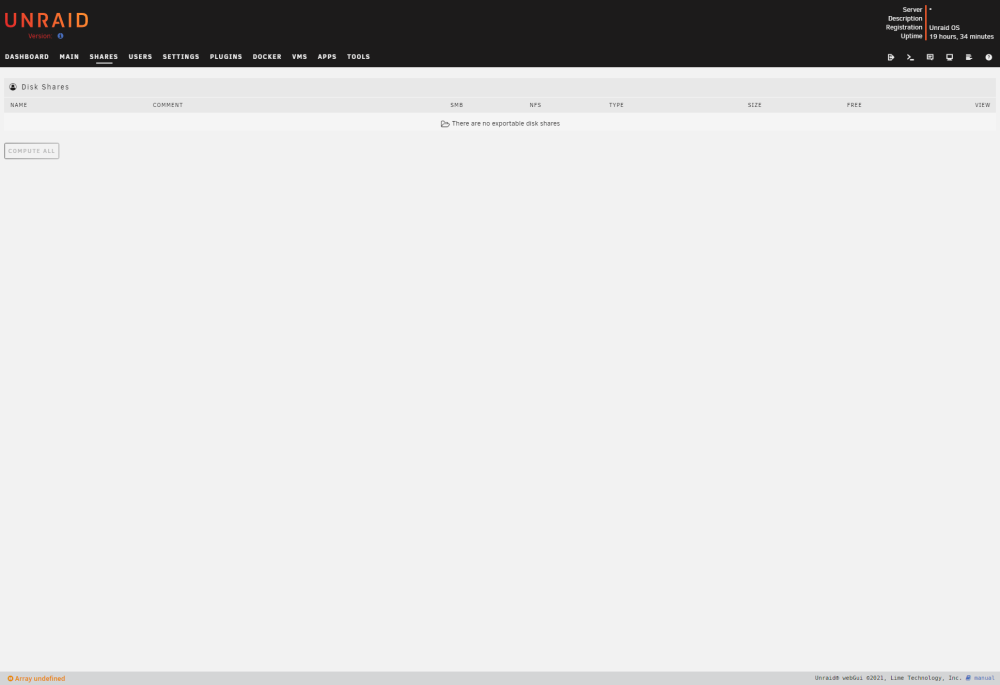
When it crashes, this is what it looks like. I reboot it and everything works for about a day.
-
I'm not using Active Directory, and yes I am using USB 2.0 port
-
Followup from my previous post I turned on syslog to the flash drive, sure enough it crashes in about a day. I don't think any drives are full though - it just stops recognizing the thumb drive / license key about every 24 hrs. The server has been working non stop about a year and a half before these last few weeks - I don't know what's going on. a fresh reboot it will all work as expected for about a day then crash again. syslog
-
ok will do
-
When I was troubleshooting I tried different ports, so maybe not every time (I was having to restart nearly everyday) - but I just doublechecked and yes it is on a USB 2 port currently and I'll keep that in mind going forward. And sure enough it is down again, so there is something else going on.
-
Is my thumb drive failing ? About once a day I notice I can no longer access my share drives. When I go to the unraid machine, main tab, none of the shares are showing. I click "Unraid OS Basic" in the upper right corner and it will say something about no license key or corrupt key. I redownloaded the key and placed on the thumb drive but that has not alleviated the issue. The next day it will do the same thing. Rebooting the machine fixes it. In the short term, is there a way I can tell it to recheck the USB key and work so I don't have to reboot? What is the long term fix? Is my thumb drive going out? anubarak-diagnostics-20230126-1817.zip



