ref1ux
Members
-
Joined
-
Last visited
-
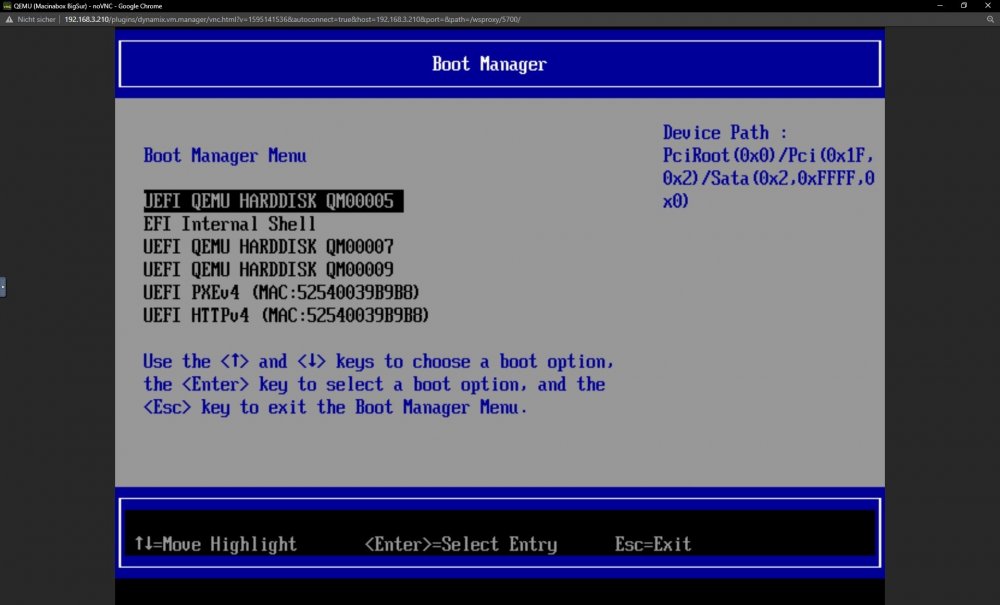
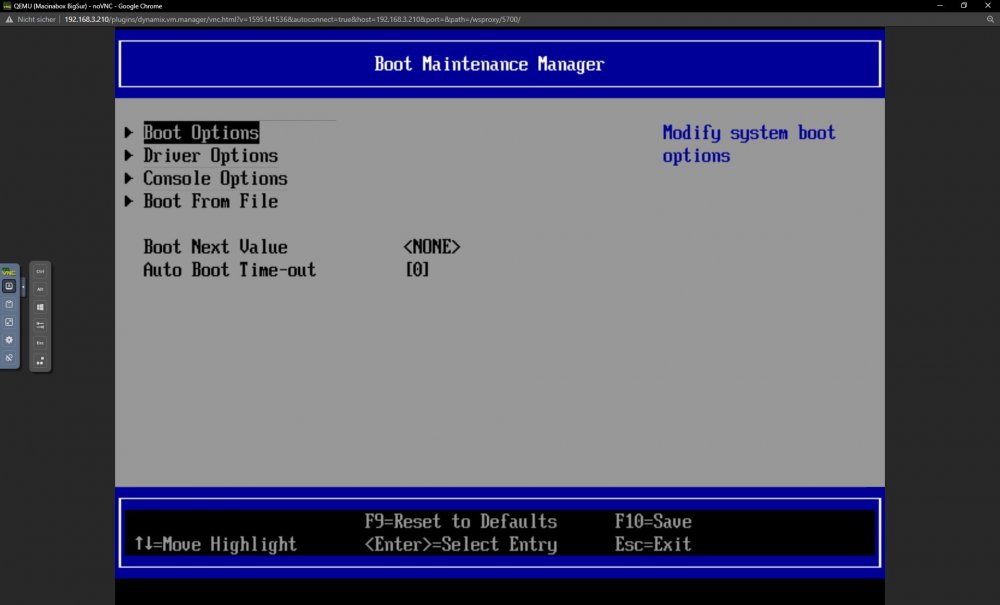
thanks! i got there but none of these boot options is working. maybe i should chance something in the maintenance manager? i have attached the diagnostics files tower-diagnostics-20210918-1406.zip
-
Hey thank you for your fast help! Windows 11 ist working now fine, i really just wasn't fast enough. But Macinabox is still not working. FS0:\efi\boot is not a directory. Should i edit something in the vm config?
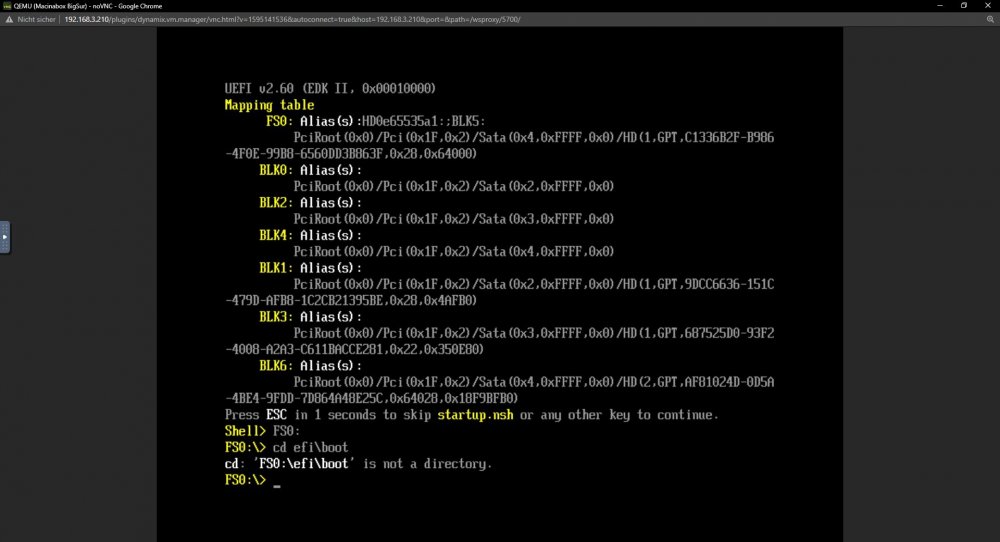
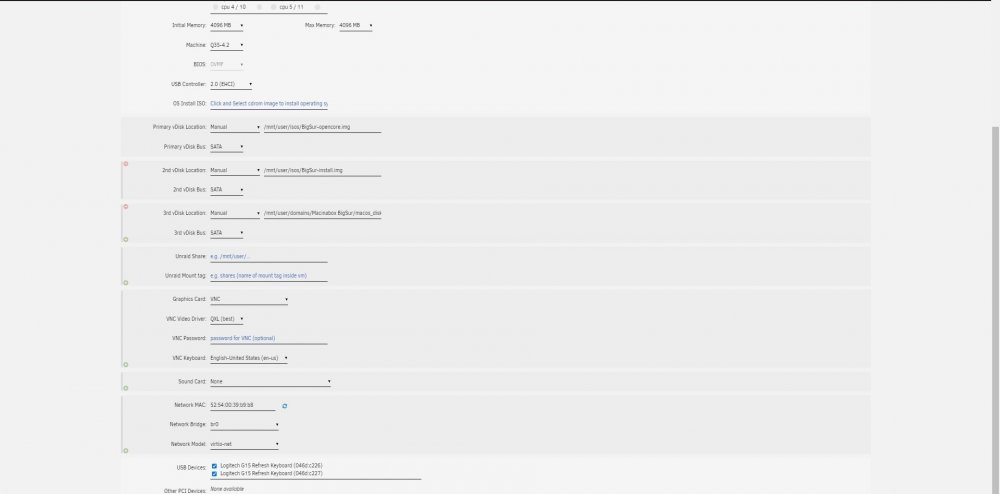
-
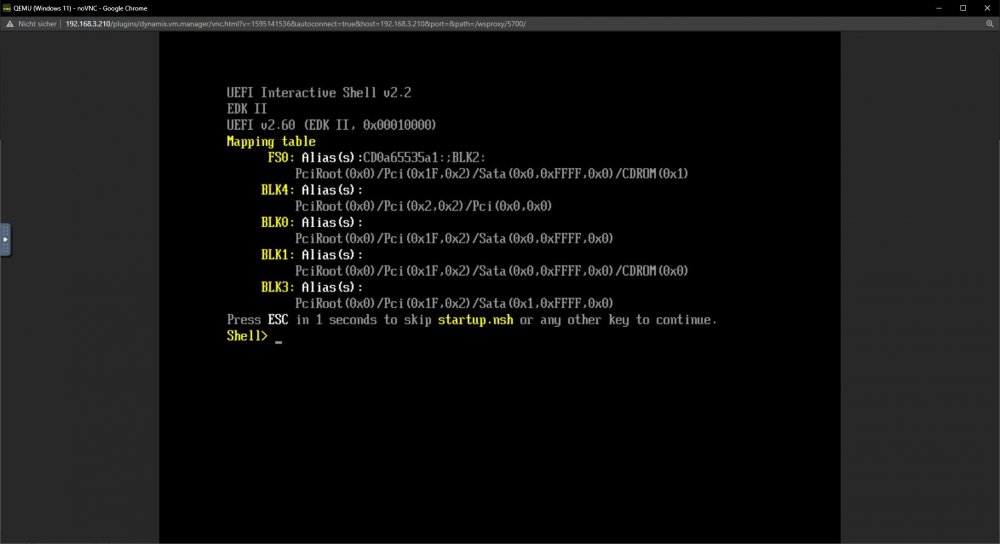
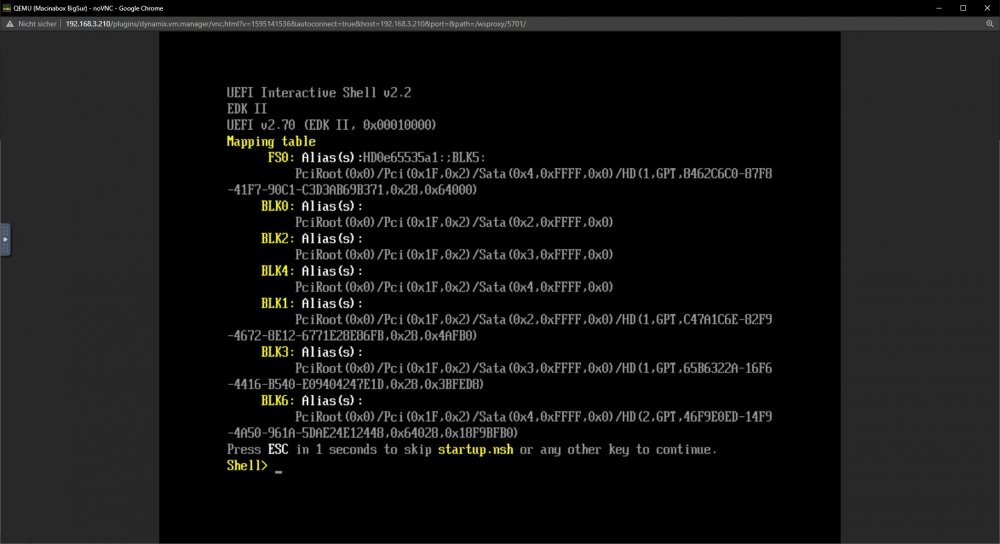
Hi Everyone ! What I'm doing wrong with setting up my VM's ? For Windows 11 i followed the exact steps of the guide of Spaceinvader One on Youtube and for Macinabox i followed the guide of The Geek Freaks. Windows 11 is not booting just showing this in the attached files. Macinabox is booting and i installed it. But after this on next booting the allmost same result. My System Configuration : AMD Ryzen 5 3600 Gigabyte A320M-H Apacer Panther 32GB DDR4-3200 WDC PC SN520 512GB as Disk 1 Parity: HGST Travelstar 5K1000 1000GB Cache: Intenso Top Performance 512GB