Storageraider223
Members
-
Joined
-
Last visited
-
Hi there guys, do to a power outage I had to reinstall my unraid server. I got the license re activated and some how was able to get my drives mapped correctly like they were (my parity drive and my data drive to the same as before). I believe that the data is still there on them cause I can see that there is space used up. However I can't see the shares, I was told by a fellow user outside of this forum that I could find the shares that I had (find the structure) then re add them and my data will repopulate but I don't know how to do that. Is this even possible? Let me know.

-
@Squid We have decided to start fresh, and that got me a new install of unraid. I have the key I am going to be working with a friend to try and recover my data tomorrow if that is possible.
-
No I did not get any notifications when I plugged the stick in. I am not sure if the os is backed up but I know the parity is. There is a good chance it was.
-
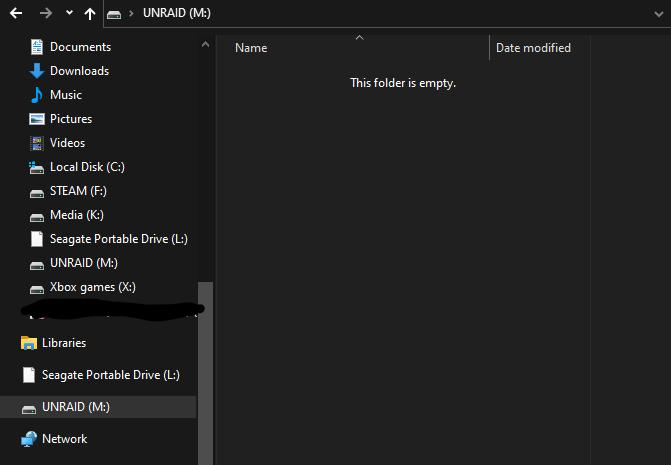
@Gragorg yes believe I am using UEFI. How do I rename the file? I can't see the file. But my partition manager shows that there are files there

-
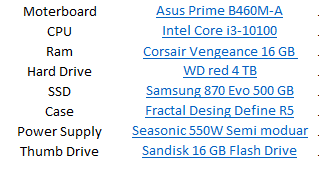
Hello Everyone, I am new here. I am having issues booting my unraid sever. The sever has been set up previously to this issue and restarted before. For some reason I can see my thumb stick in the boot list as the primary and only boot device but when I boot nothing happens. My specs are below. I have tried: Resetting the BIOS Other USB ports (only on mb)