Skip to content
View in the app

A better way to browse. Learn more.

Unraid

A full-screen app on your home screen with push notifications, badges and more.

To install this app on iOS and iPadOS
  1. Tap the Share icon in Safari
  2. Scroll the menu and tap Add to Home Screen.
  3. Tap Add in the top-right corner.
To install this app on Android
  1. Tap the 3-dot menu (⋮) in the top-right corner of the browser.
  2. Tap Add to Home screen or Install app.
  3. Confirm by tapping Install.
  • Joined

  • Last visited

Everything posted by [email protected]

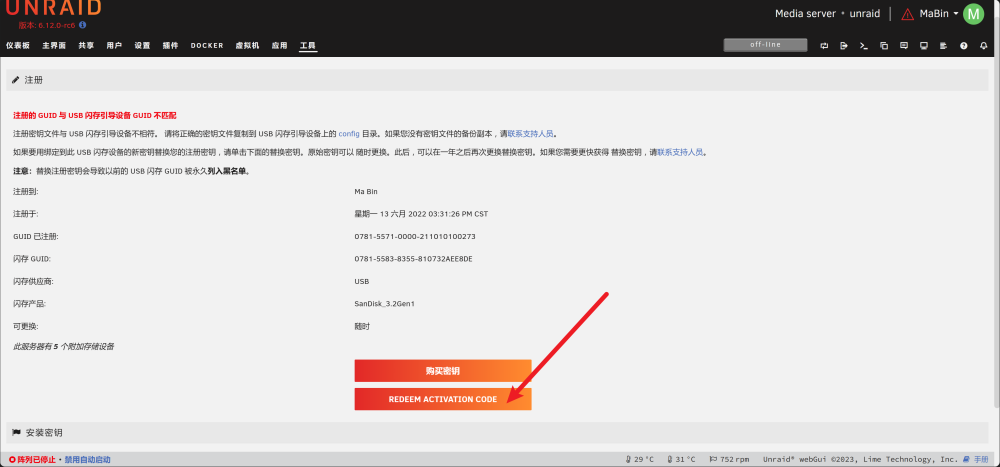
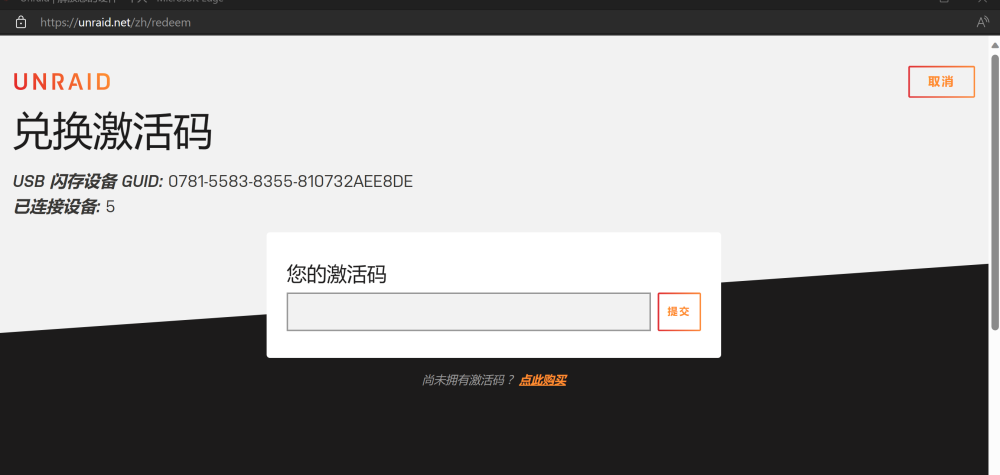
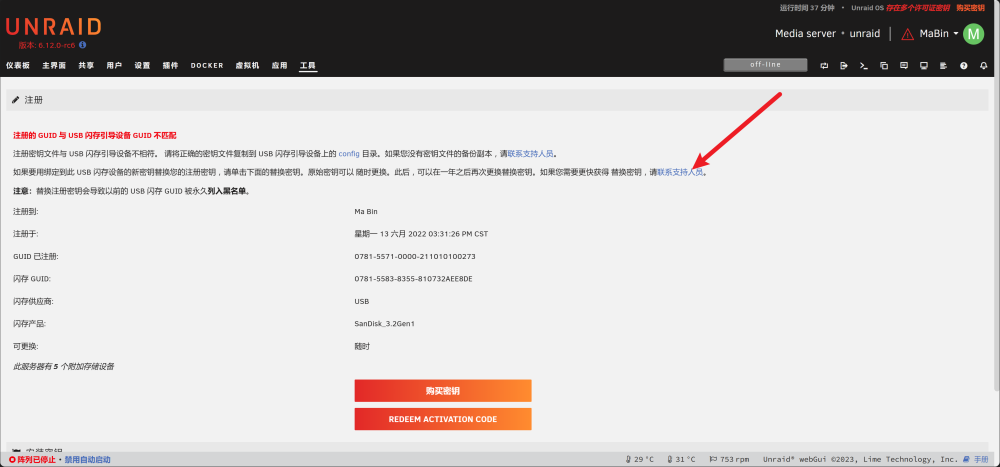
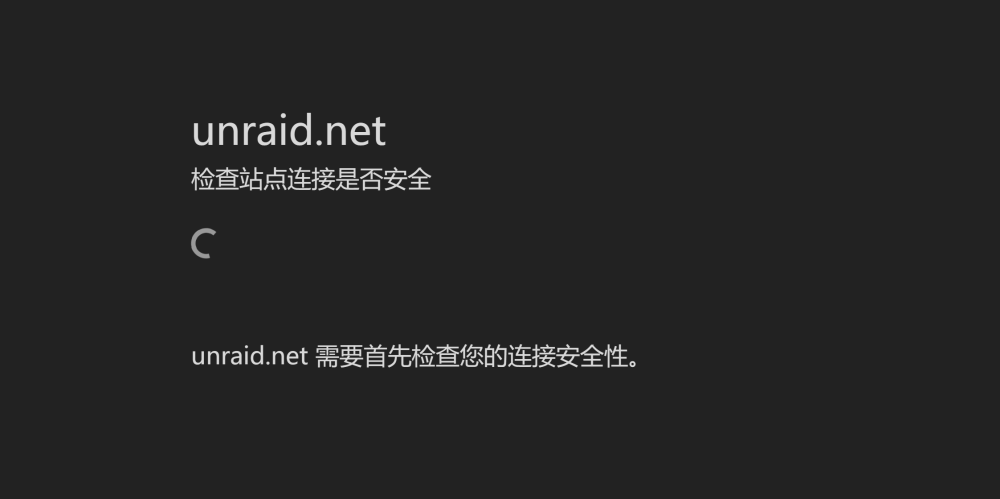
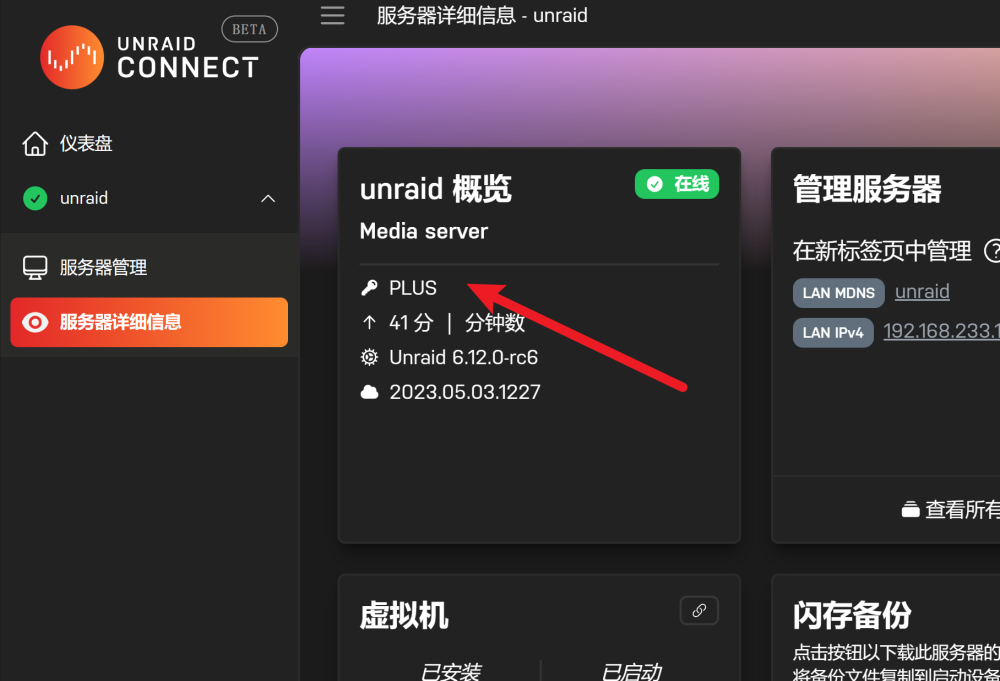
  1. 本人购买的时plus版,原来的U盘时常出现重启后无法启动,必须重新插拔才能识别,所以想更换成Sandisk酷豆U盘,发现和官方的更换教程不一样,通过zip文件恢复到新U盘后,如果只有两个选择,一个是购买,一个是REDEEM ACTIVATION CODE,选择之后需要输出激活码,我找不到激活码啊。 如果选择联系支持人员结果页面打不开!
  2. 我的unraid有两个2.5G网卡,在unraid系统中都能正常识别和使用,我分别绑定到不同的网桥。 新建爱快系统时添加了这两个网卡,都使用vmxnet3模式,但在爱快中都显示的是1000M的网卡。而在exsi中同样2.5G网卡选择vmxnet3模式则显示10000M的网卡,这是为什么呢?

Account

Navigation

Search

Search

Configure browser push notifications

Chrome (Android)
  1. Tap the lock icon next to the address bar.
  2. Tap Permissions → Notifications.
  3. Adjust your preference.
Chrome (Desktop)
  1. Click the padlock icon in the address bar.
  2. Select Site settings.
  3. Find Notifications and adjust your preference.