Vaichi
Members
-
Joined
-
Last visited
-
@Squid Is this plugin ready for the app store and to be not blacklisted ?
-
Solved. Thank you @Faceman & @chodeus @chodeus On to another topic…is it possible to hide volumes? There was a time were the plugin hid the volumes and just kept the image/container visible. The volumes were collapse. An example, Nextcloud AIO the image will be visible, but the volumes were collapse. Hopefully, I explained myself correctly.
-
The new update seemed to have created some issues with the plugin. The containers are not in groups anymore. 2026.03.04Minor security improvements to align with Unraid best practices Fix empty folder showing "3rd Party" label Fix invalid regex pattern in folder name input
-
@gthrift I figured it out. I had the version 2026.02.04 from GitHub from the link at the beginning of this post. Furthermore, I scrolled up and noticed this link on page 3 https://raw.githubusercontent.com/gthrift/activestreams-unraid/main/activestreams_test.plg which put me on version 2026.02.05, and it solved the issue. Thanks!
-
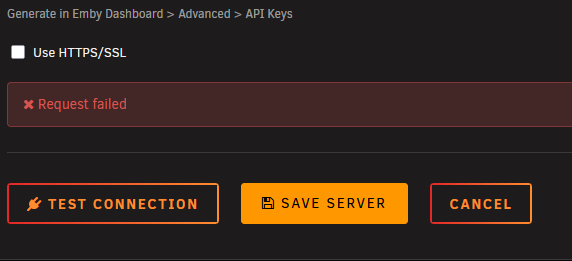
I believe with the recent update, you're unable to delete or add a server.