ml350p
Members
-
Joined
-
Last visited
-
Diese beiden Settings finden sich im VM Manager bei Advanced View
-
Siehe unten

-
Ich habe jetzt noch einmal die Einstellungen von Unrat durchforstet und zwei Dinge eingeschaltet, jetzt geht's trotzdem Danke euch! Gruß
-
Ich habe den Server neu gestartet die VM neu erstellt. Der Server hat zusätzlich noch eine Matrox MGA G200EH VGA Graka verbaut. Außerdem besitzt er theoretisch ein IPMI was ich aber bisher noch nicht zum laufen bekommen habe.
-
ich habe jetzt die Grafikkarte an das IOMMU gebunden jedoch kommt trotzdem noch der gleiche Fehler
-
Sorry wenn das für euch nervig ist aber wie funktioniert das mit dem an IOMMU binden. Bin noch neu auf dem gebiet. Aber trotzdem vielen Dank für die schnellen Antworten👍🏻
-
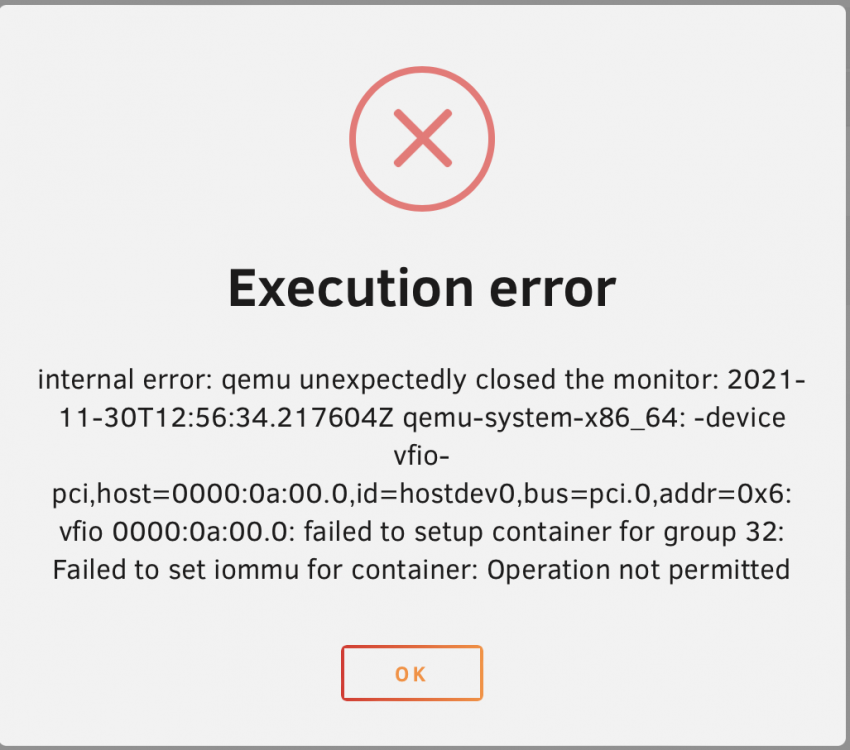
Hallo zusammen, ich habe heute eine gebrauchte GT1030 bekommen und diese in meinen HP ML350p gen8 Server gebaut. Nun wollte ich die Graka an eine VM Durchreichen jedoch bekommen ich folgenden Fehler wenn ich die VM starten möchte: Ich hoffe jemand kann mir helfen. Ich bedanke mich aber schonmal im Voraus für eure Hilfe! Grüße