iamblackbird
Members
-
Joined
-
Last visited
-
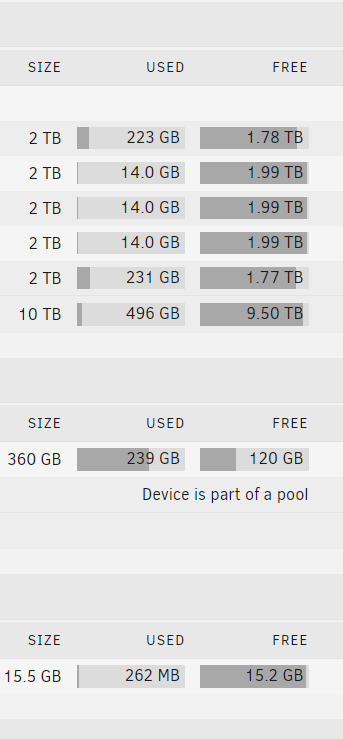
so I didn't realize the cache was corrupted until I stopped the array and restarted it, once i restarted it - i saw the option to format un-mountable drives for the cache pool and proceeded to format it. now i don't seem to be having issues and docker seems to be working normally. thank you for helping.
-
okay, my bad - i am not able to write to cache, i had the cache preference set to NO for my drives. okay, so my problem now is to make my cache writable.
-
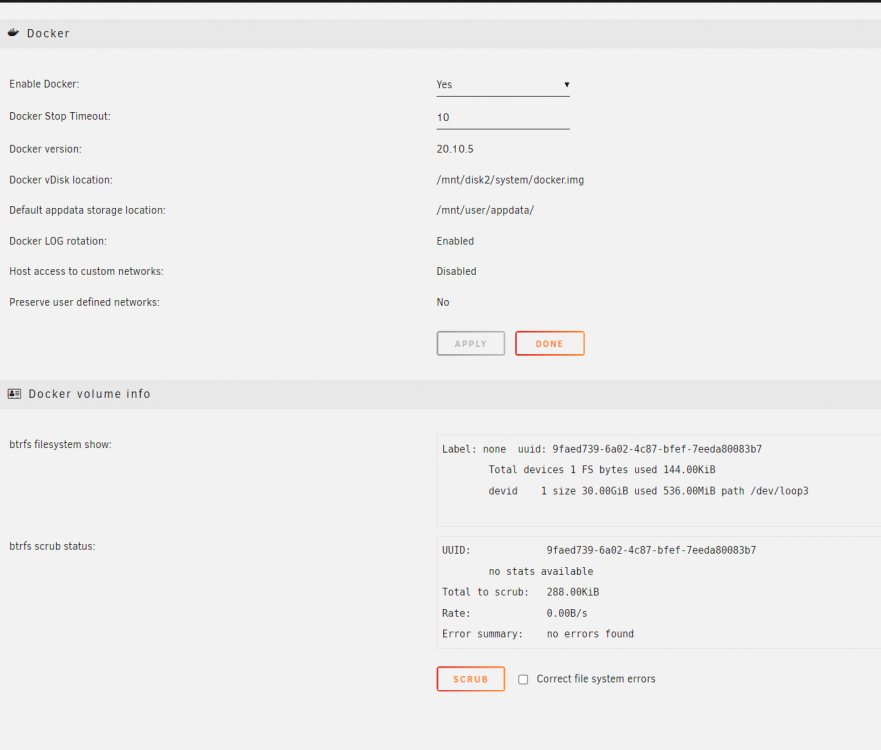
yes i am able to write to cache and i have some of my data on their. also i tried moving the location for the docker.img file to /mnt/disk2/system/docker.img and it seems to be working. although I'm sure if it is okay to do it this way. Please advise.
-
I understand this is owned by google, but this is an internal subnet, I don't have this exposed to the internet, the public of the unraid box will be different.
-
well it is private | i just didn't use the regular 10.10.. range and as this is behind my att gateway which has the 192.168... range from the link you sent above | can you give me more details on how to fix it please ?
-
192.178.1. is my lan subnet | I setup this subnet on my Pfsense box.
-
here are the new diagnostics: tower-diagnostics-20211203-1502.zip
-
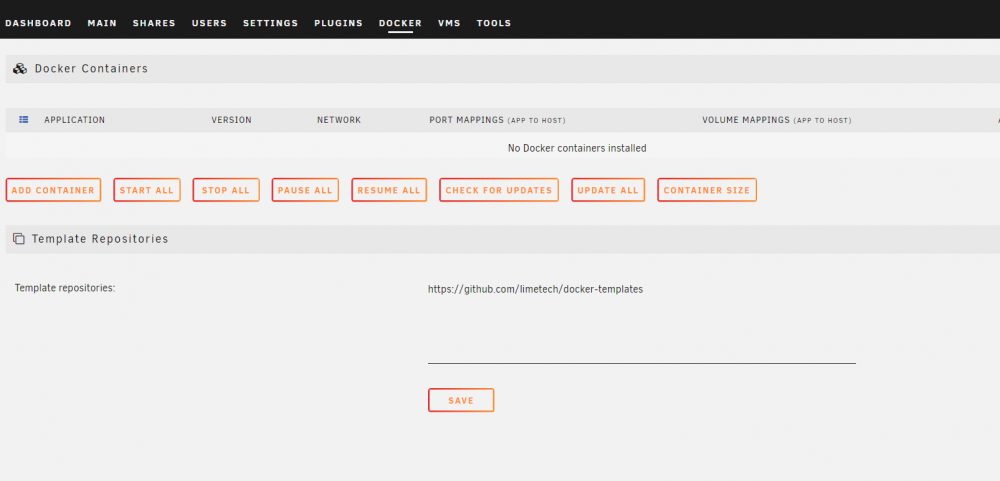
to answer your question : have you had problems filling it ? this is a fresh install, i never installed a single docker container so far, I've only been using the NAS features untill now. But i want to deploy containers in the future.
-
@trurl thank you for your quick response. my current docker settings after deleting the .img file i still get the same error: please advise.
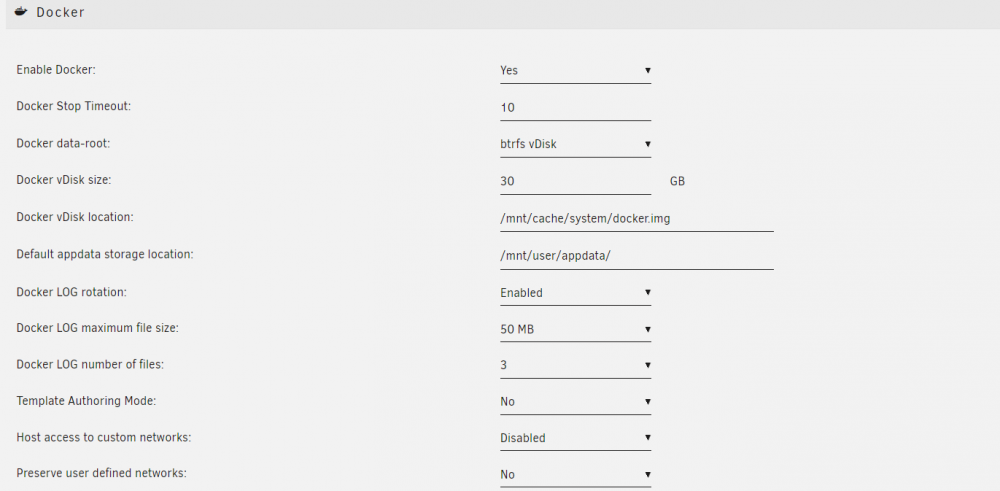
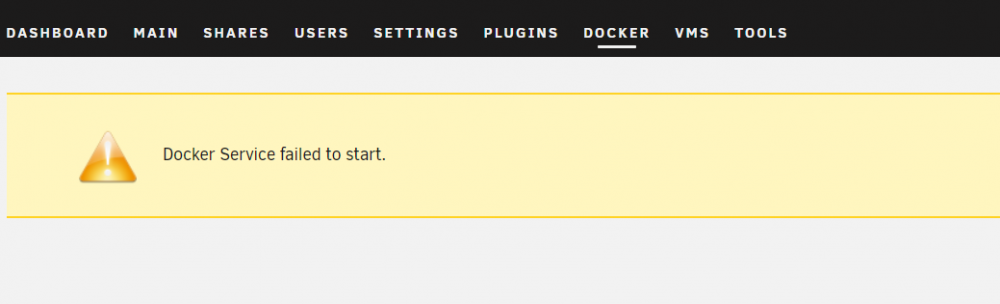
-
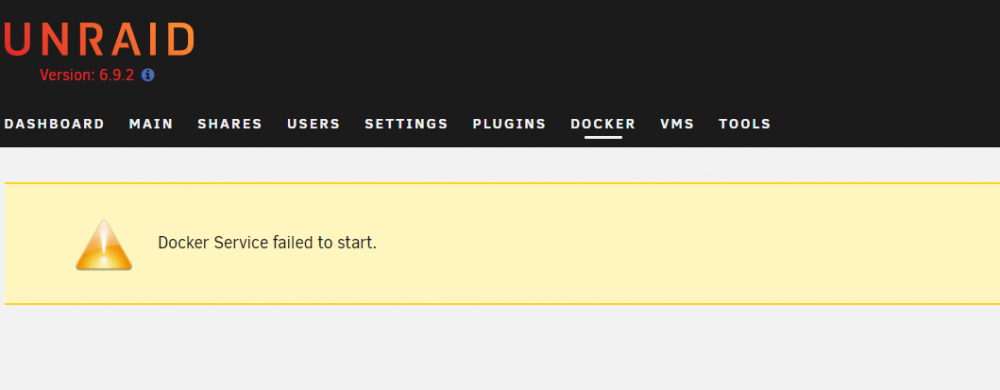
read through a lot of guides and material to try and fix this, I'm not sure what the problem. please help tower-diagnostics-20211202-2221.zip