Jonny Redd
Members
-
Joined
-
Last visited
Everything posted by Jonny Redd
-
Hi, @potjoe. I stopped posting updates because I seemed to just be talking to myself. I ordered (and have sitting on my workbench) brand new mobo, CPU, & RAM to rebuild the untrustable hardware. And while on order, I continued to do some tweaking. I ruled out both sticks of RAM which kind of left the mobo. Therefore I started doing some tweaking in the BIOS in an effort to improve stability while I waited for those ordered parts. The surprising story is that I have now been stable for nearly two weeks after the BIOS tweaks I made. I wish I could say which setting was "the one," but in essence I went through and turned off any of the "auto" settings as they related to clock speed for either the CPU or RAM. I had a boot error one time related to "overclocking settings failed" or similar which led me down this path. I don't know that I'd consider this the final solution, so I have not yet returned those parts I ordered, but knock on wood: it's been rock solid now for much, much longer than it ever was before.
-
Freeze after about 11 hours on my first stick of RAM. I swapped out and ran a memtest (passed 100%) and am now testing stability on this one. Running smoothly for about 25 hours now. If this doesn't succeed, I intend to purchase new mobo/CPU/RAM entirely and take a fresh run at it.
-
Strike one. New BIOS certainly "improved stability," but it wasn't the fix. Had another freeze overnight at about 45 hours up. Now to start checking out the memory. I've pulled a stick of RAM and am now back up.
-
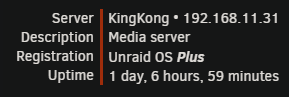
Thirty hours and counting. If I hit 48 hours I'm declaring this resolved. Stay tuned.
-
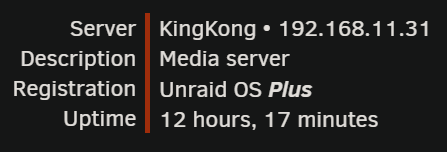
Twelve hours now. I'm on the edge of my seat!
-
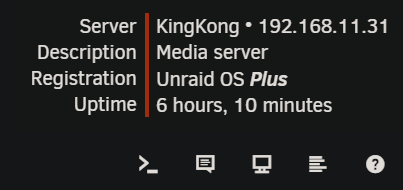
Six hours and counting since that BIOS update. Not a record but promising. I'm not counting my chickens, though, until we get to about 48 hours.
-
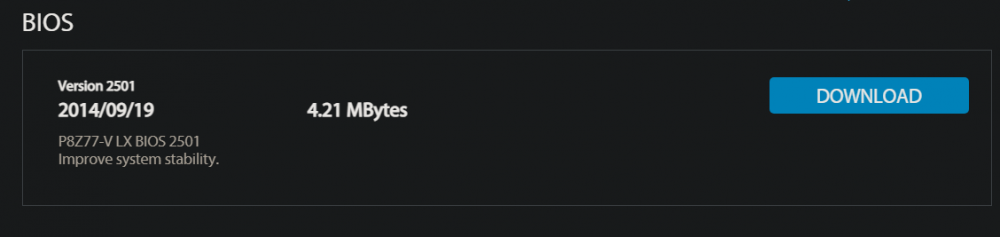
You really got me thinking, JorgeB. Since the mobo is the only real "new" equipment in the equation, I went looking for the latest BIOS on ASUS' site. It has that crypic, "Improve system stability" in the description. In my experience working in software development, that's often code for, "something was breaking regularly, we don't want to say what, but we did try to fix it." I've updated the BIOS as a first step and I'll report back if that improves things or if there needs to be a next step. Fingers crossed. Incidentally, having this support forum as a sounding board has been wonderful. I often mull these things over in silence, but collaborating with some other people with more experience has been great thus far.
-
Would running the Syslinux MEMTEST be probative at all?
-
Perhaps I will try pulling one of the sticks of RAM first and trying that out.
-
Thanks, JorgeB. Oh, yuck. I will try the safe mode reboot for a while and see what happens. In your experience, is there a likely culprit if a freeze like this is hardware-related? I built this unRAID server using the guts of a PC that I had used daily for years, so I didn't suspect the hardware. I did purchase a brand new motherboard for expandability, but the CPU & RAM have been in service and reliable. None of this is to say my hardware is beyond reproach, of course.
-
Can I control verbosity of the log? That's the entirety of the file generated in my cache appdata folder. I cannot say for sure how long after the last entry the freeze occurred. Maybe 15 minutes? I had another freeze overnight and am attaching the syslog again. Maybe there's more here? syslog-192.168.11.31.log
-
Yay! (...and boo!) I just experienced another freeze. Ran for several hours before it occurred this time. Attached is the saved syslog. Thank you. syslog-192.168.11.31.log
-
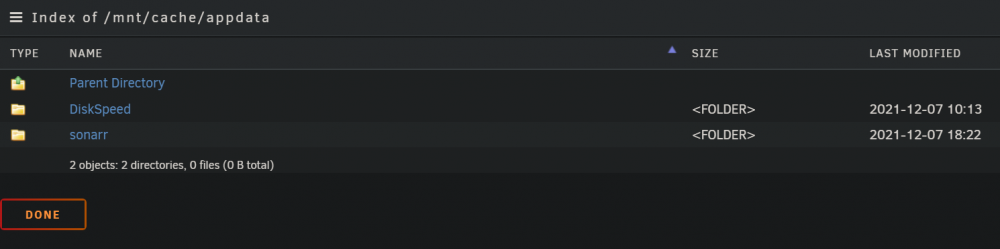
A-ha. Now I'm seeing syslog content in appdata. Thank you, trurl. Now to wait for my next freeze.
-
I just experienced another freeze but looking in appdata on my Cache pool I don't see any logs available for download. What am I missing?
-
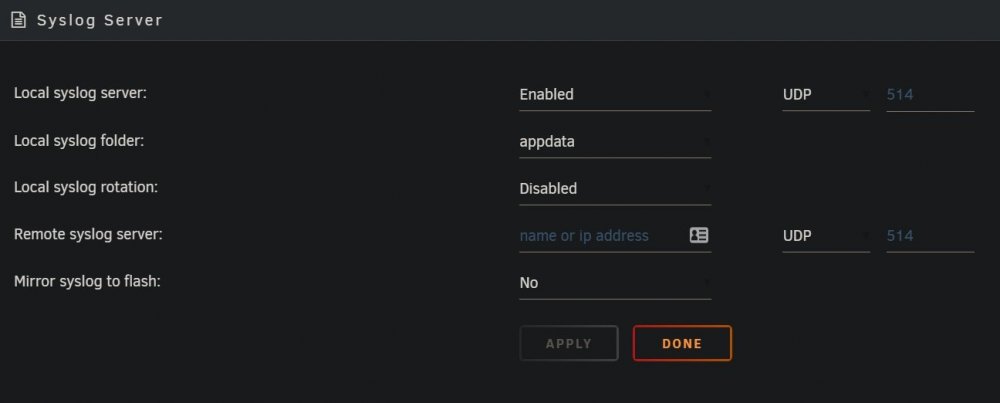
Thank you, JorgeB. I have enabled with the following settings.
-
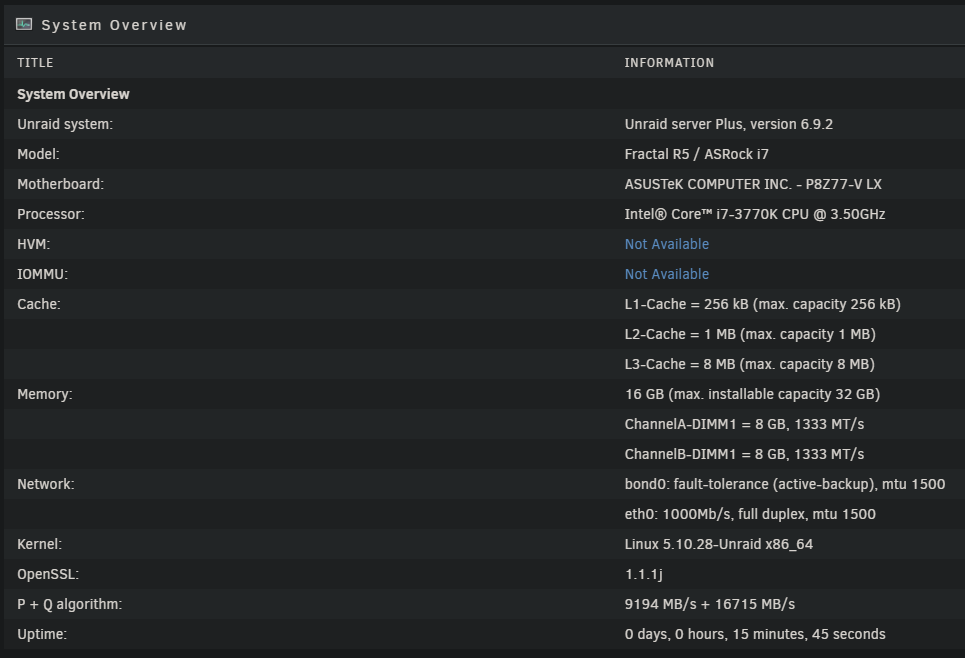
Quickly, thank you RobJ for your very useful "Need Help? Read me first!" post. I started there and am posting this after reading those instructions. I'm new to unRAID, but I love what I've seen so far and am determined to stick it out to get over this hump. My new server build has been going great thus far. I was in the data migration stage of moving files to it when I started experiencing complete system freezes. WebUI inaccessible Cannot ping the server Shares are unavailable (obviously) Monitor output is blank (mouse wiggle/keyboard touch doesn't wake it) I believe this bit is unrelated but figured I should share just in case: Last night, after another freeze, a reboot left me with a server I could ping but with an inaccessible WebUI: neither through the network nor on the KVM. Logging into the GUI (on KVM) just yielded a "page cannot be found" though it was localhost. Booting into safe mode did work, so I did some reading and emptied my plugins folder. Now I'm booted successfully without safe mode (I have only re-installed CA & System Info for the image attached). I have attached the diagnostic zip, but I fear it won't contain the necessary data since this is post-reboot. Once the system has frozen, gathering diagnostics is not possible. Now I am ready to listen to the experts and gather whatever other data I can. Many thanks. kingkong-diagnostics-20211209-0906.zip