MarkyMalarkey
Members
-
Joined
-
Last visited
Everything posted by MarkyMalarkey
-
Thanks @JorgeB. I was able to set up my PERC card for HBA mode which passed my drives directly to Unraid. Thanks again!
-
Thanks! Unfortunately, I don't have one of those. But you said I can enable RAID0 for all devices and that should get my drives to show with the raid controller? Do I do that within my BIOS or Unraid?
-
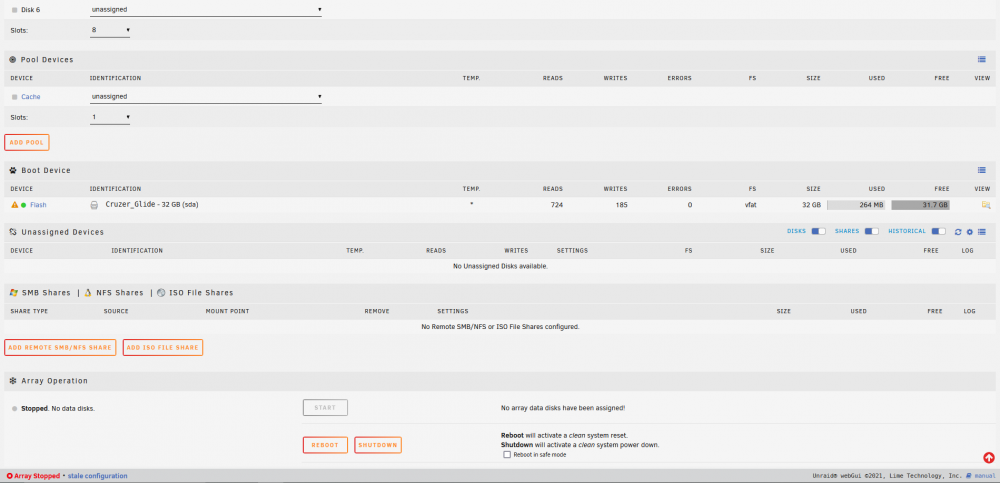
Thanks for the help! However, I see no devices in the "unassigned devices" section. Here is a screenshot of what I see: This is a brand new sever and it does have a RAID controller, however I haven't set it up. So by removing it, my drives should display?
-
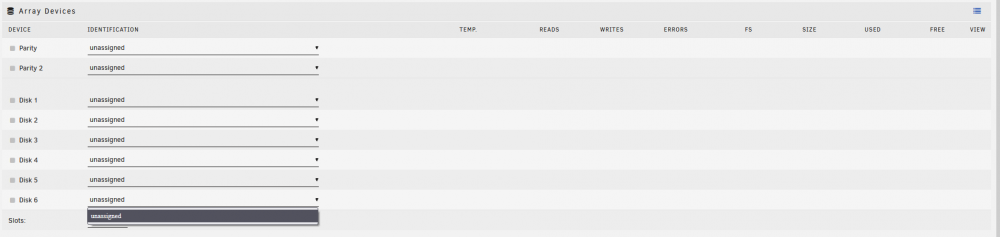
Hello everyone. I am new to Unraid and I am having an issue with my HDD's not displaying at all. I am on Unraid version 6.9.2. All of my drives are visible by my bios. My drives are: 2 x 14TB HDD (NTFS) 2 x 8TB HDD (NTFS) 1 x 256GB SSD (unknown) Here is what I see when I try to assign them: Nothing is displayed. I was using the drives for my setup in windows, so I know they are good. Is this a formatting issue? Any help is appreciated. Thanks! diag.zip