Stendary
Members
-
Joined
-
Last visited
-
如题目所述,我这里是千兆宽带,现在是无线下载速度正常(能达到940Mbps),内网pc和nas交换数据也能跑满千兆,就是有线下行速度不正常。家里弱电箱光猫(已转桥接)+软路由(Unraid装了ikuai)+交换机,pc在书房硬路由AP在客厅(AP下还接了一个nas)。有线设备无论是放书房,还是放客厅接在AP下,测速都非常差几乎不超过200Mbps。排查后认为可能是Unraid的设置问题(虚拟机换了Openwrt,下行速率还是不正常),请问各位大佬,这可能是哪里的问题?不胜感谢! tower-diagnostics-20230309-2256.zip
-
对了忘了说了,系统版本是6.9.1
-
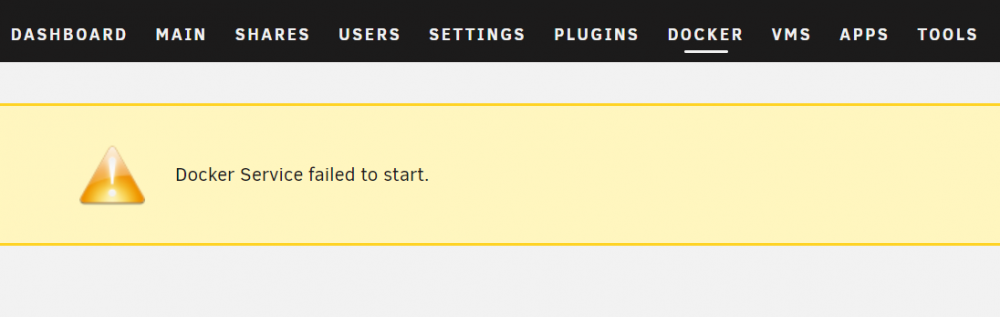
事情是这样的,因操作失误,误把Community Applications给卸载了。(之前装过Jellyfin,未卸载) 重新安装Community Applications后,发现其他APP无法安装,提示是Docker的问题。 已经按照这个帖子: 中的解决方案,关闭Docker-勾选Delete vDisk file-Enable Docker-Apply。但是依然还是提示Docker Service fail to start。 看了下文件,发现appdata文件夹里还有Jellyfin的遗留文件,但很多文件需提供权限才能删除,会不会是这里的问题? 实在没办法了,请帮忙解决,不胜感激,谢谢大家
-
原来如此,谢谢解答!
-
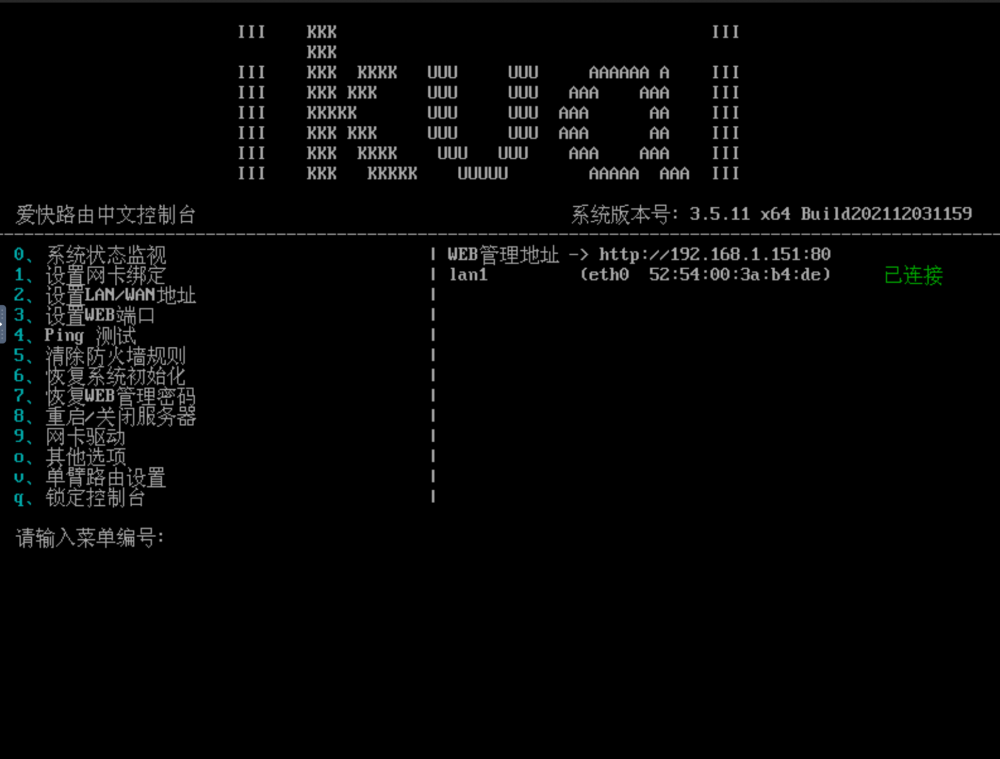
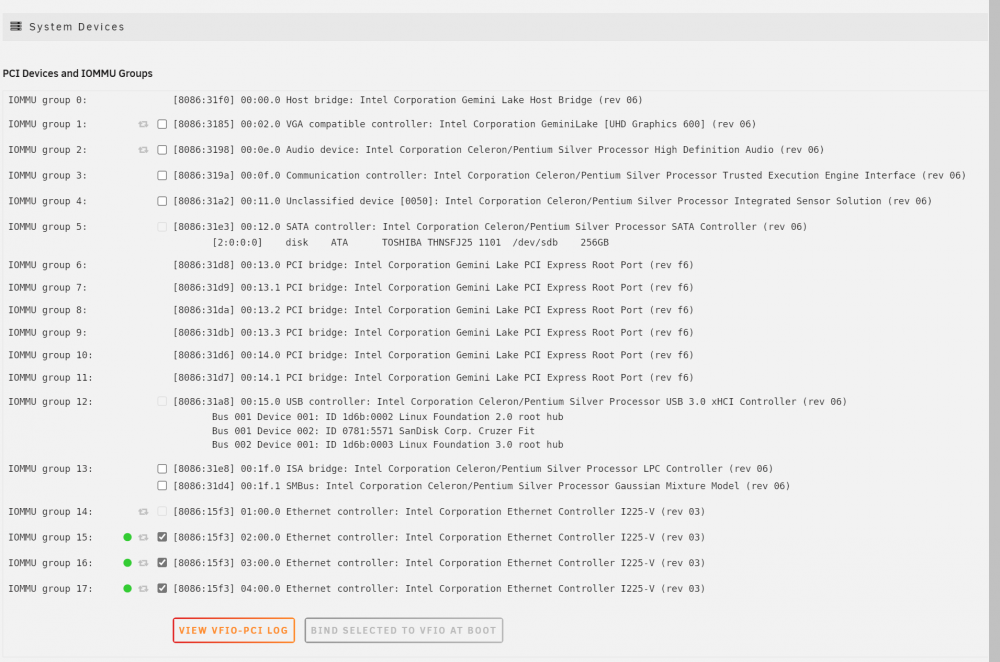
如题,用的系统版本是6.9.1,机器是新买的J4125,网卡是intel的225V,eth1、2、3已经设置网卡直通,但是用虚拟机启动Ikuai时,只能识别一个eth0,后来又试过在“Unraid OS GUI Mode”中用了“vfio-pci.ids=8086:XXXX”指令,一样是只能识别eth0,若不直通eth0-3均能正常识别,请教大家,这个是哪里的问题? 万分感激,谢谢!!