chris71_swiss
Members
-
Joined
-
Last visited
-
Ohjeh...schade. Da habe ich bereits geschaut, aber ich finde keine Lösung..... Ich hatte gesehen, dass hier jemandem geholfen wurde mit einem Problem betr. xTeVe, dasehalb dachte ich, ich finde hier Hilfe. Sorry. Grüsse Chris
-
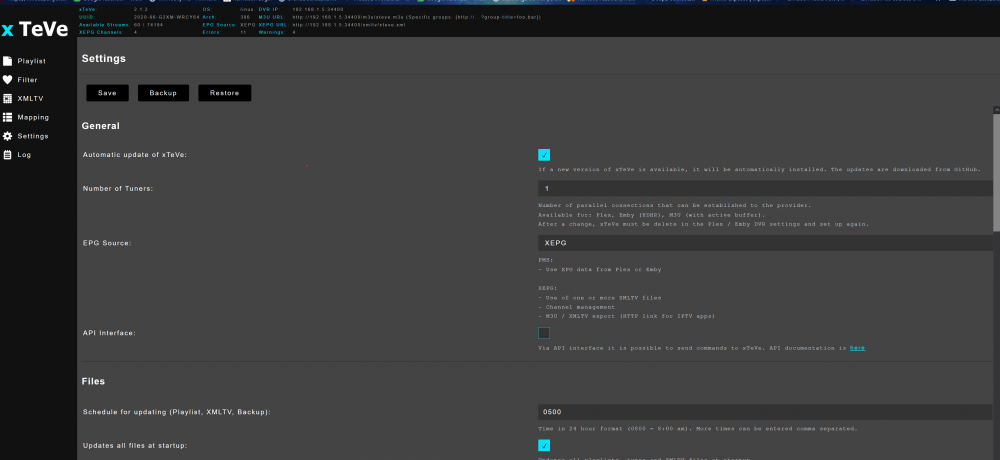
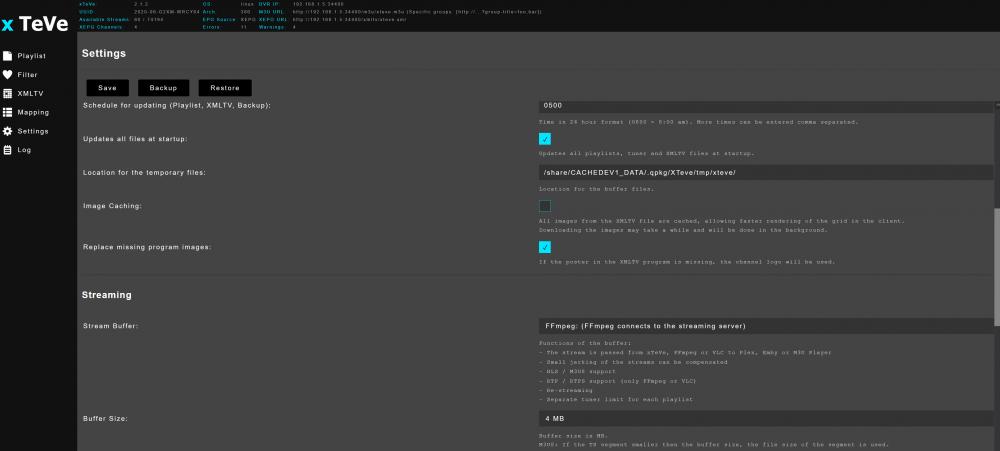
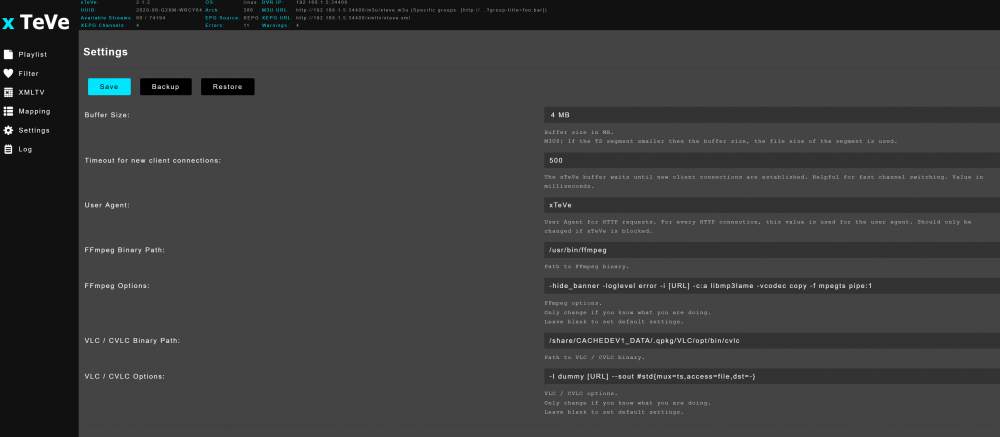
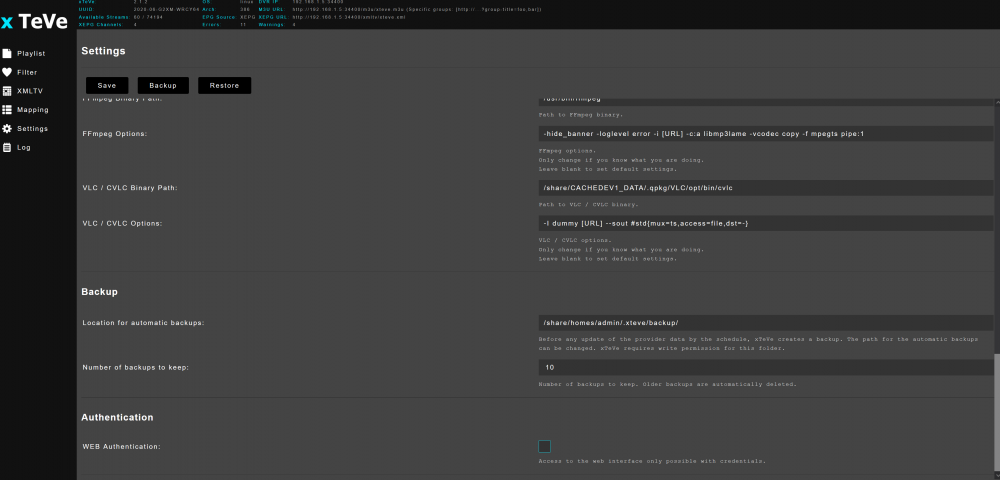
Hallo zusammen, ich hoffe jemand kann mir weiter helfen, habe kein Idee mehr, was ich noch versuchen könnte. Ich habe ein QNap NAS. TVS-463 mit Software Version 5.0.0 Auf diesen habe ich Plex 1.25.1, xTeve 2.2 und ffmpeg 4.4.0 installiert. Dann habe ich einen IPTV Provider. Die Sender in der m3u Datei sehen so aus: #EXTINF:-1 tvg-id="SRF 1 HD CH" tvg-name="SRF 1 CH" tvg-logo="http://###.###.###.###/picons/srf1.png" group-title="Switzerland",SRF 1 CH http://######.link:8080/########/gb1xKuyYNf/33460 Wenn ich diesen Link "http://######.link:8080/########/gb1xKuyYNf/33460" in VLC mit Netzwerkstrem öffne, dann kann läuft dieser Sender auf VLC. Das hinzufügen der m3u Datei in xTeVe funktioniert. Die Sender werden erkannt. Dann habe ich eine EPG Datei "xmltv-complet.xml" hinzugefügt. Auch das geht soweit alles. Sender unter Mapping zugeordnet. Hier ein Foto meiner Einstellungen in xTeVe: Nun mein Problem: Weder mit dem Link: http://192.168.1.5:34400/m3u/xteve.m3u noch in Plex oder mit den Links aus http://192.168.1.5:34400/lineup.json bringe in die Streams zum laufen. Was mache ich falsch ? Vielen Dank für Eure Hilfe. Grüsse Chris