





jamesmcg
Members
-
Joined
-
Last visited
-
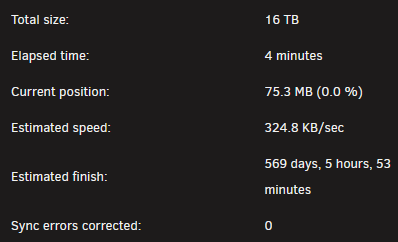
I've removed the 8 disks I added last week, which were still empty. Now my parity check is looking WAY better: Total size: 16 TB Elapsed time: 9 minutes Current position: 99.7 GB (0.6 %) Estimated speed: 268.6 MB/sec Estimated finish: I have some more cables on order, so I can go direct from the PSU to the disks. It's a modular PSU I yanked from an old gamin PC, missing all extra cables. Lesson learned for me!
-
Those are my 3 original disks in the array, that have actual data on them (new ones don't yet). They are all on a power splitter, yes. As well, they're on the mobo SATA controller.
-
Diags attached. srvx-diagnostics-20260407-1313.zip
-
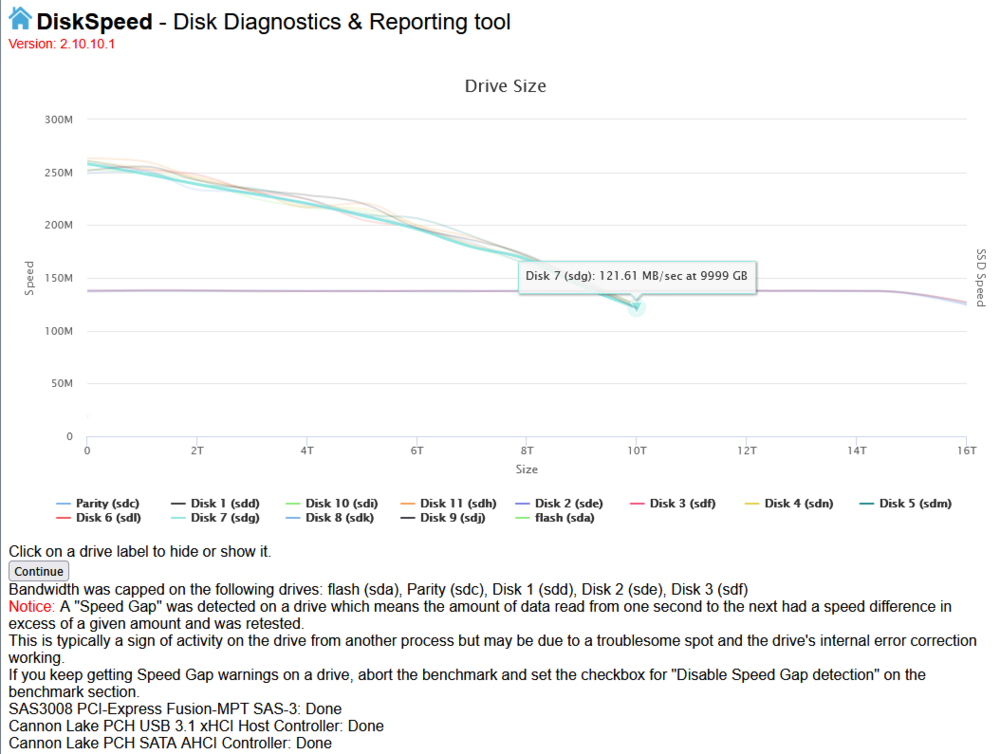
I recently added some disks to my array, and now my parity check is impossibly slow. I'm seeing speeds of 170-225Kbps, with a time to completion time of 360-780 days. I suspected issues with the new disks or controller, however DiskSpeed seems normal across all disks (attached). The array was setup with 4x 16TB SATA disks, 1 for parity and the 3 others for data. I added 8x 10TB SAS disks via a LSI 933-8i. What else can I look at that may be causing the parity check issue?
-
Diagnostics added! srvx-diagnostics-20260128-1550.zip
-
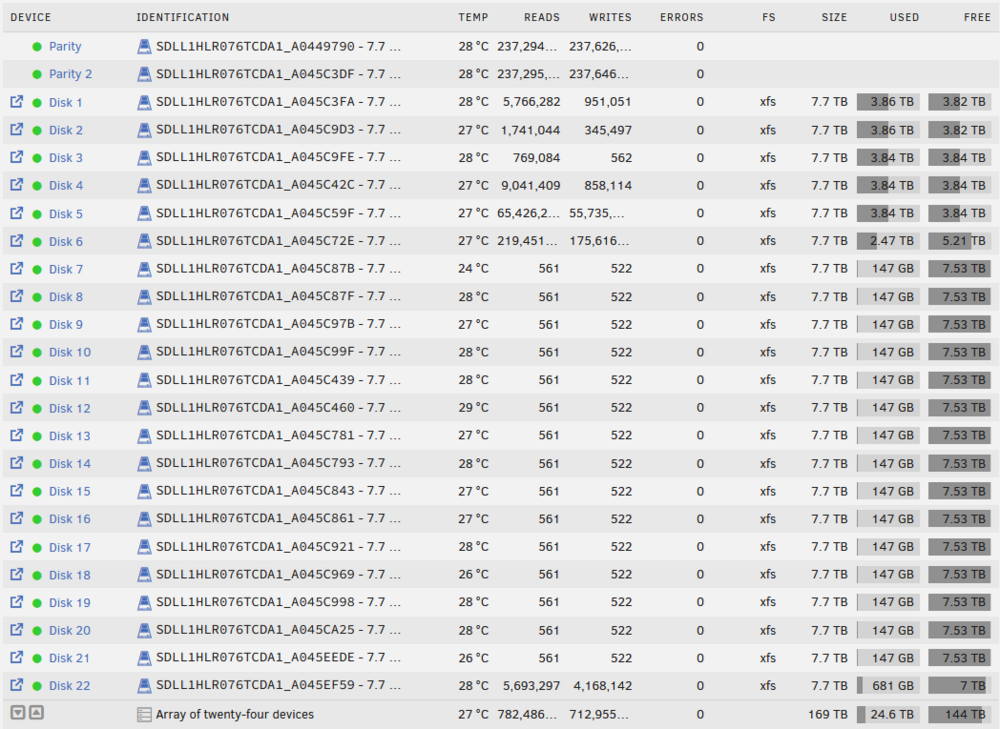
So I threw together this array with a retired SAN full of SSD. It's fantastic, but massive overkill. What's the best method for removing some disks from the array? I figure it's best to pull a bunch out and sell them off rather than have them sit here empty for the better part of forever.
-
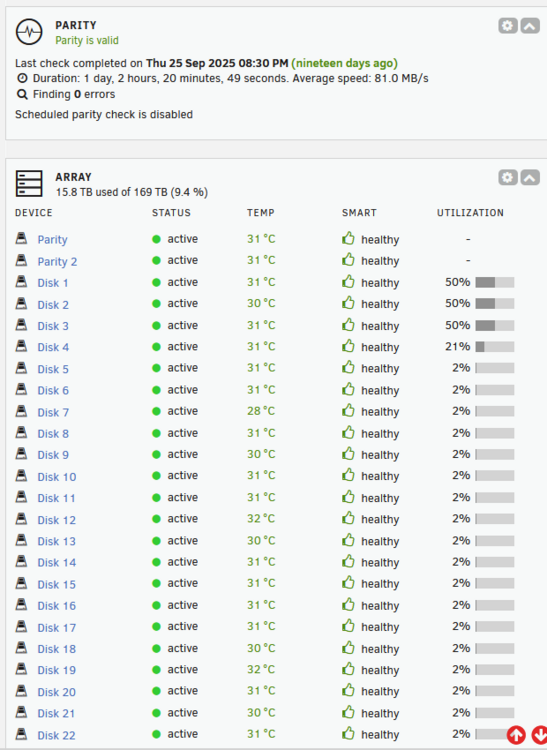
I recently lucked into a fantastic SAN/NAS being retired at work. It's a supermicro based unit, with 24x 7TB SSD. Originally I was going to go ZFS but was suggested to go XFS on reddit and ChatGPT. Now I'm doubting that was a good idea. As well, I have all 24 disks configured into the XFS array. Should I of done that? I assumed since it was all flash no cache was needed, but perhaps from an unraid functionality side I should have a disk or two assigned as cache?
-
jamesmcg joined the community
-
I currently have two SAN from a vendor that has all but abandoned their clients (support wise). I'll be replacing them with something else for production, however the hardware is fantastic. They are Supermicro based dual controller units, (similar, not exactly this one linked) with SSDs and I really want to re-purpose them. Is it possible to use unraid for this? I'm assuming yes for a single controller and disk, but how about dual controller?!



