HG2-Server
Members
-
Joined
-
Last visited
-
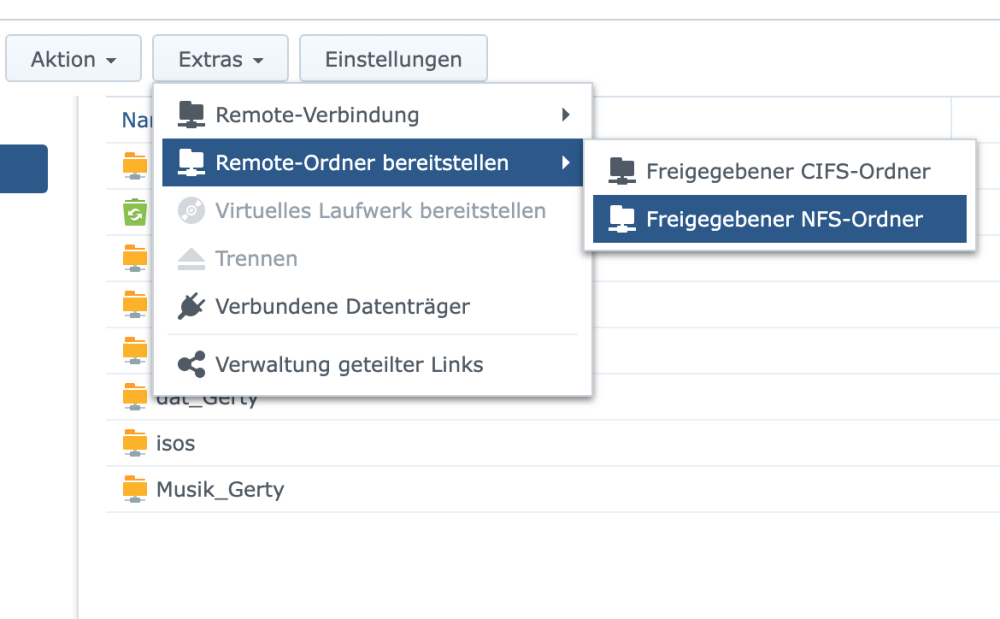
The only solution who worked for me is to install a XPenology-VM on Unraid. In Unraid, I created NFS-Shares. In XPenology I created Remote-Mount-Folders with the Unraid-NFS-Shares and shared them via SMB in XPenology. I also activated Bonjour-Protocol that MacOS recognizes the Server in the Network. Now I can browse through my Server-folders and files like local data, it´s very quick. For example: With direct connection to Unraid SMB one Folder with 7.000 mp3´s need 4-6 minutes just to display all files, or it brakes down and I have to restart Finder or better log out and log in. Now it takes 15-20 seconds! I don´t know if OMV or TrueNas will also work, maybe I try it just to compare, but my actual setup works perfect. You can also use FTP, also very quick, but Finder has no good FTP-Integration. For me I use FTP only for uploading big files to Unraid. It´s faster than SMB.