




Skip to content
View in the app

A better way to browse. Learn more.

Unraid

A full-screen app on your home screen with push notifications, badges and more.

To install this app on iOS and iPadOS
  1. Tap the Share icon in Safari
  2. Scroll the menu and tap Add to Home Screen.
  3. Tap Add in the top-right corner.
To install this app on Android
  1. Tap the 3-dot menu (⋮) in the top-right corner of the browser.
  2. Tap Add to Home screen or Install app.
  3. Confirm by tapping Install.

Korgo

Members
  • Joined

  • Last visited

Everything posted by Korgo

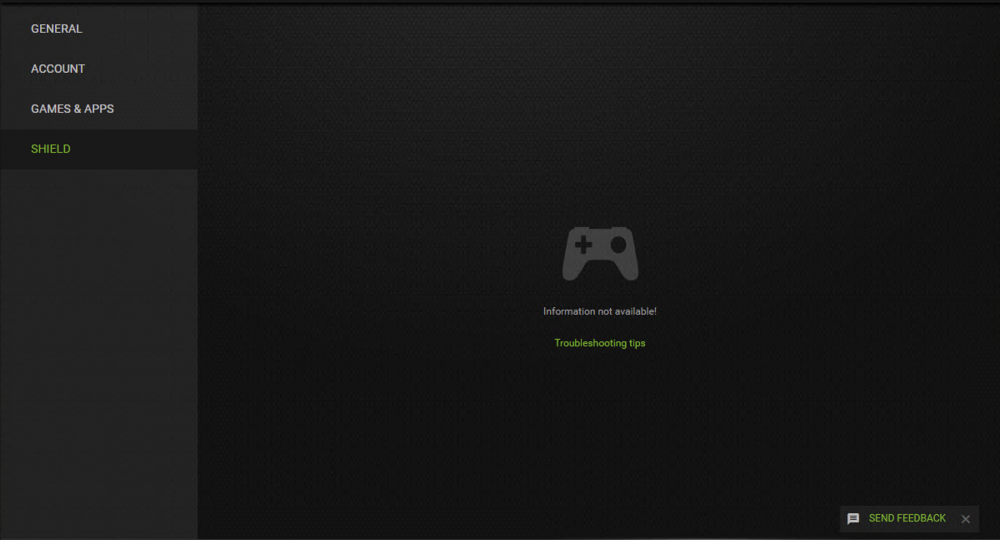
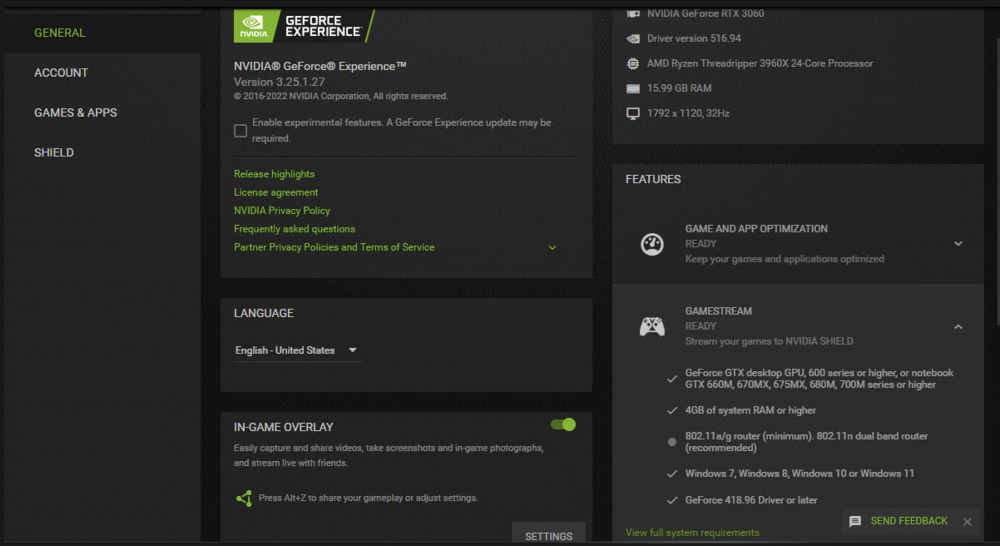
  1. Hello, I'm having some issues setting up Gamestream The SHIELD tab will only appear via Windows RDP (even without dummy plugs), but clicking on it shows "Information not available" When directly connected to a monitor or use TeamViewer (as Moonlight Wiki suggest), SHIELD tab just never shows up Tried this NVIDIA support document Tried reinstall GPU driver / virtio driver / Windows I've spent a few hours searching and trying, still can't get it to work, any help is greatly appreciated! (Chrome Remote Desktop isn't an option here, since I'm a Chinese user, and Google services aren't available in China.)
Account

Navigation

Search

Search

Configure browser push notifications

Chrome (Android)
  1. Tap the lock icon next to the address bar.
  2. Tap Permissions → Notifications.
  3. Adjust your preference.
Chrome (Desktop)
  1. Click the padlock icon in the address bar.
  2. Select Site settings.
  3. Find Notifications and adjust your preference.