





SCplayerHD
Members
-
Joined
-
Last visited
Everything posted by SCplayerHD
-
I have now opended a ticket with an alternative email adress of mine an receieved an conformation email. So it's seem to be a problem with my email provider I think. Thanks for your help, I will now from an response of the Unraid Team.
-
I already sent a ticket to this email adress, but haven't got a automated response, which, as stated here, one should get.
-
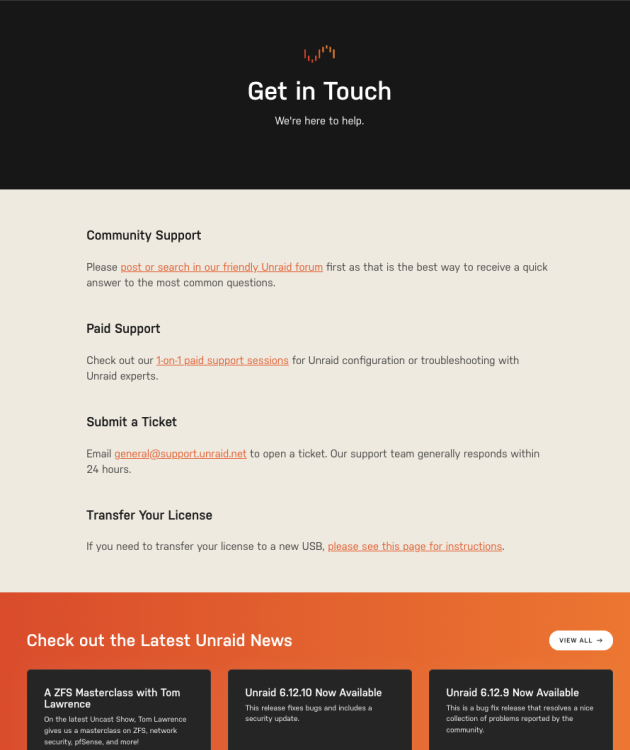
I have disabled my adblocker and used an browser without extension but still can't see the form.
-
I can't see any form on this site. I emailed the given adress on this site and used this form. But other people on this forum tell, that they recieve a automated responce that the ticket was created. I haven't recevied such mail.
-
Hello, I already opened 4 support ticket (2 via the web-interface, 2 by mail) but I won't recieve any conformation that the tickets were created. Do you have any idea on what I could do now? Best Regards Alex
