kloncs
Members
-
Joined
-
Last visited
-
Just to clarify, I have just bought a key because I realised my trial had run out, but it says I need to stop my array in order to finish installing it. I don't really want to stop my array right now or for the next few days (I have some tasks going). Am I in any immediate danger if I continue to run Unraid without a key?
-
@SquidThanks for linking me to that, I don't think I'll bother bonienl because the method you linked to there used static routes which my router doesn't support for some reason. I didn't desperately need this set up so I think I'll just leave it, thanks though!
-
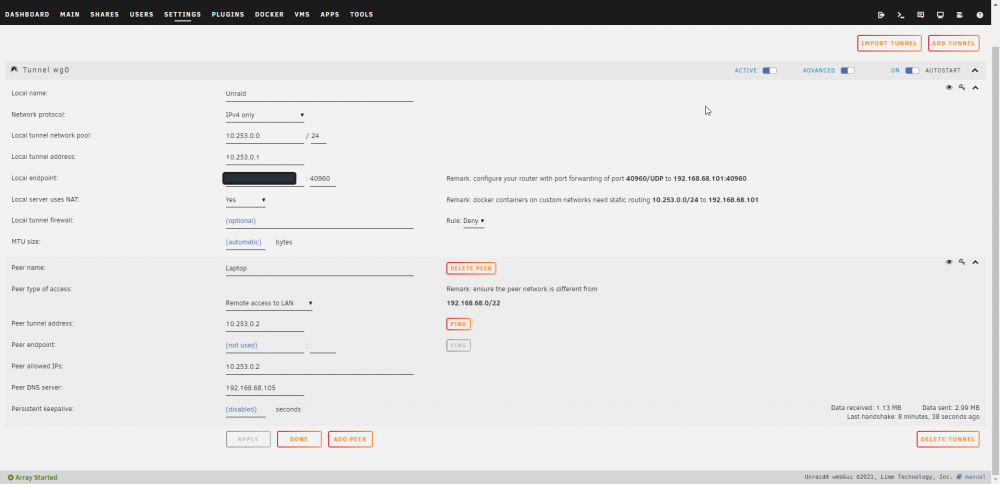
I set up Wireguard on Unraid with the remote access to LAN setting and I can access the unraid GUI and ssh into my VMs but I don't seem to be able to view docker containers that have their own IP (note I haven't tried accessing any that share Unraid's IP as I don't have any of those set up). Anyone have any ideas?