Skip to content
View in the app

A better way to browse. Learn more.

Unraid

A full-screen app on your home screen with push notifications, badges and more.

To install this app on iOS and iPadOS
  1. Tap the Share icon in Safari
  2. Scroll the menu and tap Add to Home Screen.
  3. Tap Add in the top-right corner.
To install this app on Android
  1. Tap the 3-dot menu (⋮) in the top-right corner of the browser.
  2. Tap Add to Home screen or Install app.
  3. Confirm by tapping Install.

灬馮灬

Members
  • Joined

  • Last visited

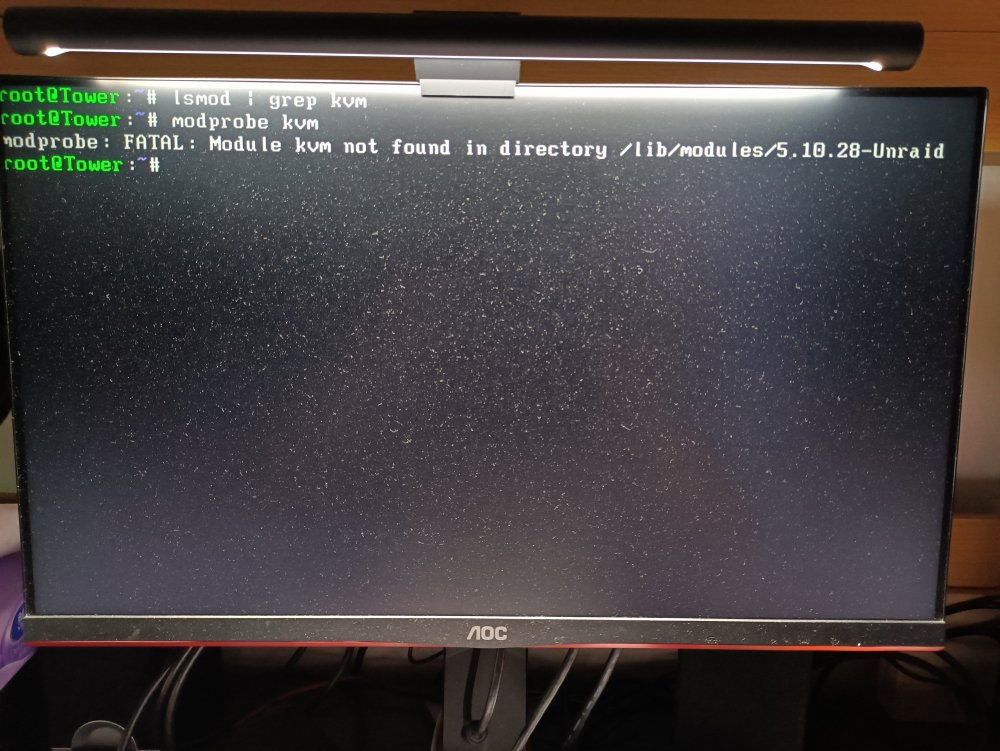
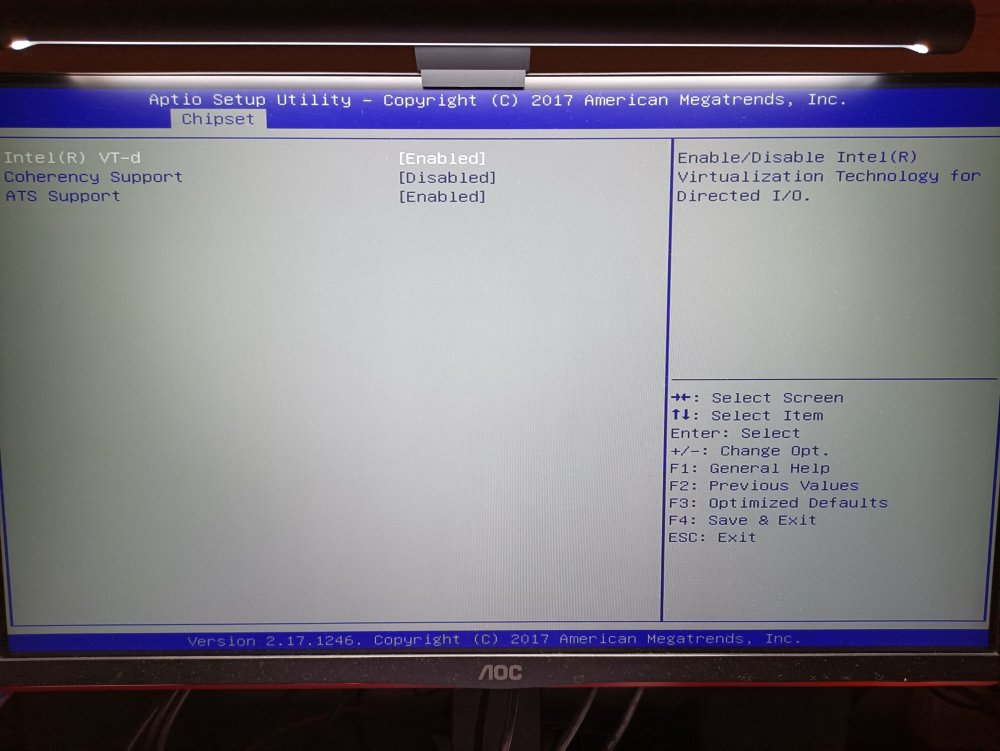
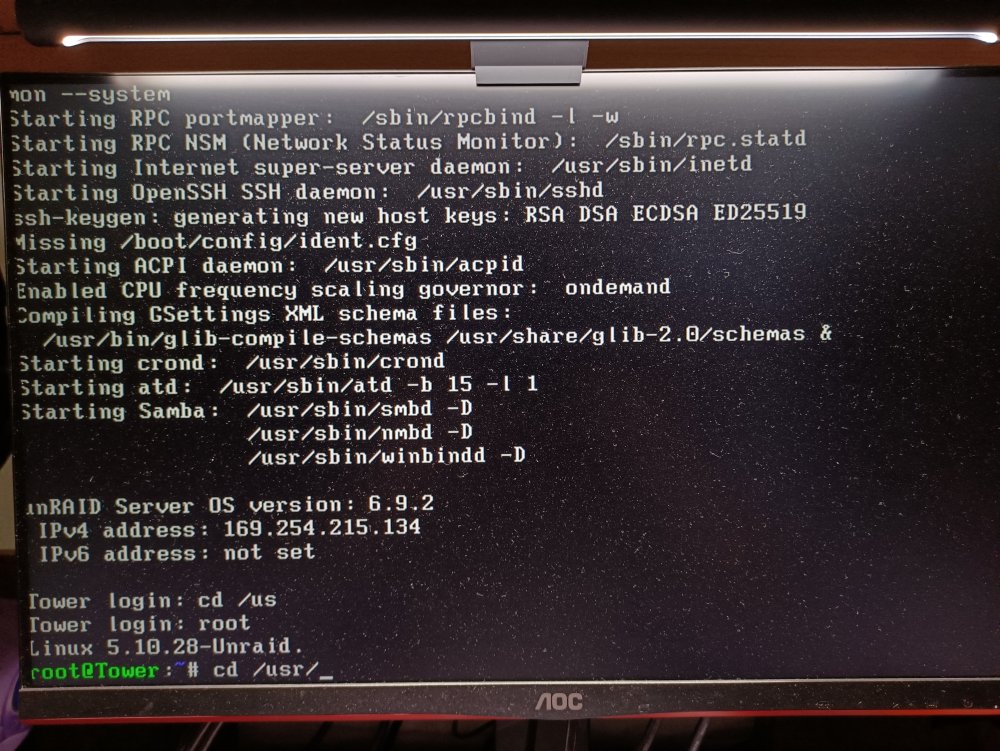
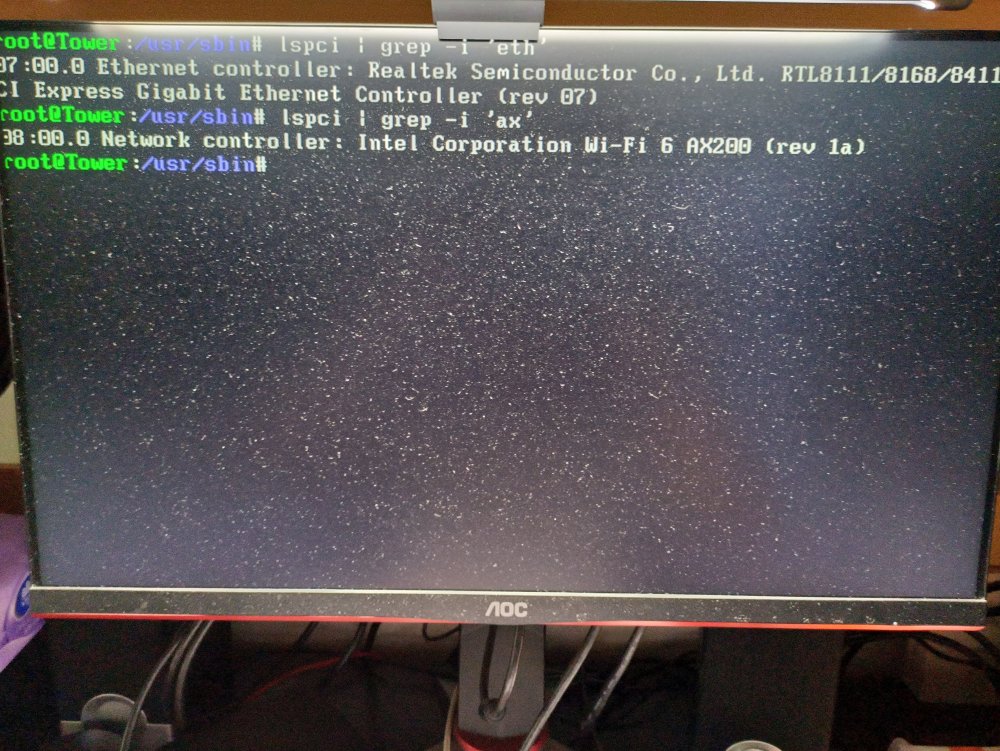
  1. 网卡只有1个,使用的是板载网卡 在bios未开启vt-d下 正常上网 在bios开启vt-d后 UNRAID中还未设置过直通任何硬件 使用"ifconfig -a"命令 未发现eth0、bound0 开启vt-d后进入系统遇到的提示: 1、pte read access is not set 2、can not found device 'bound0' 3、UNRAID 的ip 由原来的 192.169.50.XXX 变为 169.254.XXX.XXX 此时电脑的网线插口处并没有亮光 使用 " lspci | grep -i 'eth' " 能发现到网卡 请问这如何解决,是什么原因造成的。
Account

Navigation

Search

Search

Configure browser push notifications

Chrome (Android)
  1. Tap the lock icon next to the address bar.
  2. Tap Permissions → Notifications.
  3. Adjust your preference.
Chrome (Desktop)
  1. Click the padlock icon in the address bar.
  2. Select Site settings.
  3. Find Notifications and adjust your preference.